About this app
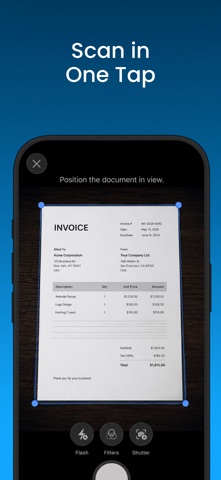
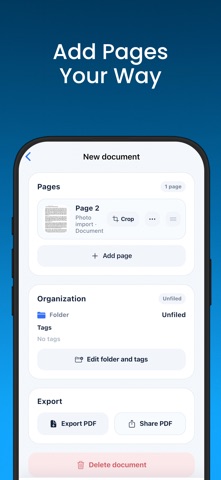
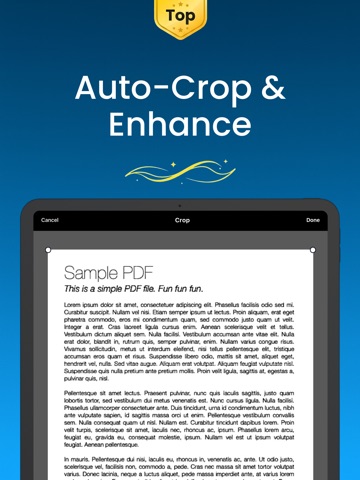
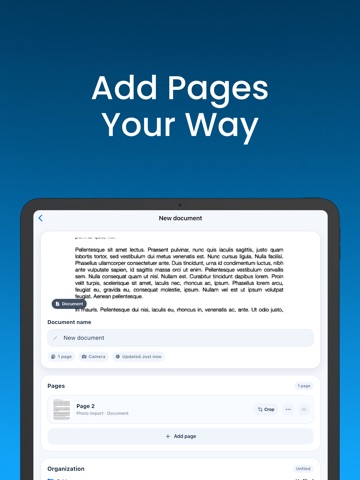
Turn documents, receipts, forms, notes, book pages, IDs, passports, and saved photos into clean, shareable PDFs with Scany 100% Free Scanner App. Capture a page with your camera or import an existing image. Scany helps clean up each page with automatic cropping, perspective correction, and contrast enhancement. Review every page, adjust the crop, arrange pages in the right order, and export when everything looks right. Scan and clean up • Scan documents, receipts, forms, notes, book pages, ID cards, and passports • Automatic document detection and capture • Auto-crop and perspective correction • Clear, Bright, and Office enhancement modes • Import existing photos from your library Build multi-page PDFs • Add, remove, and rearrange pages • Preview each page before export • Choose your preferred export quality • Export and share PDF files Stay organized • Rename scanned documents • Sort scans into folders • Add tags to organize your library • Keep recent scans easy to find Whether you are saving a receipt, digitizing paperwork, capturing an ID, or turning photos into one PDF, Scany keeps the workflow focused from scan to share. Privacy Policy: - https://zappira.com/privacy-policy/scany/ Terms & Conditions: - https://zappira.com/terms-and-conditions/scany/
Latest release
What’s New
Bug fixes
Audience growth
Ratings growth
Baseline captured. Growth appears after the crawler observes a changed rating count.
Momentum comes from crawler snapshots for the tracked storefront. “Viral growth signal” means unusually fast recent rating gains; it is an indicator, not download data.
Price tracking
Price intelligence
First snapshot captured. The trend line starts after the next crawler price observation.
- First observed Aug 20, 2026 · 12:21 AM Free
Screenshots