About this app
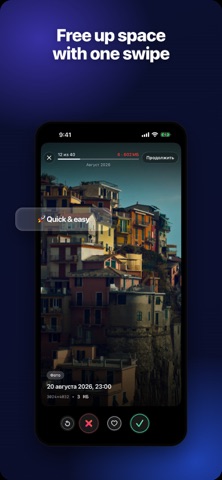
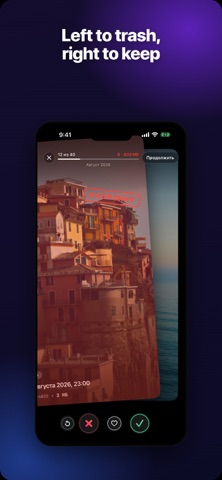
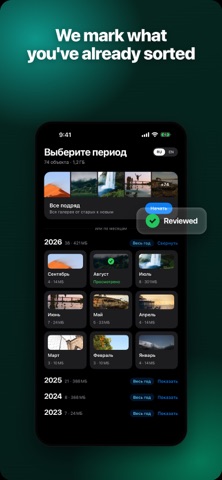
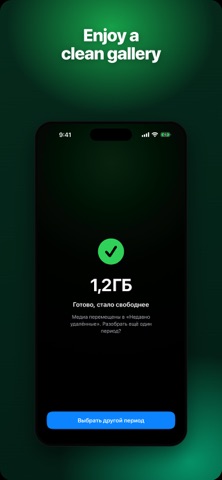
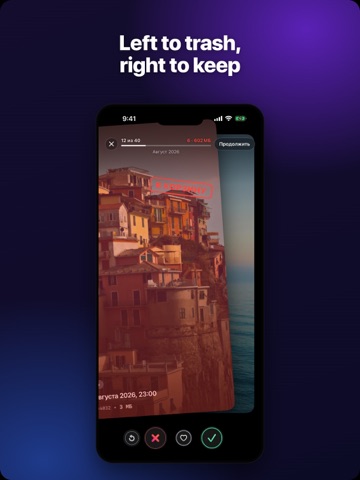
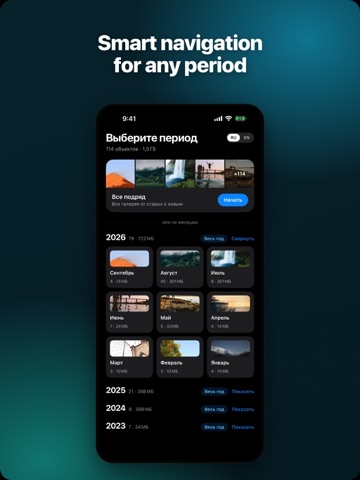
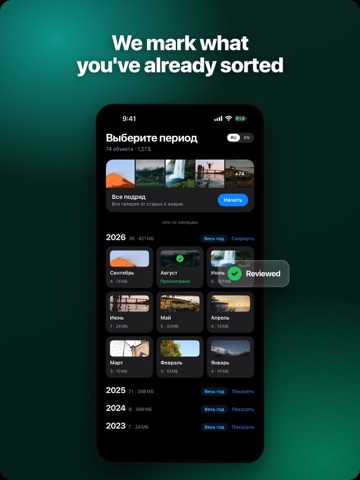
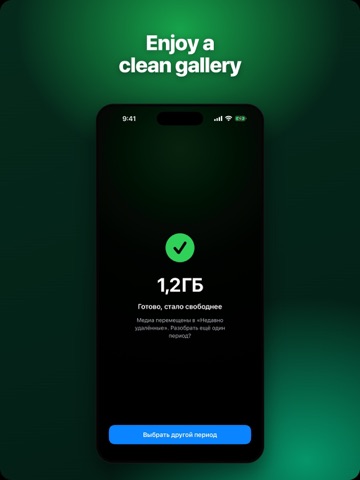
Sweepy is the fastest way to clean up your photo gallery and free up storage — one swipe at a time. Your camera roll fills up with screenshots, blurry shots, and duplicates you'll never look at again. Sweepy turns clearing them out into something that actually feels good: swipe right to keep a photo, swipe left to send it to the trash. In a couple of minutes, your phone breathes again. WHY SWEEPY • Swipe to clean — a fast, one-photo-at-a-time flow, almost like a game • Free up real storage — clear gigabytes of photos and videos • Sorted by time — tidy up month by month, year by year • Review before you delete — nothing is removed until you confirm • Safety net — deleted items go to "Recently Deleted" for 30 days • 100% private — your photos never leave your device • iPhone & iPad — universal, and completely free HOW IT WORKS 1. Pick a period — a single month or a whole year 2. Swipe right to keep, left to trash 3. Review your delete list 4. Confirm — and enjoy the free space No accounts. No ads interrupting your flow. Nothing uploaded to any cloud. Just a clean gallery and more room for the moments that matter. Download Sweepy and tidy up your gallery today.
Latest release
What’s New
Sort your photos into albums while you swipe. Pin up to three albums under the month name and simply drag a photo onto the one you want — it lands there instantly. Don't have the right album yet? Create one without leaving the swipe. Changed your mind? Undo takes the photo back out. Want a closer look? Pinch to zoom into any photo, then let go and it snaps back into place. Wondering what takes up the most space? The new filter shows only photos, only videos, or videos over 100 or 250 MB, biggest first. • Your library size and free space on your iPhone are right there, measured the same way as in Settings. • Sweepy tells you how much space is waiting in Recently Deleted — it frees up once you empty it. • A burst of shots now shows up as a single card, so there's no need to flip through every frame. • Leaving with marked items? You'll be asked first, and anything you didn't delete goes back to the queue instead of getting lost. Enjoying a tidier gallery? A quick review helps a lot. And if something's off or you have an idea, drop us a line.
Audience growth
Ratings growth
Baseline captured. Growth appears after the crawler observes a changed rating count.
Momentum comes from crawler snapshots for the tracked storefront. “Viral growth signal” means unusually fast recent rating gains; it is an indicator, not download data.
Price tracking
Price intelligence
First snapshot captured. The trend line starts after the next crawler price observation.
- First observed Sep 28, 2026 · 2:24 PM Free
Screenshots