About this app
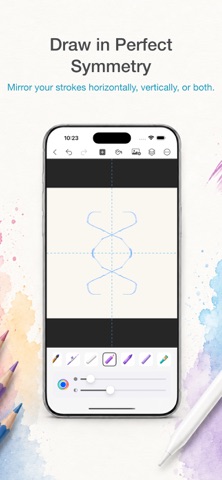
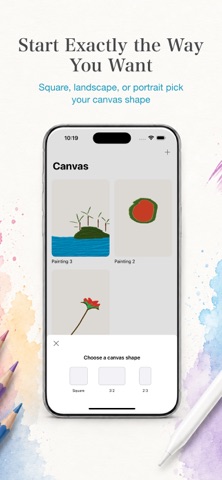
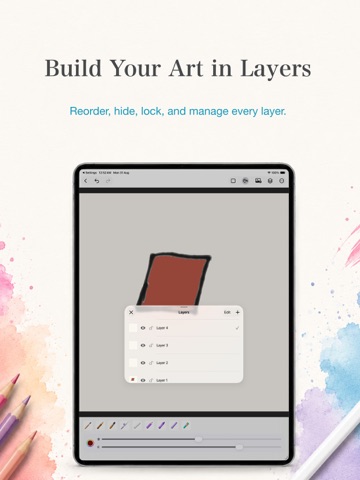
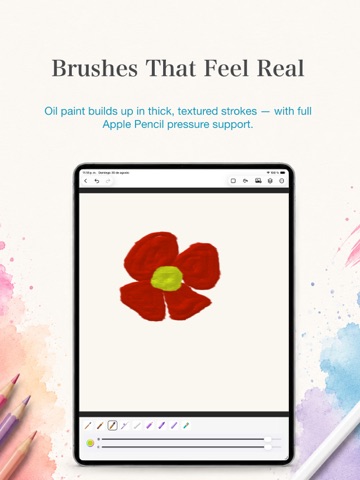
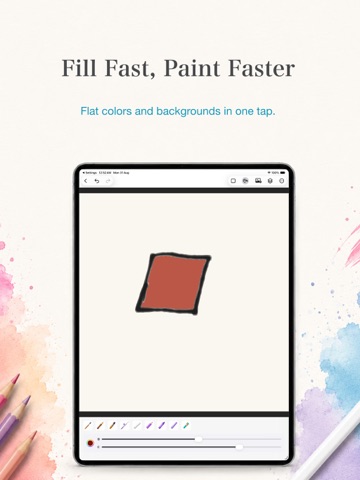
Canvas Painting Studio turns your iPhone or iPad into a real digital painting studio — with brushes that actually behave like the medium they're modeling, not just tinted line strokes. Pick up a brush and watch pigment bleed and pool like real watercolor, ink feather at the edges of a stroke, or oil paint build up in thick, textured strokes. Every brush is built to feel like the material it's named after. FEATURES • 9 realistic brushes: Watercolor, Ink, Oil, Acrylic, Airbrush, Chalk, Colored Pencil, Crayon, and Pastel • Multi-layer painting with a full layers panel — reorder, hide, lock, and manage each layer • Mirror/symmetry drawing for effortless, balanced compositions • Paint bucket fill for flat color and backgrounds • Insert a photo and paint directly on top of it • Choose your canvas shape — Square, 3:2, or 2:3 — before you start • Unlimited undo/redo • Export your finished artwork straight to Photos Whether you're sketching quick ideas, painting detailed studies, or just doodling for fun, Canvas Painting Studio gives your finger the feel of a real brush. Download Canvas Painting Studio and start painting today.
Latest release
What’s New
Various performance and stability improvements.
Audience growth
Ratings growth
Baseline captured. Growth appears after the crawler observes a changed rating count.
Momentum comes from crawler snapshots for the tracked storefront. “Viral growth signal” means unusually fast recent rating gains; it is an indicator, not download data.
Price tracking
Price intelligence
First snapshot captured. The trend line starts after the next crawler price observation.
- First observed Sep 26, 2026 · 11:05 AM Free
Screenshots