About this app
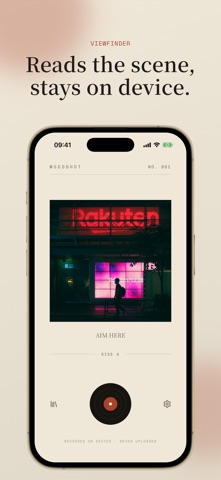
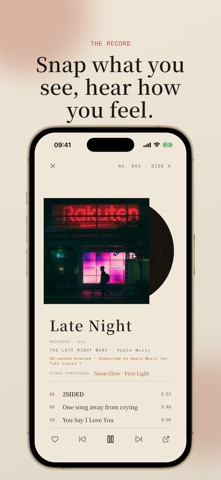
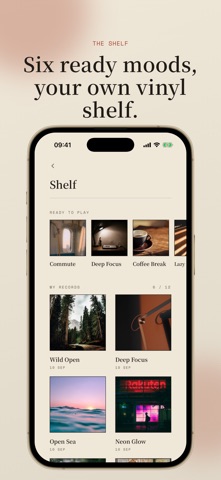
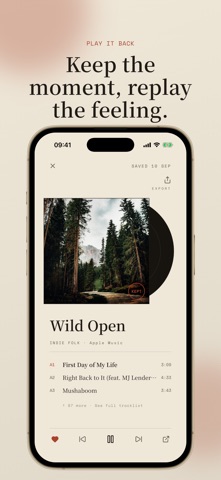
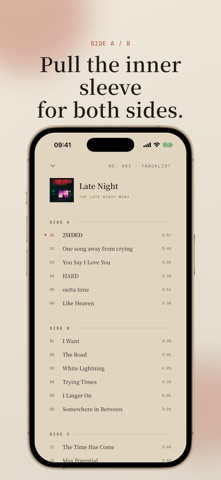
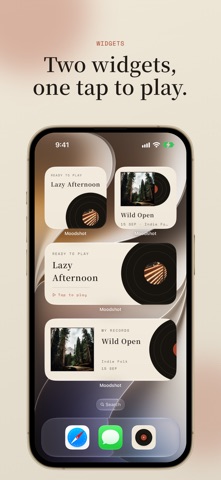
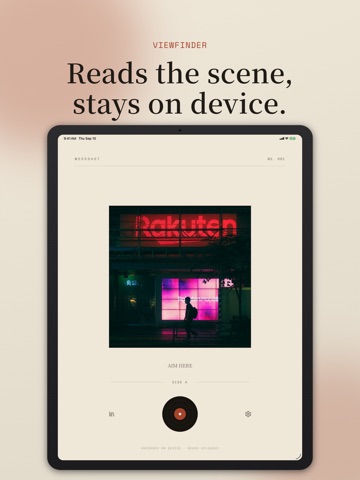
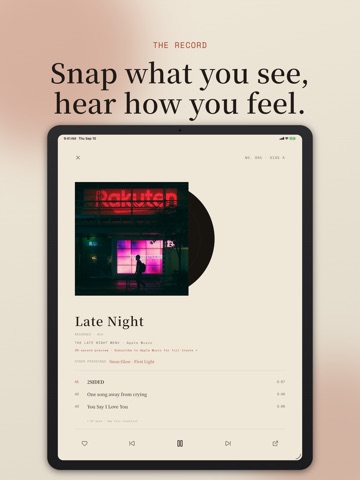
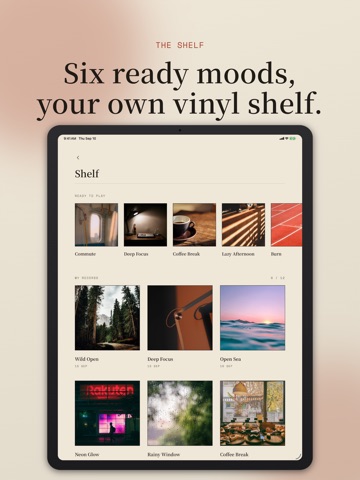
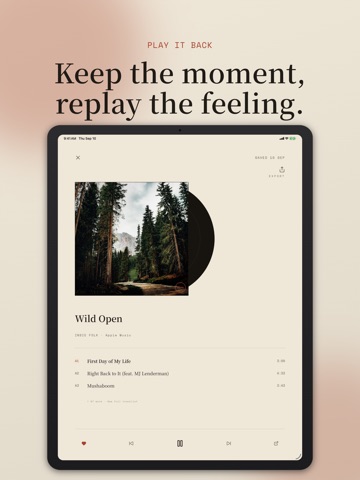
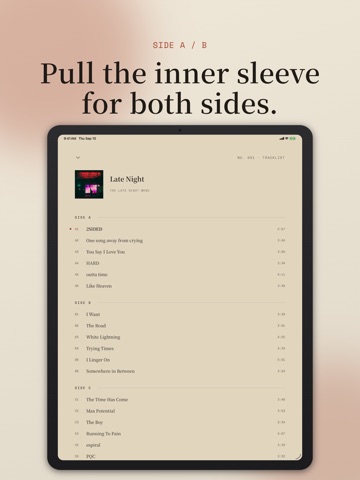
How you feel right now often lives in what is right in front of you. A half-empty cup of coffee, notes spread across the desk, twilight moving past a car window, or a warm lamp late at night. Your surroundings, the light, and the hour often know your mood before you do. Take out your phone and point the camera at whatever is around you. Moodshot reads the scene, the tone, and the time of day, letting your environment pick a record for you. Every photo becomes an album sleeve. The vinyl slides out from behind it and starts spinning, the mood surfaces letter by letter, and a matching Apple Music playlist begins to play. Under the mood name, one line shows exactly what the app saw, so the choice never feels arbitrary. Key Features: • Turn your surroundings into a record Point the camera at whatever is around you. Scene recognition, overall tone (warmth, brightness, saturation), and the time of day rank eighteen moods to match the atmosphere of your space. The photo never leaves your device. • Shows its reasoning A line under the mood name lists what it saw: the recognized scene, the hour, and the cast of light. • Plays inside the app An Apple Music playlist starts on its own. Full tracks with an Apple Music subscription; 30-second previews without one. • Not convinced? Try another pressing The two runner-up moods sit under OTHER PRESSINGS. Tap one and the sleeve swaps out, the label changes colour, and a different playlist loads. • Keep the ones worth keeping Save a moment, and the photo, mood, and playlist go onto a shelf of record sleeves. Open one to hear it again. The free version holds twelve records and exports three record cards; a one-time Deluxe unlock lifts both limits and adds four alternate app icons. It does not include music. • On your home screen Two widgets: Moments, the shelf of records you saved, and What to Play, the one that fits right now. Tap either to go straight in. • Can't take a photo? Take one off the shelf Six moods are always on the shelf: commuting, studying, coffee, a slow afternoon, a workout, and late night. Pick one and the record plays, no photo needed. • A record, not a list Three tracks on the front, like an A-side. Pull up the inner sleeve for the full tracklist, split into SIDE A and SIDE B. Swipe the sleeve to change tracks. iPhone and iPad, with a layout of its own on the larger screen. No account, no analytics, nothing uploaded. Recognition runs entirely on device and works with the network off; only fetching the playlist needs a connection.
Latest release
What’s New
Bug fixes and improvements.
Audience growth
Ratings growth
Baseline captured. Growth appears after the crawler observes a changed rating count.
Momentum comes from crawler snapshots for the tracked storefront. “Viral growth signal” means unusually fast recent rating gains; it is an indicator, not download data.
Price tracking
Price intelligence
First snapshot captured. The trend line starts after the next crawler price observation.
- First observed Sep 21, 2026 · 7:46 PM Free
Screenshots