About this app
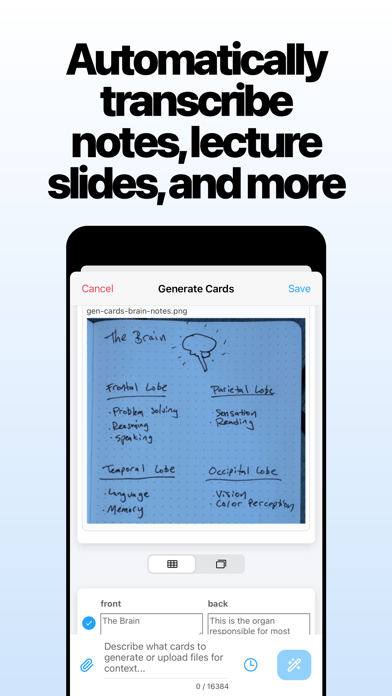
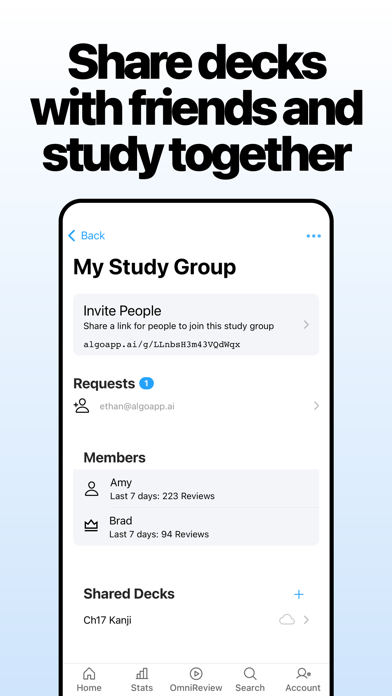
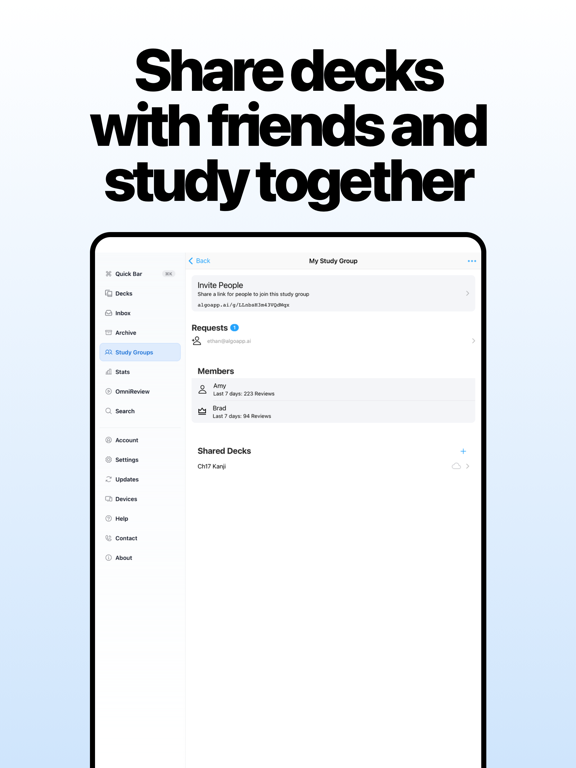
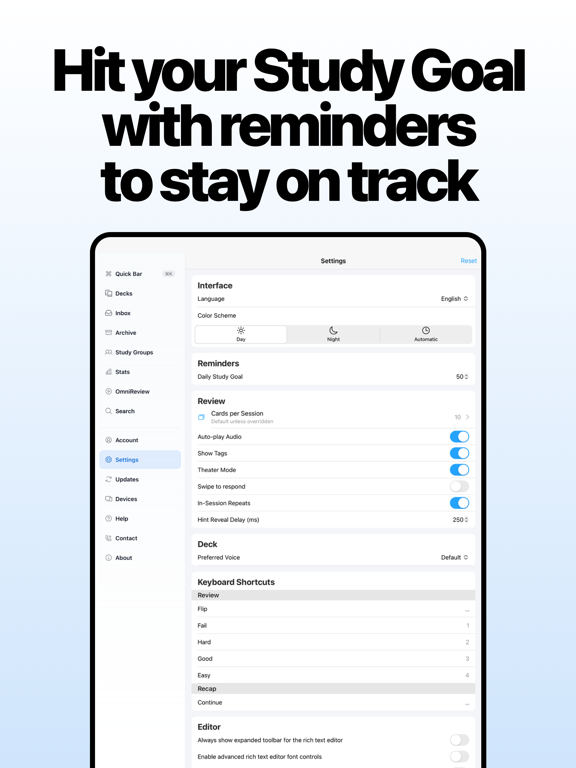
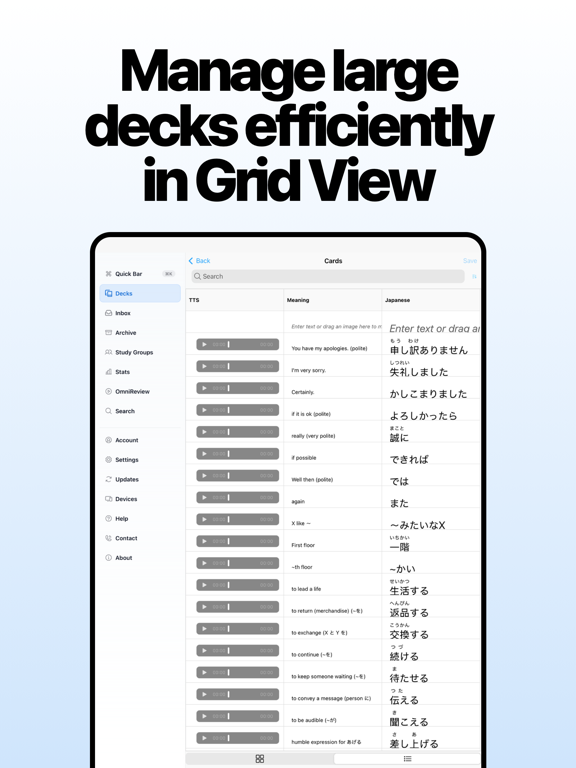
Learn languages, or study for school and tests, with the most powerful and user-friendly flashcard app. Millions of language-learners and students have studied over 2 billion flashcards with AlgoApp. Ranked #1 Education app in multiple countries world-wide. Featured in the New York Times. Designed by learning experts, including a published neuroscientist. Whether you're learning a language to live somewhere new or just for fun, need to get through med school, or just want to crush your tests, AlgoApp has already done it for over 5 million people. Why AlgoApp? FOR LANGUAGE LEARNERS • Automatic translation. Make vocab flashcards faster by typing words in the language you know, then AlgoApp translates to the language you're learning (or vice versa). Supports 120 languages including Japanese, Chinese, Korean, English, German, French, and more... • Speaks flashcards to you, in dozens of languages (automatic text-to-speech). Supports 39 languages including Japanese, Chinese, Korean, English, German, French, and more... • Automatically generates furigana annotations for kanji, or pinyin annotations for hanzi. FOR STUDENTS • Converts PDFs directly into flashcards using AI. Upload lecture slides and have a full deck of flashcards ready in seconds. • Prompt AI to make flashcards for you based on text and pictures. Turns handwritten notes and diagrams into flash cards for you. • Format your cards with colored text, bulleted lists, underlines, and more (no CSS needed). • Works offline, so you can study and make cards even when you don't have signal. • Syncs automatically with desktop, web app, and your other phones and tablets. So you can make cards on a computer with a full keyboard, then study on your phone. • Natively supports FSRS, the most-advanced spaced repetition algorithm. • Imports Anki decks (.apkg), AlgoApp (.xml) files, or spreadsheets (.csv). • Supports folders and subfolders, to keep your classes organized. • Notifications tell you when it's time to study (opt-in). • Share decks and study with your friends using Study Groups. • No ads. For the most-dedicated students, try AlgoApp Unlimited free for 7 days. Study as much as you want on all your devices. If you want to upgrade to AlgoApp Unlimited, you can either purchase "Unlimited: 1-Year" which is a 1-year auto-renewing subscription, or "Unlimited: Lifetime" which is a one-time purchase. • Unlimited grants you access to unlimited cross-platform multi-device sync, and more.. • If you choose "Unlimited: 1-Year", the subscription will automatically renew, unless auto-renew is turned off at least 24-hours before the end of the current period. Payment will be charged to your Apple Account within 24-hours before the end of the current period (renewal or trial period). • You can manage your subscription and disable auto-renewal by going to your Account Settings after purchase. Terms of Service: https://www.algoapp.ai/terms.html Privacy Policy: https://www.algoapp.ai/privacy.html
Latest release
What’s New
- Fixed unsaved card content disappearing during background sync while creating or editing cards. - Added clearer guidance when a PDF or prompt is too large for AI card generation. - Fixed cards changing order when copied together, including cards with images or audio.
Audience growth
Ratings growth
Momentum comes from crawler snapshots for the tracked storefront. “Viral growth signal” means unusually fast recent rating gains; it is an indicator, not download data.
Price tracking
Price intelligence
- First observed Aug 19, 2026 · 8:39 AM Free
Screenshots