About this app
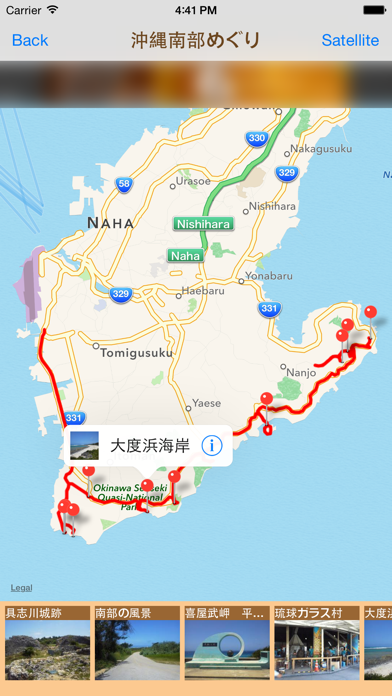
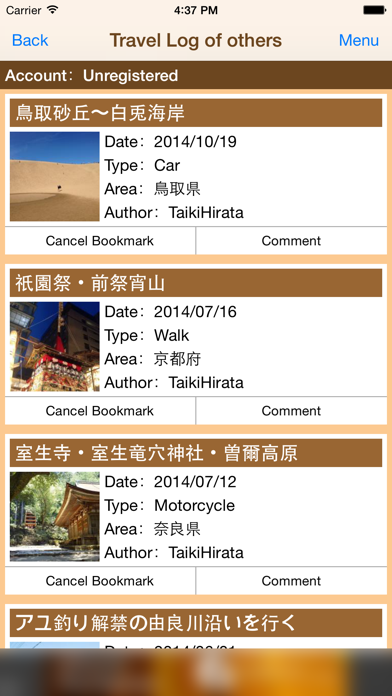
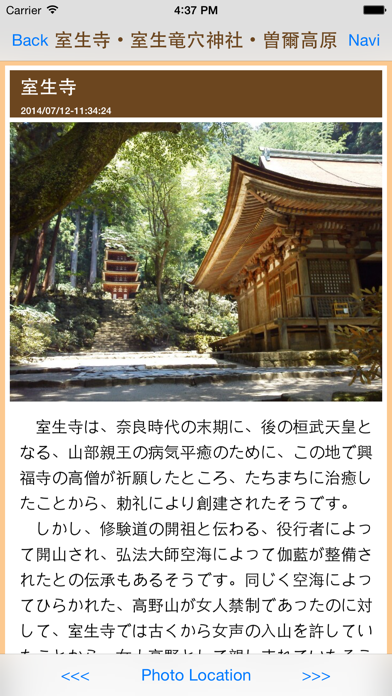
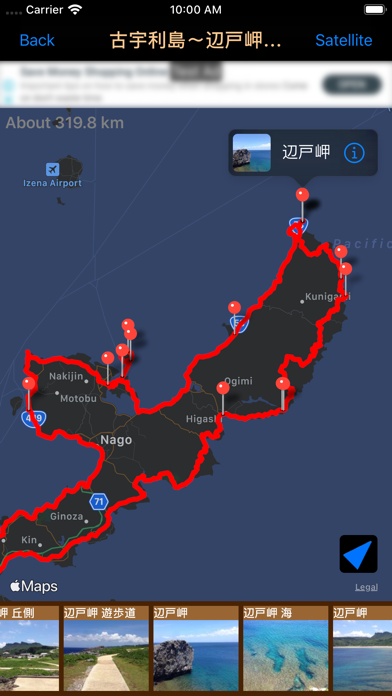
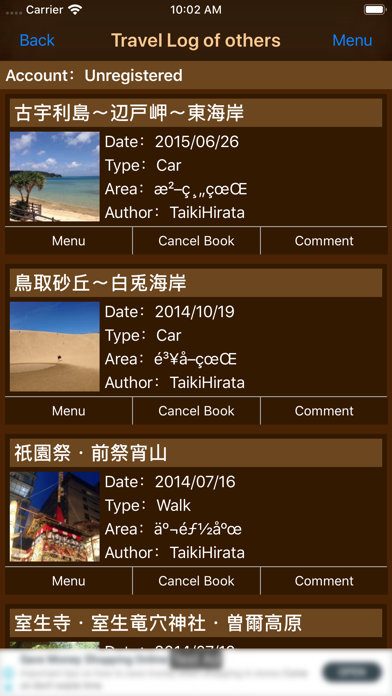
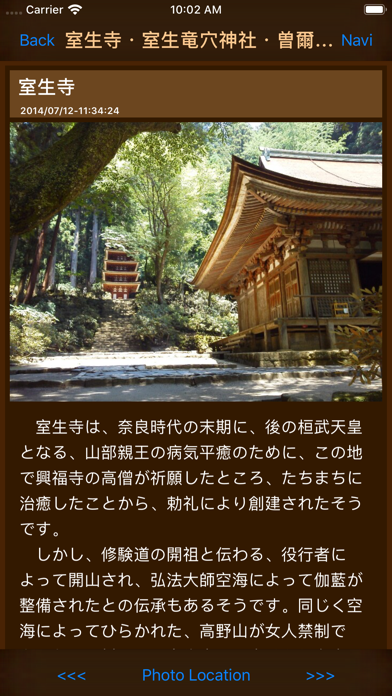
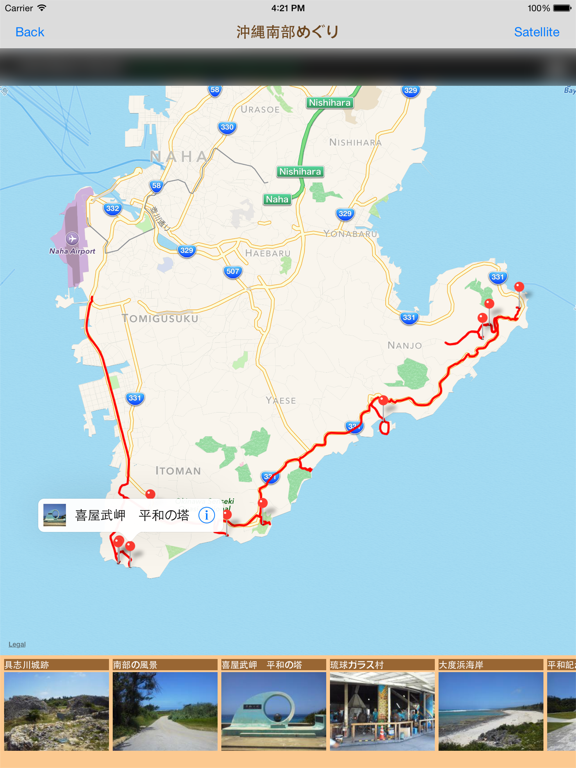
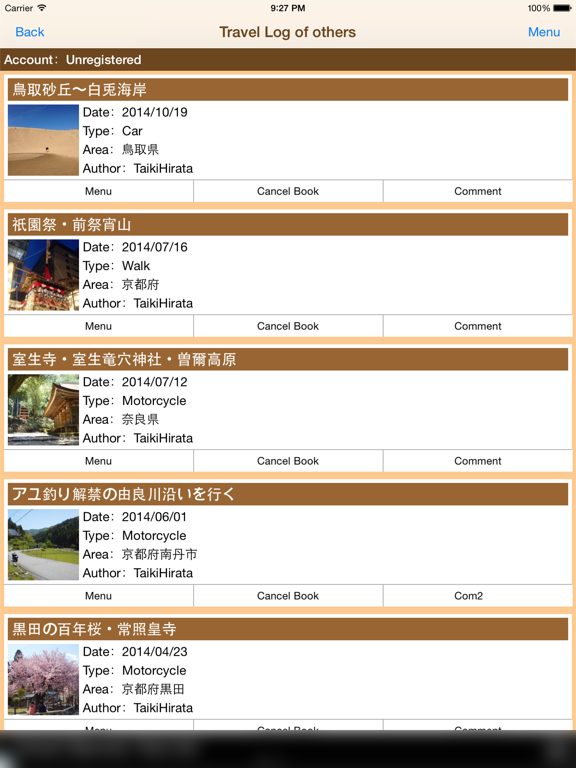
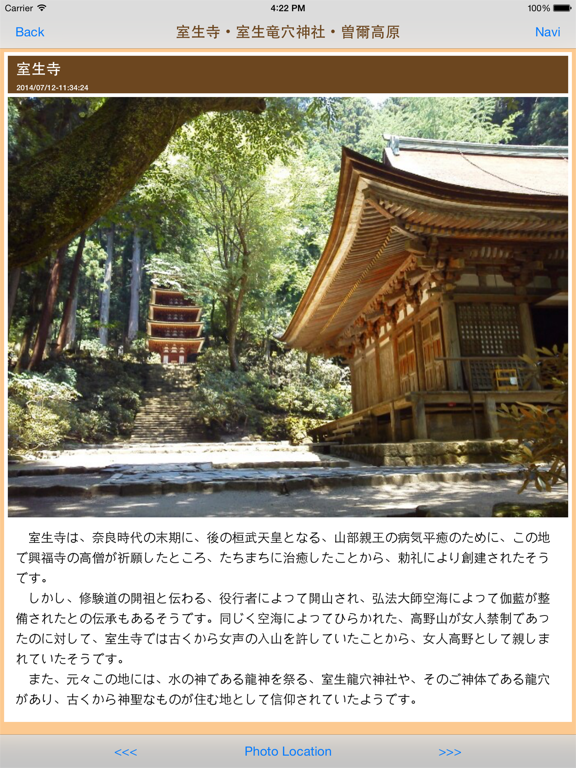
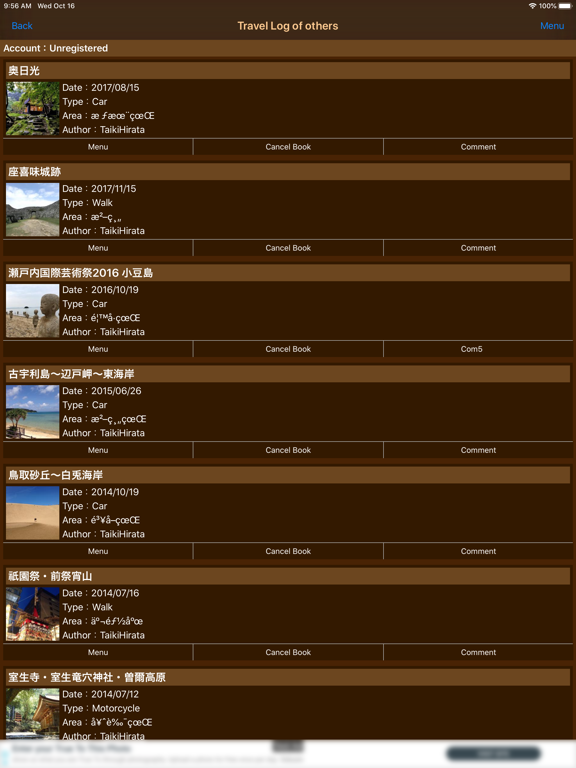
"PockeTraveL" is smartphones/tablets App that records the route and photos of your travel and share them with friends. Have you thought you want to record route and discovery during your travel? And Have you thought you want to share them with your friends? You will be able to record route and photo during your travel by using "PockeTraveL". And you will be able to share them with your friend by using Travel Log Post Service called "旅行記掲示板http://travelboard.sakura.ne.jp". Even if your friends do not use "PockeTraveL", You can share your travel log through the SNS, such as facebook and twitter. You can record travel of a variety. For example Walking, Trekking, Cycling by Bicycle, Touring by Motorcycle, Drive by Car, Train journey and Voyage. ■ App features 1. Record of travel Record route of travel by GPS Record photo location by GPS 2. List of your Travel Log Display the shooting point of photo and the moving path of the journey on the map. Display description of travel photos. 3. List of other's Travel Log Display others shooting point of photo and others moving path of the journey on the map. Display description of others travel photos. 4. Share your Travel Log Share your photo and your moving path of the journey. Share your Travel Log through SNS such as Facebook, twitter and more. ■How to create Travel Log 1. Start Recording Travel. ・If you want to start recording Travel Log, make sure that the settings of the location information is enabled on the device, please push "Start" button under the sky. ・If you succeed to get location information, the state label will change to "Recording" and recording will be started. If you failed to get location information. Make sure that the settings of the location information is enabled on the device, please run again under the sky. ・During the recording, state label becomes "Recording", "Start" button becomes "Pause" button. 2. Take Pictures During Travel ・If you want to take pictures during travel, touch "Photo" button. ・If picture taking was succeed, the input screen of the title and description of the photos will be displayed and you can enter a description and title of the photo on this screen. If you want to save the data, touch "Save" button. *Be careful if you do not press the "Save" button, the photo will not be saved." ・If saving the photo was succeed, pin of the photo location will be displayed on the map. 3. Finish Recording And Save Travel Log ・If you want to finish and save Travel Log, touch "Finish" button. ・If you touch "Finish" button, Travel Log Edit screen will be shown. Enter items and touch "Save" button in this screen. Please refer to the manual for more information on how to use it. ■Manual Page http://travelboard.sakura.ne.jp/poketra_en_ios_manual.html *More battery power will be needed during recording in order to acquire location information in background by GPS.
Latest release
What’s New
・Supported iOS16.
Audience growth
Ratings growth
Baseline captured. Growth appears after the crawler observes a changed rating count.
Momentum comes from crawler snapshots for the tracked storefront. “Viral growth signal” means unusually fast recent rating gains; it is an indicator, not download data.
Price tracking
Price intelligence
First snapshot captured. The trend line starts after the next crawler price observation.
- First observed Aug 12, 2026 · 5:09 PM Free
Screenshots