About this app
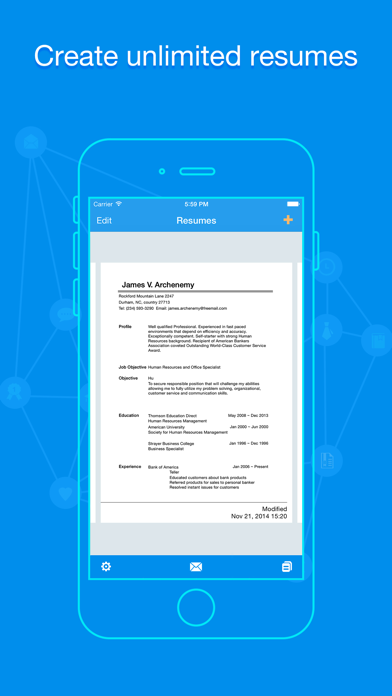
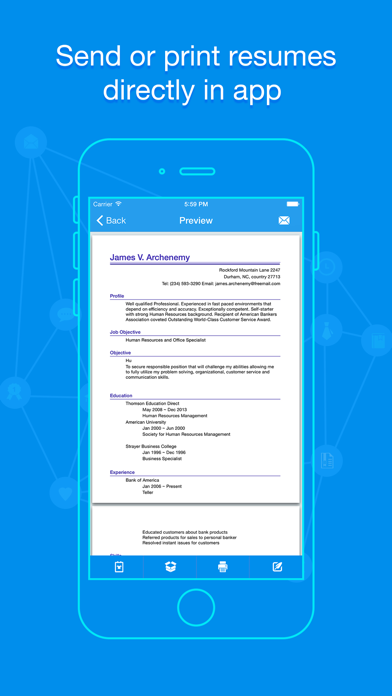
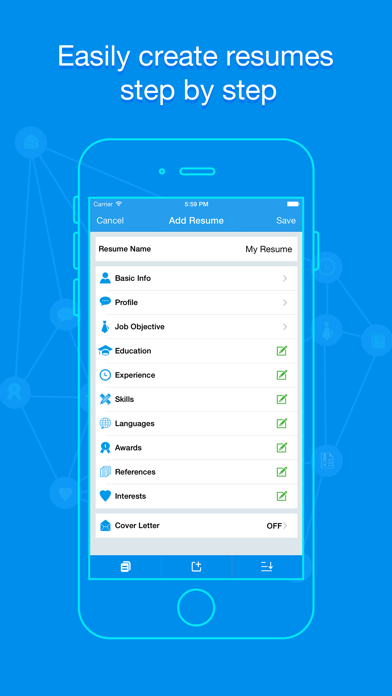
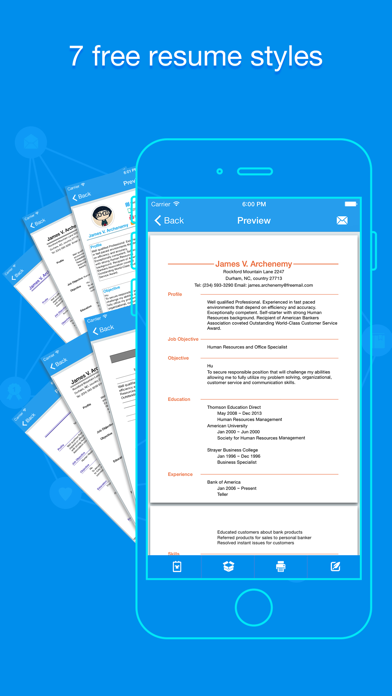
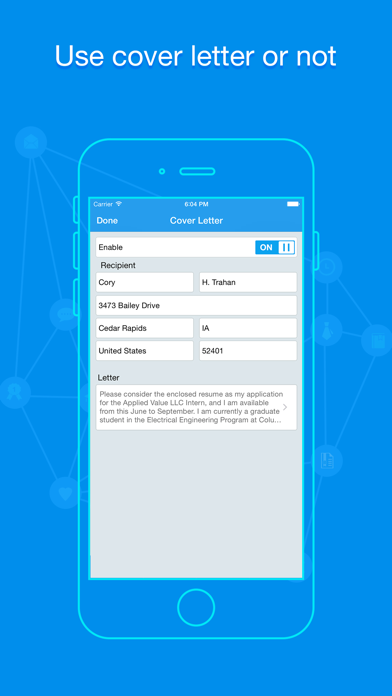
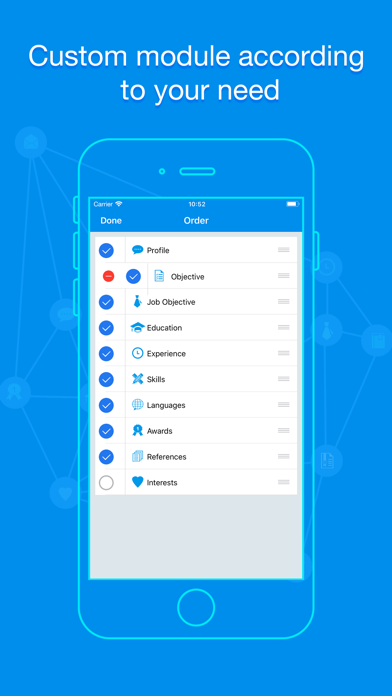
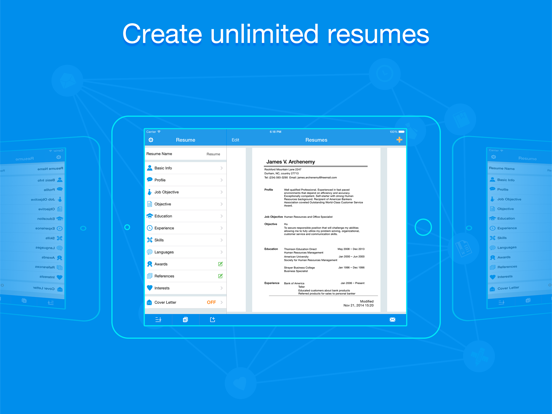
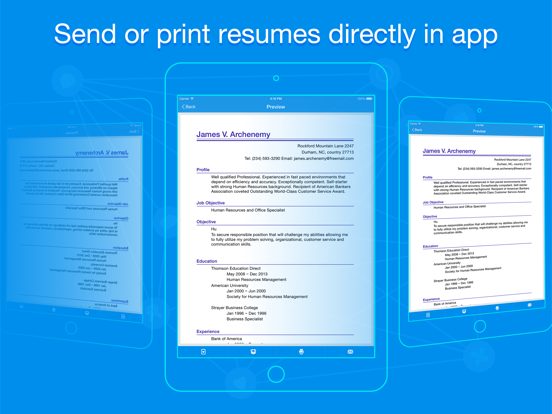
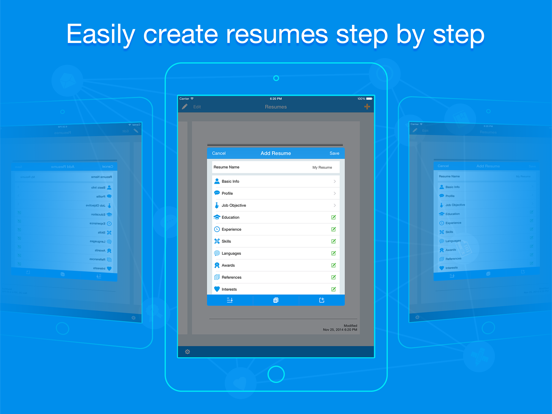
Quick Resume is a simple and effective tool to help you create professional resumes in minutes. All you need to do is entering your information, Quick Resume will make you basic straight forward resumes. Just take your iPad, sending or printing resumes can be done any place and any time. Quick Resume makes PDF resume including the basic info such as cover letter, objective, experience, education and skills etc, also you can add your own module/section. Key Features: ⁃ Create and save unlimited resumes. ⁃ Supports 17 PDF resume styles. ⁃ Copy a resume. ⁃ Re-order the sections. ⁃ Add your own module/sections. ⁃ Cover letter available or not. ⁃ Supports exporting data to Dropbox. ⁃ Send resume out directly by this app. ⁃ Print resume directly by this app. ⁃ Supports universal version (available on both iPhone and iPad). ⁃ Friendly user interface. ⁃ Adds 3D Touch function. If you have any question, please email to the linklinksapp@tom.com.
Latest release
What’s New
⁃ Compatible with iOS 26. ⁃ Adds Catalan, Danish, Hebrew, Hungarian, Romanian, Slovak, Swedish and Vietnamese. ⁃ Other minor bugs fixed.
Audience growth
Ratings growth
Baseline captured. Growth appears after the crawler observes a changed rating count.
Momentum comes from crawler snapshots for the tracked storefront. “Viral growth signal” means unusually fast recent rating gains; it is an indicator, not download data.
Price tracking
Price intelligence
- First observed Aug 10, 2026 · 11:43 AM Free
Screenshots