About this app
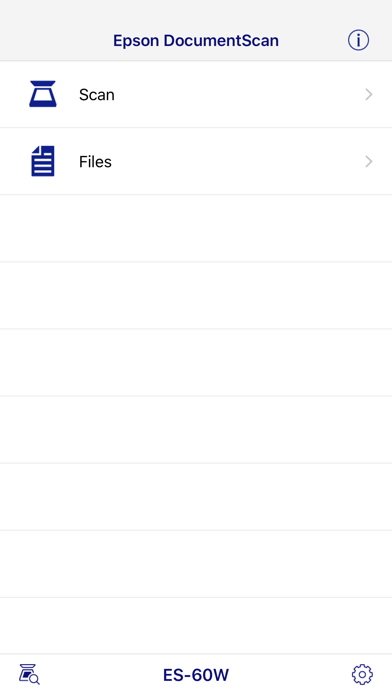
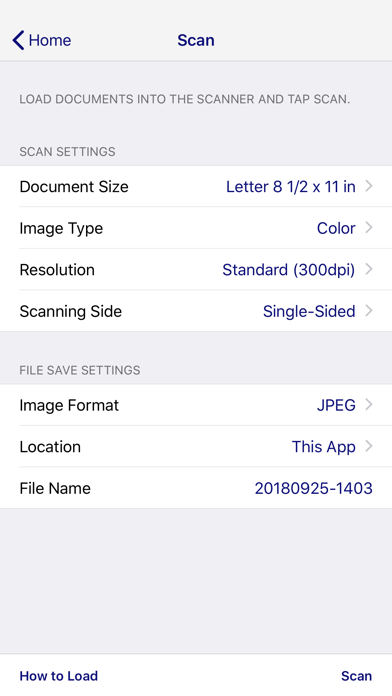
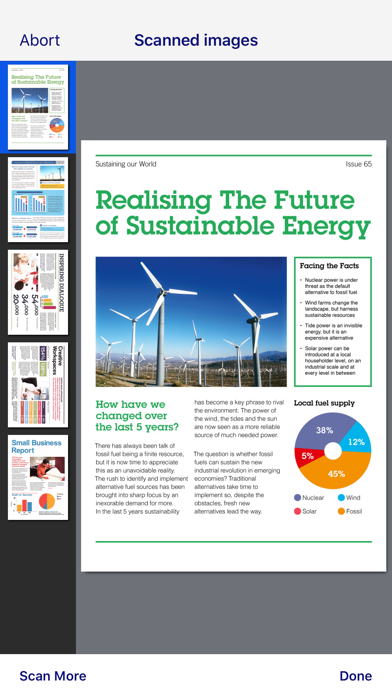
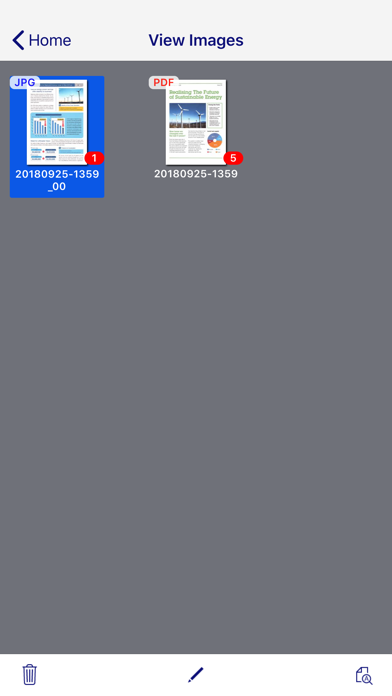
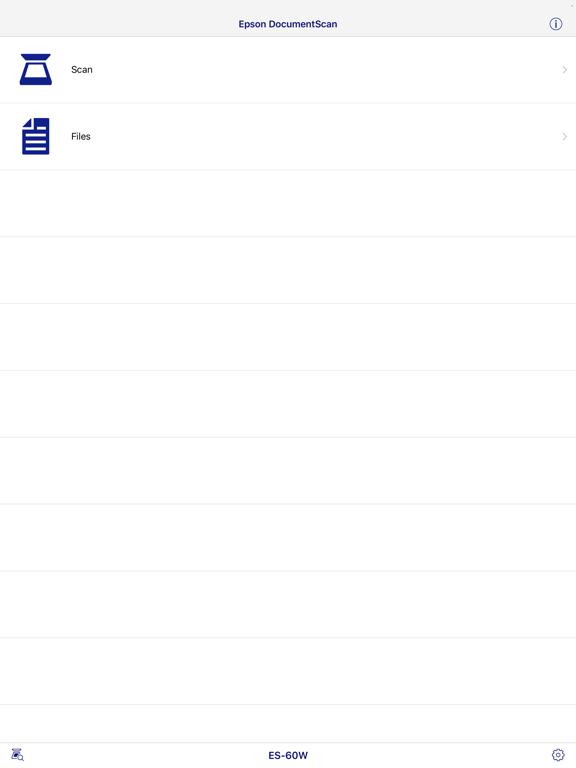
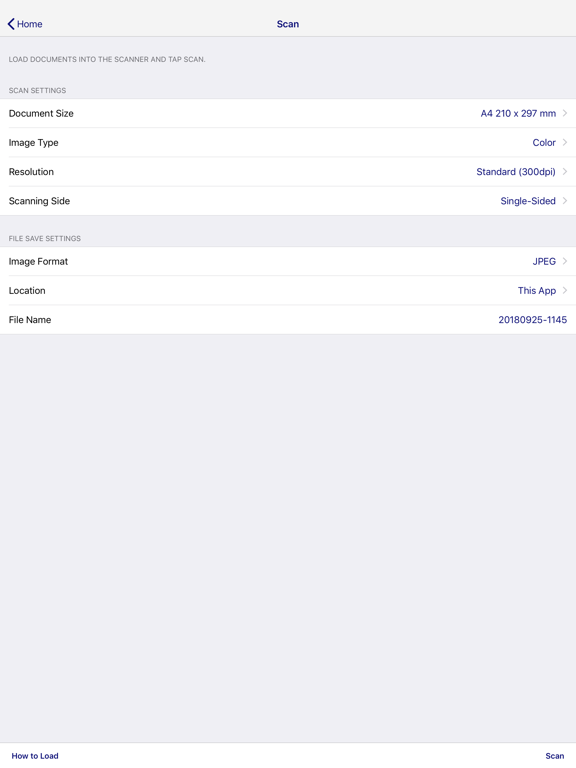
This app is only for Epson scanners. Make sure that your scanner is supported. Scan documents directly to your iPhone®, iPod touch or iPad®. You can preview scanned data and send it to email, directly to other applications or to cloud services like Box®, DropBox™, Evernote®, Google Drive™ and Microsoft® OneDrive. Scanners Supported https://support.epson.net/appinfo/documentscan/en/index.html Key Features - Directly scan to your iPhone, iPod touch or iPad - Edit scanned pages – multi-page rotation or re-ordering - Send scanned files via email - Send saved data to other applications, or to cloud services including Box, DropBox, Evernote, Google Drive and Microsoft OneDrive*. *Applications must be installed on your iPhone, iPod Touch or iPad. - Send saved data to your PC via iTunes® - Get help with a built-in FAQ section Advanced features - Autosize recognition, auto image type recognition - Multi-page rotation and re-ordering How to Connect Follow your scanner guide to connect your scanner via Wi-Fi® or AP direct connect mode. EPSON and WorkForce are registered trademarks. All other product and brand names are trademarks and/or registered trademarks of their respective companies. Epson disclaims any and all rights in these marks.
Latest release
What’s New
This release brings some improvements to make the app more stable.
Audience growth
Ratings growth
Baseline captured. Growth appears after the crawler observes a changed rating count.
Momentum comes from crawler snapshots for the tracked storefront. “Viral growth signal” means unusually fast recent rating gains; it is an indicator, not download data.
Price tracking
Price intelligence
- First observed Aug 10, 2026 · 6:07 PM Free
Screenshots