About this app
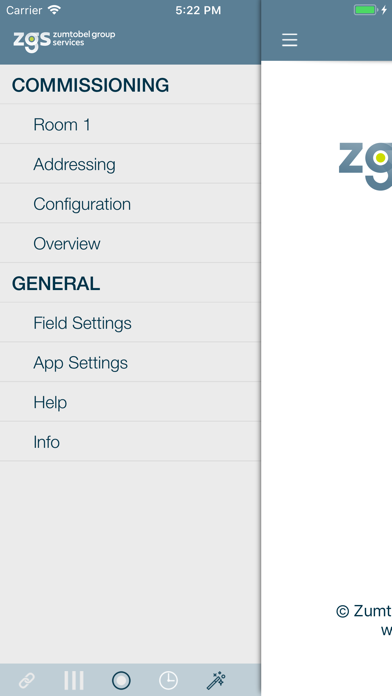
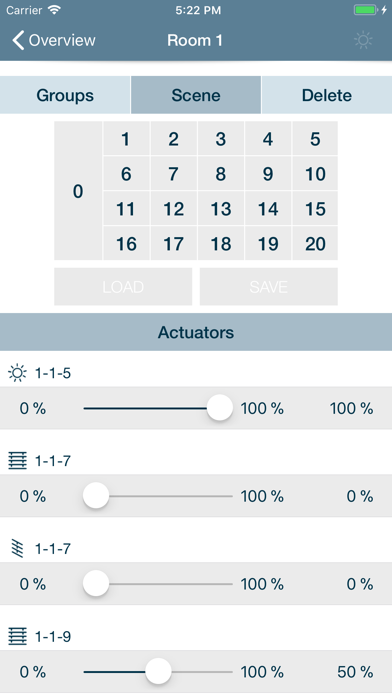
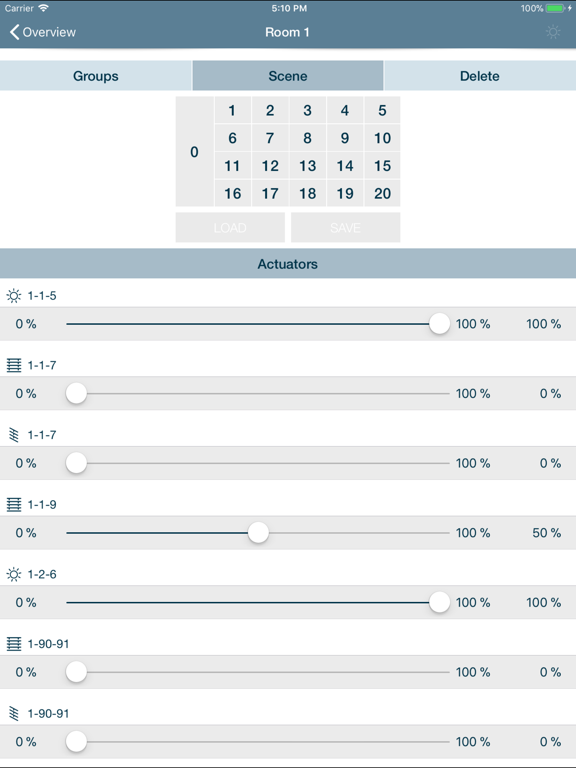
ATTENTION: IB-Tool only works with a gateway to the lighting control system that translates commands for use in the LUXMATE world. IB-Tool cannot be used without this gateway. Description: The Zumtobel IB-Tool is the perfect tool for the basic commissioning of your lighting solution. This easy-to-use app helps configure your Zumtobel lighting solution quickly, easily and reliably. It makes easy, wireless addressing of all LUXMATE outputs in the building possible and allows for the assignment of control units to the outputs. It is thus the commissioning tool of choice for service technicians and facility managers. All addressing and/or the entire system can be checked for functionality and correct installation at the touch of a button. IB-Tool also provides the option of operating all actuators and permanently saving their scene settings. IB-Tool can also provide a range of selected status information that accelerates the entire commissioning process and makes it more user-friendly. The app is optimised for the iPod Touch and iPhone in order to ensure the best flexibility and freedom of movement possible. You can move freely throughout the building during the commissioning process, meaning you always have optimal mobile access to your lighting control system. IB-Tool is compatible with the following Zumtobel/LUXMATE systems: • LUXMATE comfort systems • PROFESSIONAL LRA • LITENET • LITECOM Selected IB-Tool functions at a glance: • Locating actuators/control units/sensors • Addressing actuators/control units/sensors • Checking the entire installation • Checking the address structure • Changing/deleting addresses • Configuring control values for actuators • Operating all actuators (switching on/off, smooth adjustment) • Quick overview of the complete system • Integrated help
Latest release
What’s New
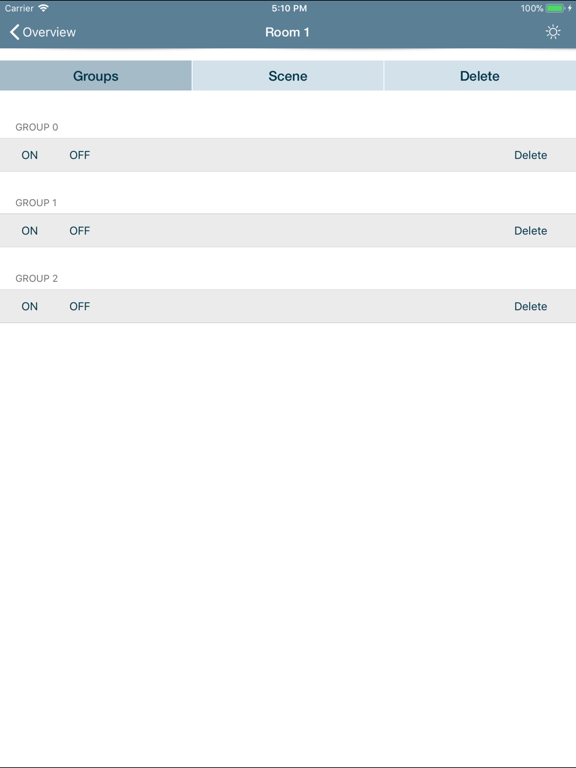
This app has been updated by Apple to prepare for watchOS 27 compatibility. No new features are included. Image: •ZGS – Branding •iPad/iPhone X adaptation Bug fixing: •Fixed bug with sensor addressing •Improving stability Overview *New*: •Extended Icon Database (RUK, Emergency Lights, sensors) •Detail-View Rooms: •Switch and delete groups •Call and save scenes •Change Values •Delete •Detail-View Actuators: •Show production number •Error Messages •Re-Addressing •Delete
Audience growth
Ratings growth
Baseline captured. Growth appears after the crawler observes a changed rating count.
Momentum comes from crawler snapshots for the tracked storefront. “Viral growth signal” means unusually fast recent rating gains; it is an indicator, not download data.
Price tracking
Price intelligence
First snapshot captured. The trend line starts after the next crawler price observation.
- First observed Aug 31, 2026 · 3:18 PM Free
Screenshots