About this app
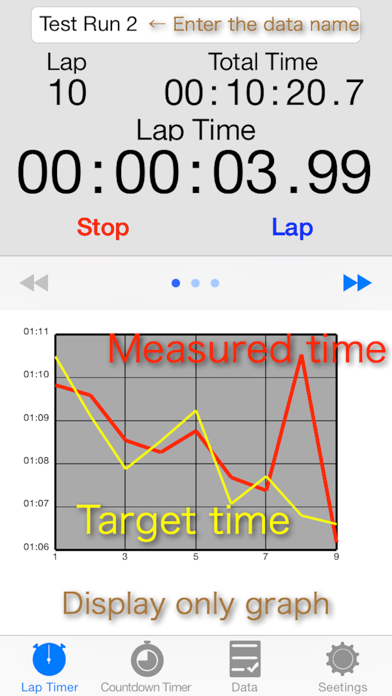
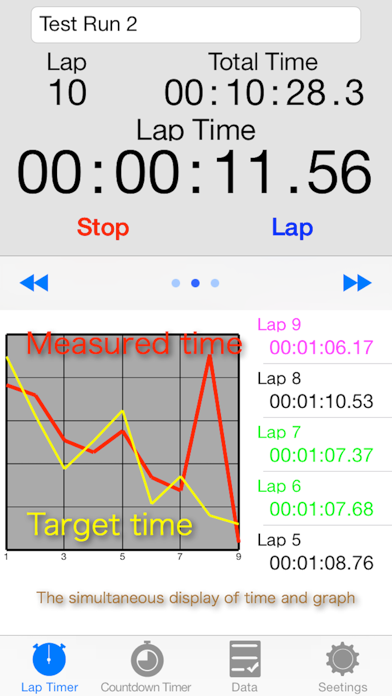
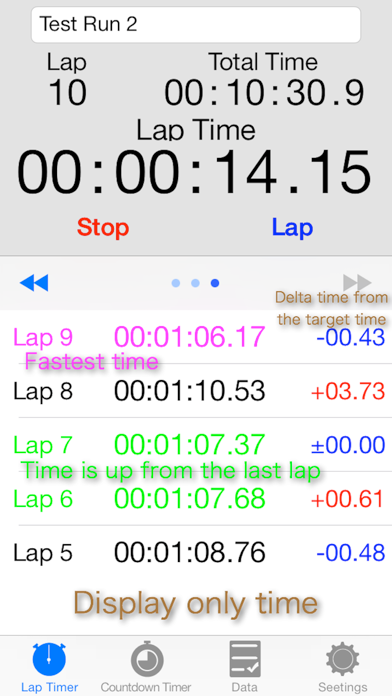
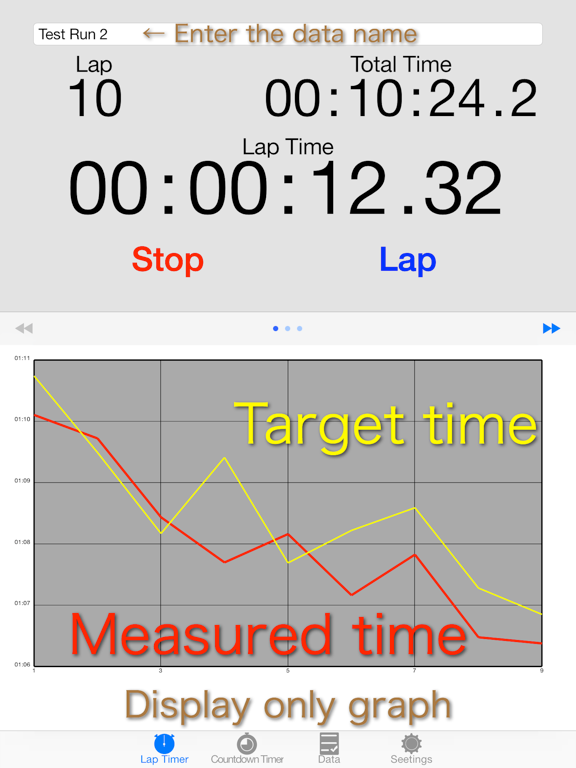
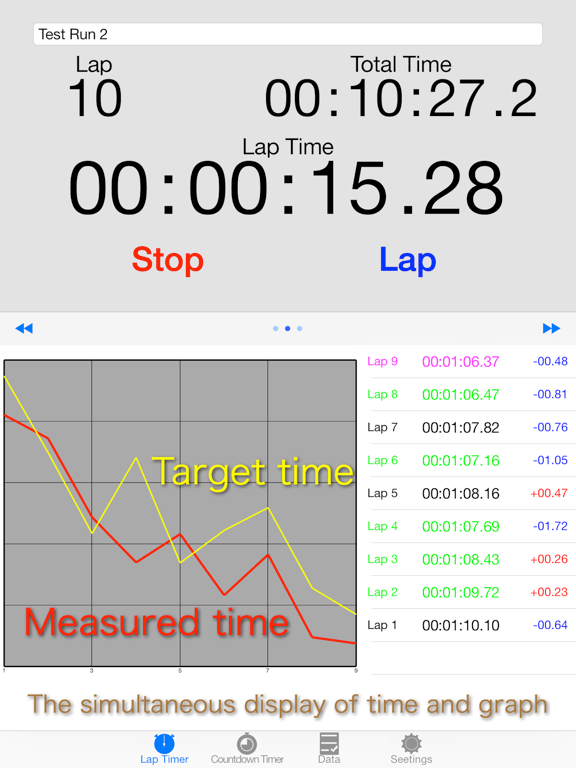
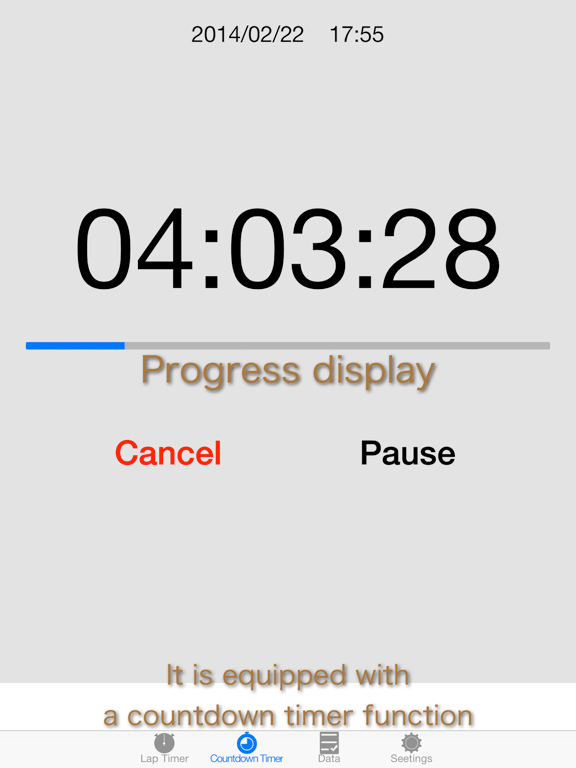
This app is a lap timer equipped with a graph display function. Main function Lap Timer Time is measured in increments of 0.01 seconds. There are three types of lap time display. (only graph, only table, both graph and table) Lap times are saved as data. The number of data that can be stored is unlimited. The stored data can be output in CSV format. You can create the target time. You can use as a target time data that has been saved. The measurement time and the target time will be drawn at the same time on the graph. You can check the difference between the target time and the lap time in the case of a table display mode. Countdown Time You can set the notice at the time specified before the end of the timer. Setting time can be set from the date and time in addition to the remaining time. Notice sound and end sound can be selected from multiple sounds. Other It is possible to release the auto-lock function when you are working countdown timer or lap timer. (You can keep alive the automatic lock function in accordance with the setting of your iPhone) Requirements iOS6.1 and later There are ads. (There is also a paid version without ads, expanded the size of the graph.)
Latest release
What’s New
This update from Apple will improve the functionality of this app. No new features are included. Corresponding to iOS9 Improvement of stability
Audience growth
Ratings growth
Baseline captured. Growth appears after the crawler observes a changed rating count.
Momentum comes from crawler snapshots for the tracked storefront. “Viral growth signal” means unusually fast recent rating gains; it is an indicator, not download data.
Price tracking
Price intelligence
First snapshot captured. The trend line starts after the next crawler price observation.
- First observed Aug 21, 2026 · 8:50 AM Free
Screenshots