About this app
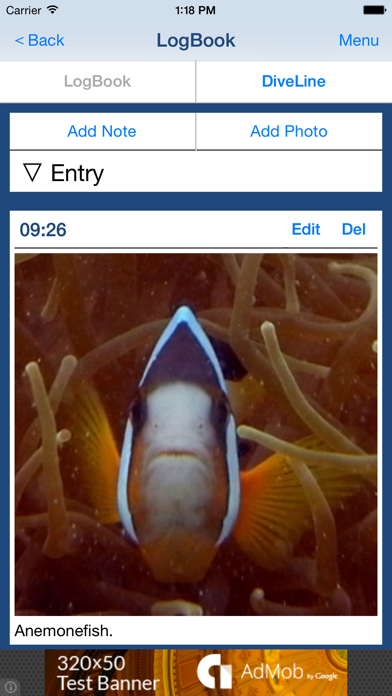
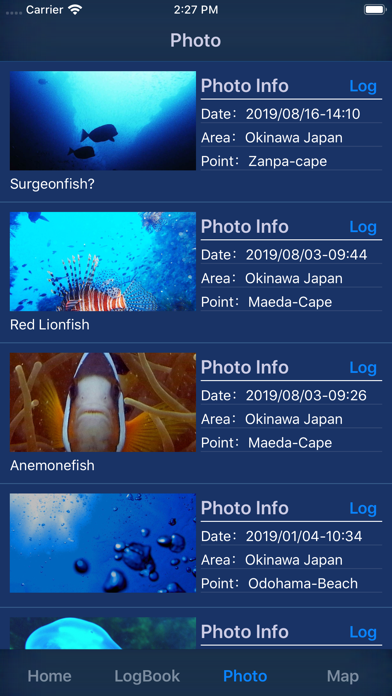
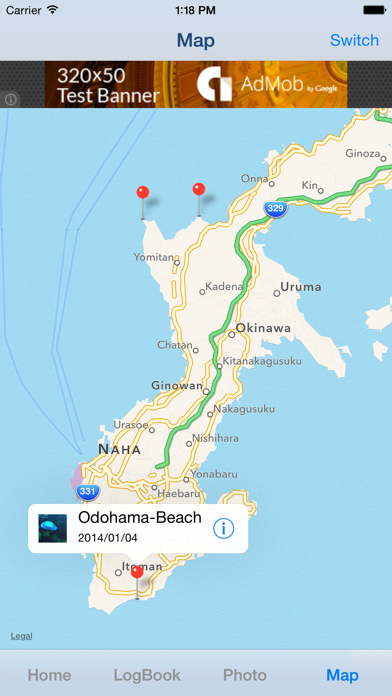
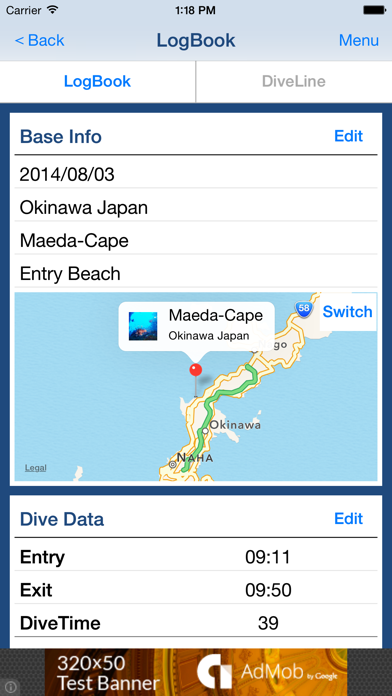
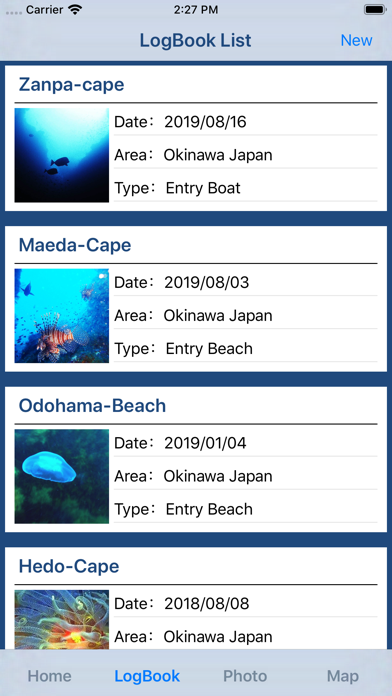
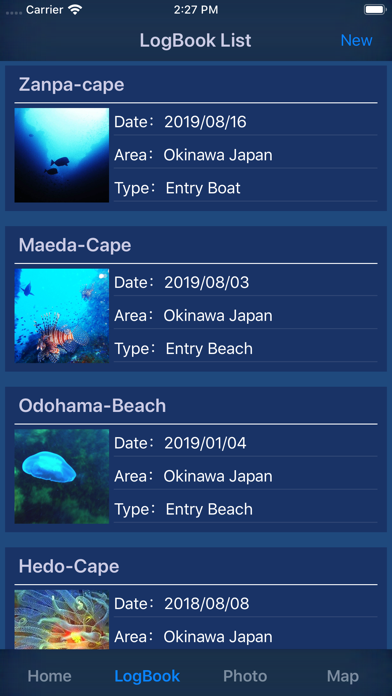
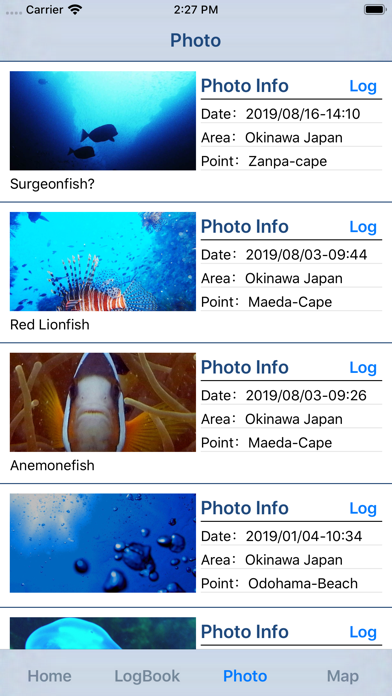
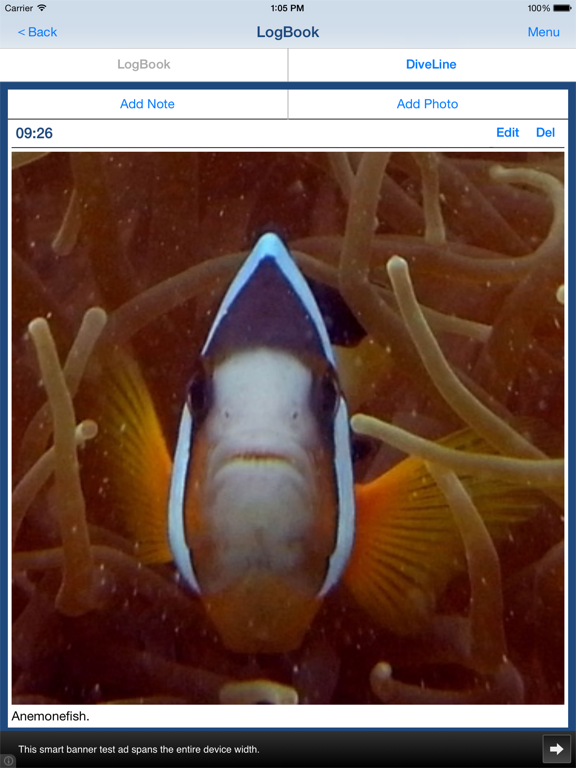
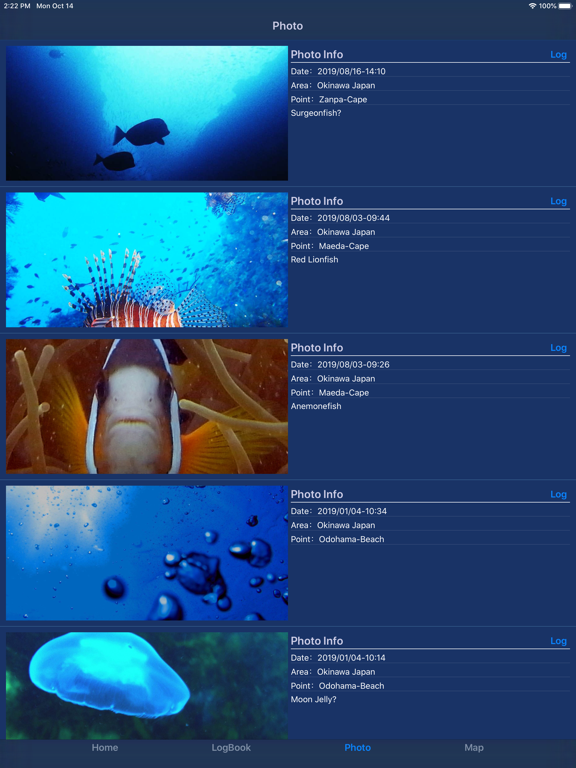
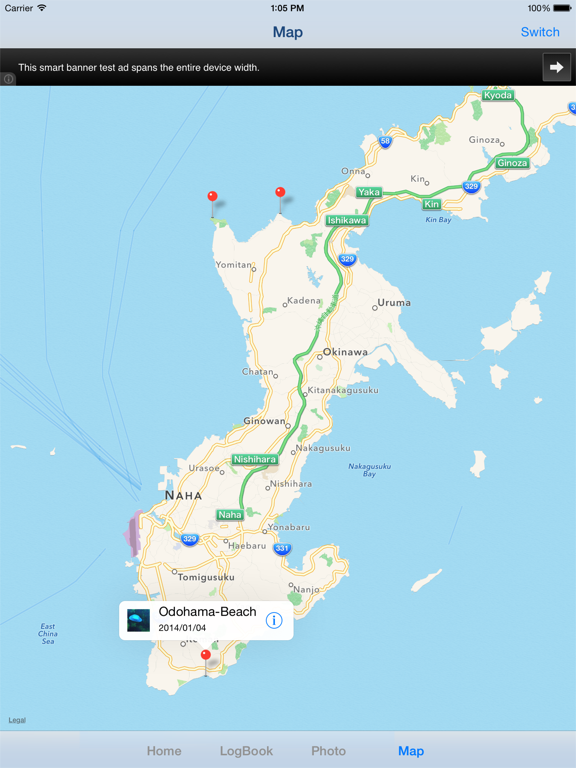
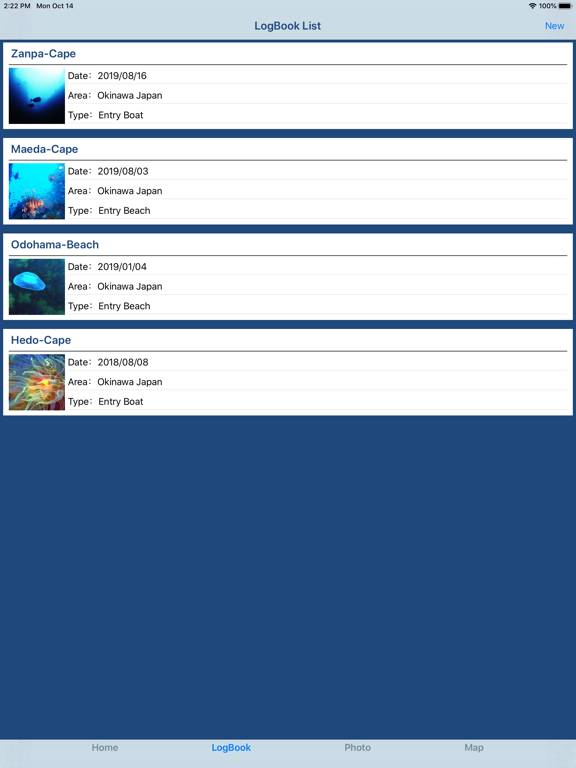
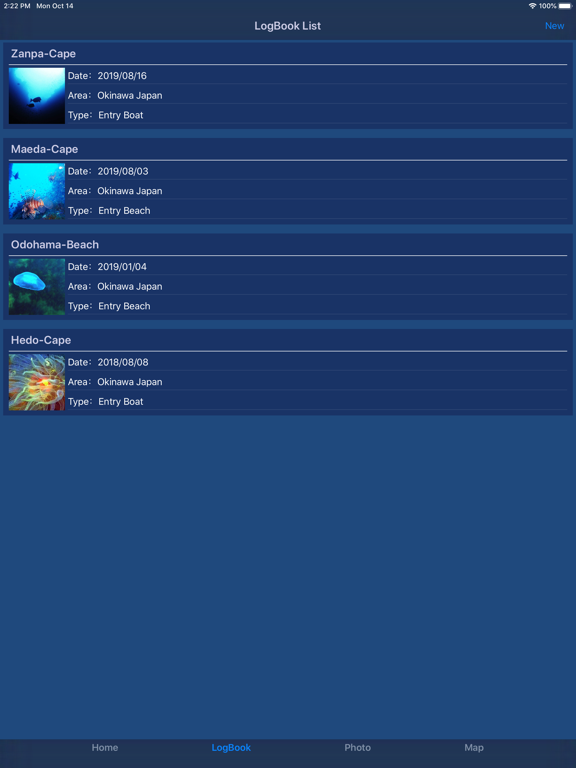
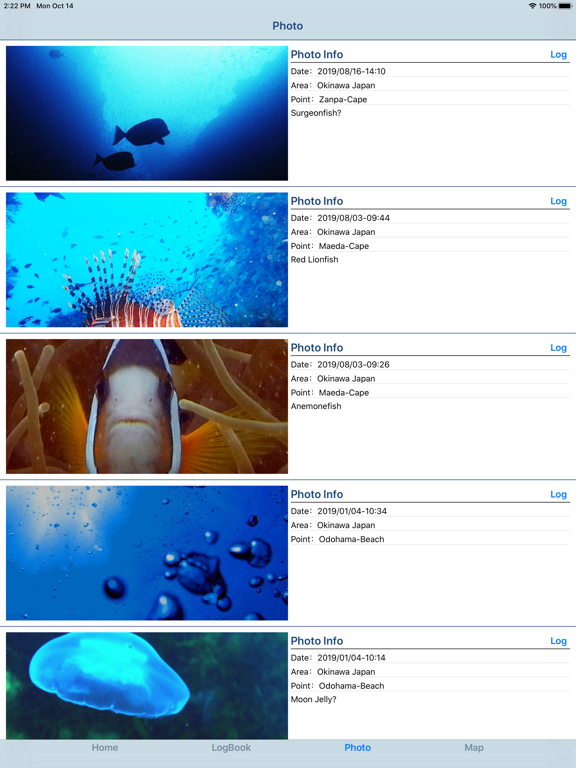
"DivingLog" is a Scuba Diving LogBook app for smartphones and tablets. Have you thought that you want to record the activity in the water when writing a logbook of scuba diving? For example, Record of practice of neutral buoyancy, Record of fishes you met, etc... You will be able to create "DiveLine" in addition to the LogBook by "DivingLog". "DiveLine" is a record of activities and photos in water. You can create an image file of the "LogBook" and image file of "DiveLine", and you can share those image file with your friends through the SNS, such as facebook and twitter. Ad will appear in the app, but you can hide Ad by having you purchase the add-on. ■Main function of App 1. Creating, editing and viewing of Scuba Diving LogBook and DiveLine. 2. Creating, editing and viewing of Scuba Diving LogBook and DiveLine with location information. 3. CSV file output of the Scuba Diving LogBook and DiveLine. 4. Image file output of the Scuba Diving Log Book and DiveLine. 5. List of pictures recorded. 6. Map that displays the Scuba Diving LogBook. ■List of items that can be recorded 1. Base Info ・Date ・Area ・Point ・Type ・Location Information 2. Dive Data ・Entry ・Exit ・DiveTime(Auto calculation) ・Enyry Air ・Exit Air ・Consume(Auto calculation) ・Average Depth ・Max Depth 3. Weather Data ・Weather ・Temperature ・Water Temperature ・Visibility ・Wave ・Current ・Swell ・Wind Direction ・Wind 4. Equipment Data ・Suit ・Suit Thickness ・Tank ・Gus Type *need add-on. ・Weight 5. Buddy Data ・Leader ・Buddy ・Instructor 6. Record of activity in the water "DiveLine" ・Entry/Exit Time ・Note ・Photo 7. Other ・Instructor Sign ・Handwritten Notes ・Free Memo *need add-on. ■How to Create Scuba Diving LogBook 1. Create Scuba Diving LogBook If you want to create a new LogBook, please press the "New LogBook" button in Home Screen. 2. Create Scuba Diving LogBook with location information. If you want to create a new Log Book with location information, please press the "New LogBook with GPS" button in Home Screen. if you create a new Log Book in this way in the beach or on the boat before entry, it saves you from having to manually set the location information at a later time.
Latest release
What’s New
・Supported iOS16. ・Fixed the bug about Instructor Sign and Handwritten Notes.
Audience growth
Ratings growth
Baseline captured. Growth appears after the crawler observes a changed rating count.
Momentum comes from crawler snapshots for the tracked storefront. “Viral growth signal” means unusually fast recent rating gains; it is an indicator, not download data.
Price tracking
Price intelligence
First snapshot captured. The trend line starts after the next crawler price observation.
- First observed Aug 12, 2026 · 5:09 PM Free
Screenshots