About this app
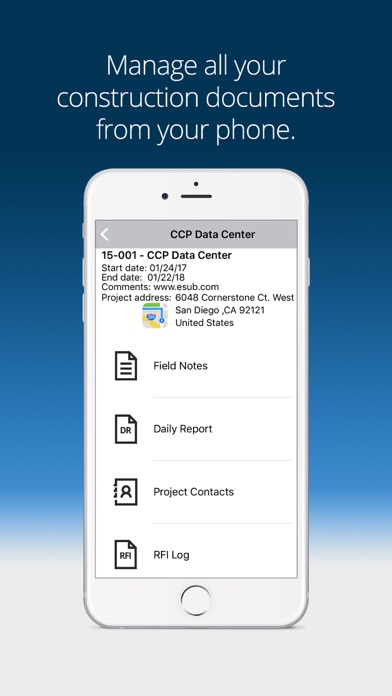
eSUB Field Works allows you to securely create, store, and access all of your project’s daily reports, field notes, files, photos, contacts, and view RFIs from the field. Key Features: - Capture photos and annotate them from the field, while sharing them in real-time with the office and other eSUB users. - Access uploaded project files such as plans, pictures, specs, contracts, and more. - Enter and Edit Daily Reports, including crews, subcontractors, materials, equipment, and field notes. - Optionally have crew hours in Daily Reports pushed to Timesheets. - Work offline, and have your changes automatically synced with the website as soon as your data connection is restored. - Take notes from the field and share in real-time with the office and other eSUB users; publishing them with a GPS location for reference. - Search and access contact information from all project contacts using a familiar interface. - Locate the project address and other key elements of the job.
Latest release
What’s New
Bug fixes.
Audience growth
Ratings growth
Baseline captured. Growth appears after the crawler observes a changed rating count.
Momentum comes from crawler snapshots for the tracked storefront. “Viral growth signal” means unusually fast recent rating gains; it is an indicator, not download data.
Price tracking
Price intelligence
First snapshot captured. The trend line starts after the next crawler price observation.
- First observed Aug 24, 2026 · 1:57 AM Free
Screenshots