About this app
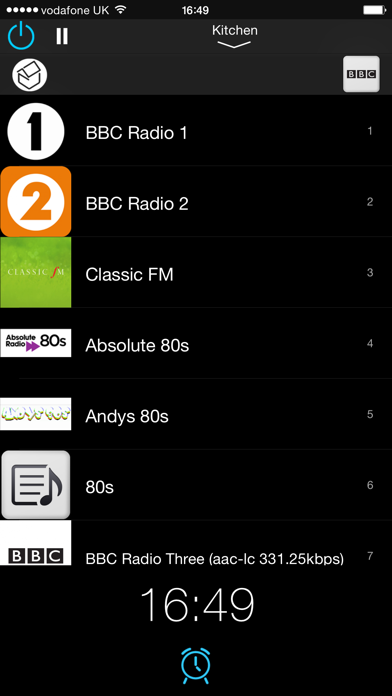
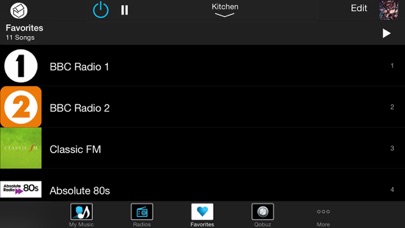
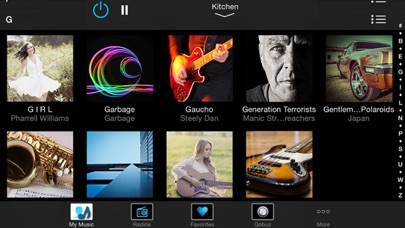
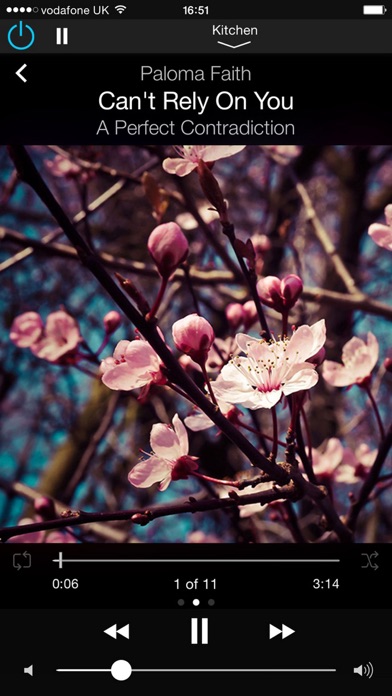
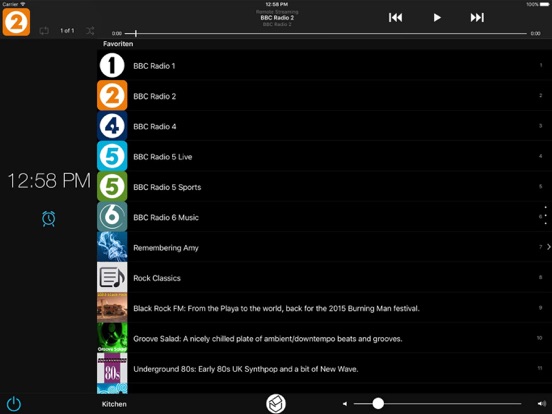
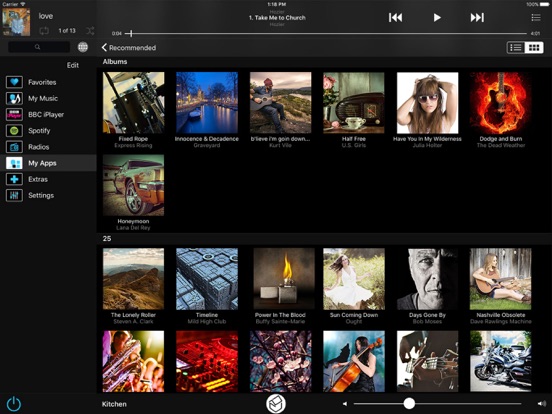
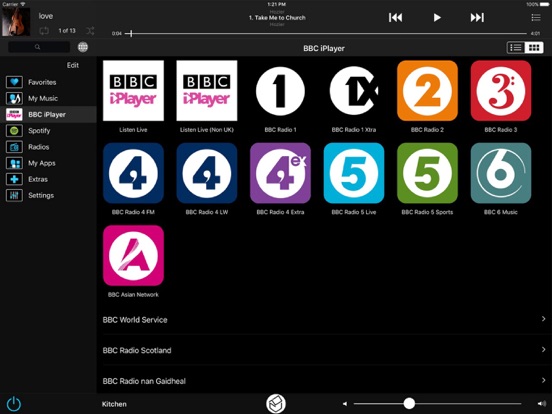
The S7 NetMusic App is designed exclusively for use with the Systemline S7 multiroom music system. The S7 NetMusic App is optimised for iOS7 and is compatible with iOS8. Turn your iPhone, iPod Touch or iPad in to a powerful multiroom controller usable anywhere in your home A number of special integration features have been included to make it readily usable with 3rd party control systems including KNX™, Lutron™, Control 4™ & Crestron™. This includes ‘punch through’ from the 3rd party App, support for automatic zone selection and a convenient return-path back to the 3rd party App that opened it. The first thing that greets you is the home screen, which could not be simpler. The home screen displays the time (with alarm function) and direct ‘one-touch’ selection of any favorite, which can be a radio station, album or playlist (stored on the NetServer or via a Music-on-demand service). There is also the option of an in-App purchase to add a fully featured Player function to your Controller. This is ideal for headphone listening or to Stream to compatible speakers. S7 NetMusic is a universal App for both iPhone and iPad, so you only have to purchase the App once. The main menu is fully customizable, so you can decide what services you want and position them in your order of preference. This is through a simple drag-and-drop process. One of the main features of this App, is its speed of operation. It is also simple and intuitive to use. You can easily browse your ‘My Music’ folder by Albums, Artists, Genres etc. or simply search for the music of your choice. There are a whole host of on-line services available through a wide choice of ‘Plug-ins’ including BBC iPlayer Radio ™, Qobuz ™ , Spotify ™ , Deezer ™ , YouTube ™, Tune-In ™ and many more. And for consistency, these services are presented and controlled in the same way as your own stored music library . Zones can be grouped together for party mode, or a number of separate groups can be created, all using a simple drag-n-drop process. Each zone within the group can be separately controllable, together with a master volume for each group. There is also a button to turn all zones off. There is a powerful on-the-fly playlist to which you can add tracks and then edit the playlist as you require, again by a simple drag n drop process. The playlist can then be saved and add to favorites if required. There is a restricted access feature, which can be used to limit certain devices from being able to control specific zones. For example, you may not want a teenage son or daughter making music selections or controlling the volume of NetMusic in your master bedroom. One of the deployment options for S7 is for the use of an iPod Touch or iPad as an in-wall control device. Consequently, considerable attention has been given to this functionality. The iPod Touch implementation is not only designed to work comprehensively in landscape mode, it benefits , as does an iPad, from being able to be woken up by a single touch of its screen. There is no need to access the home button.
Latest release
What’s New
Adaptations for compatibility with iOS 13
Audience growth
Ratings growth
Baseline captured. Growth appears after the crawler observes a changed rating count.
Momentum comes from crawler snapshots for the tracked storefront. “Viral growth signal” means unusually fast recent rating gains; it is an indicator, not download data.
Price tracking
Price intelligence
First snapshot captured. The trend line starts after the next crawler price observation.
- First observed Aug 19, 2026 · 9:05 PM Free
Screenshots