About this app
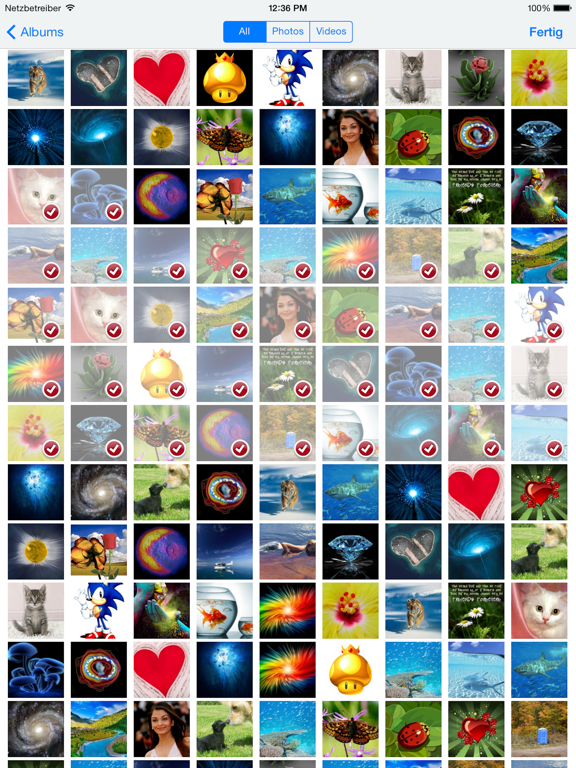
Simply generate PDFs from your images. :: All formats No matter if you want to convert a JPEG, PNG, GIF, BMP or SVG. Just choose an image or make a new one and convert images with quick and simple steps into PDF. :: Several images You are able to convert as many images as you want at the same time. This feature is available over an In-App Purchase. :: Web Download an image from the internet directly in the app and convert it to PDF. :: Options Determine the quality of the generated PDF. :: Overview All your converted images are being saved in the app. You get a great overview of every PDF and can continue to use those. :: Merge Simply merge all selected images into one PDF. :: E-Mail Send your PDF images via e-mail. :: Offline The conversion is made offline. Even if you don't have an internet connection, you are able to use the app entirely.
Latest release
What’s New
Bugfixes
Audience growth
Ratings growth
Baseline captured. Growth appears after the crawler observes a changed rating count.
Momentum comes from crawler snapshots for the tracked storefront. “Viral growth signal” means unusually fast recent rating gains; it is an indicator, not download data.
Price tracking
Price intelligence
First snapshot captured. The trend line starts after the next crawler price observation.
- First observed Aug 20, 2026 · 2:02 AM Free
Screenshots