About this app
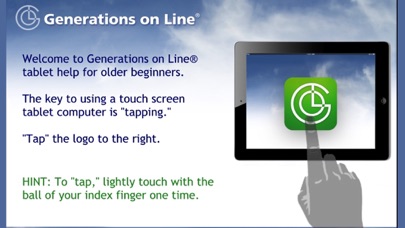
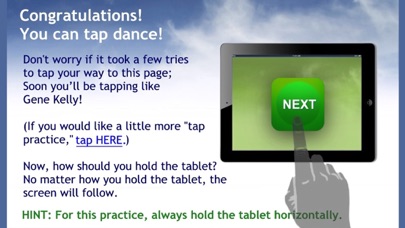
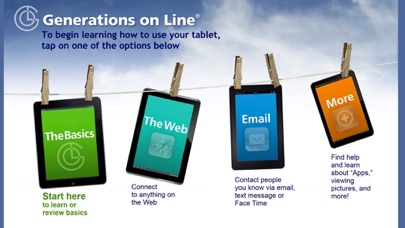
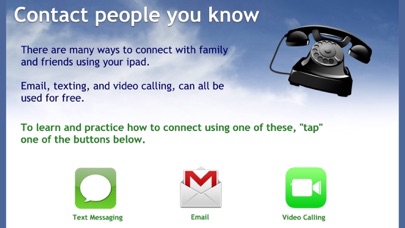
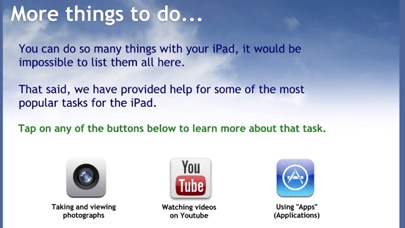
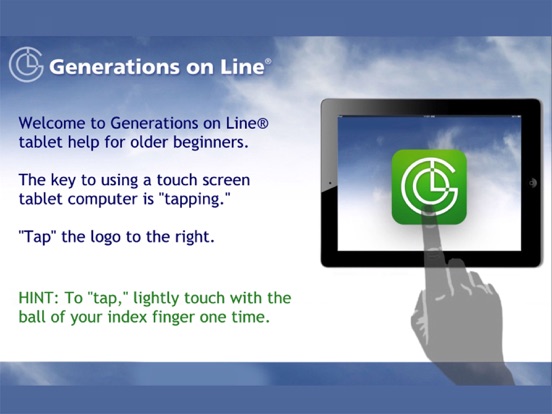
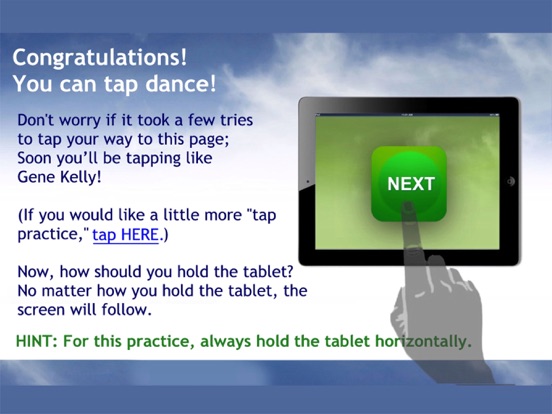
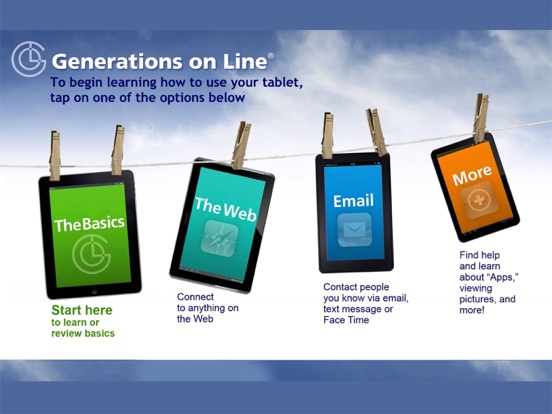
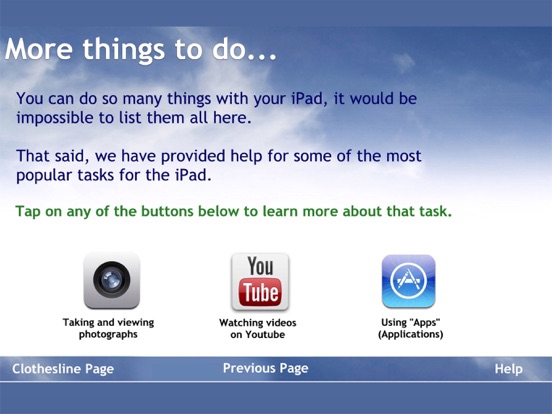
iPad® training for older adults who are unfamiliar with tablet and/or computer technology, easy step-by-step instructions on every screen in large type and simple language by national award winning nonprofit. GoL Tablet Edition is an app expressly for older adults who are brand new to the world of Internet. GoL teaching app guides the new user through a series of hands-on, interactive, step-by-step instructions to develop basic tablet skills, followed by practice exercises for specific popular tablet functions. Self-learning, by proceeding at their own pace, the new users learn by doing – with instructions that lead to Internet applications – email, web searching, YouTube, as well as tablet tools such as using the camera, texting and video calling. User learning experiences are directly transferable to other tablet functions, apps, and the Internet at large. Designed and tested for use with older adults – the key attributes are: - Step-by-step guided instructions on each screen - Large type, plain English instruction, - No advertising, - Familiar and static graphics – all designed to avoid confusion and distraction, - Help pages that are one tap away. GoL differs from other means of learning the tablet in two ways: - The focus is on the individual learner. The new user experiences for herself the excitement of discovery – the “aha!” moment, the “I did it all by myself” moment -- that makes the learning effort worthwhile and memorable. - We provide instructions on every screen so the user never has to worry about forgetting. From learning how to “tap” to learning how to download a new app, the user is guided through the process with step-by-step instructions. Studies show that when an elder who is completely unfamiliar with computer or tablet technology reads all the directions and tries to follow them on her own, with someone there to assist and encourage, she will learn the basics of using using an iPad in 45 minutes! No one should be left behind, particularly the older among us, who could benefit so much from the use of email and the riches of the World Wide Web. For more information, please visit our website www.generationsonline.org
Latest release
What’s New
This app has been updated by Apple to prepare for watchOS 27 compatibility. No new features are included. Instructional updates with updated images and app name change.
Audience growth
Ratings growth
Baseline captured. Growth appears after the crawler observes a changed rating count.
Momentum comes from crawler snapshots for the tracked storefront. “Viral growth signal” means unusually fast recent rating gains; it is an indicator, not download data.
Price tracking
Price intelligence
First snapshot captured. The trend line starts after the next crawler price observation.
- First observed Sep 1, 2026 · 5:31 AM Free
Screenshots