About this app
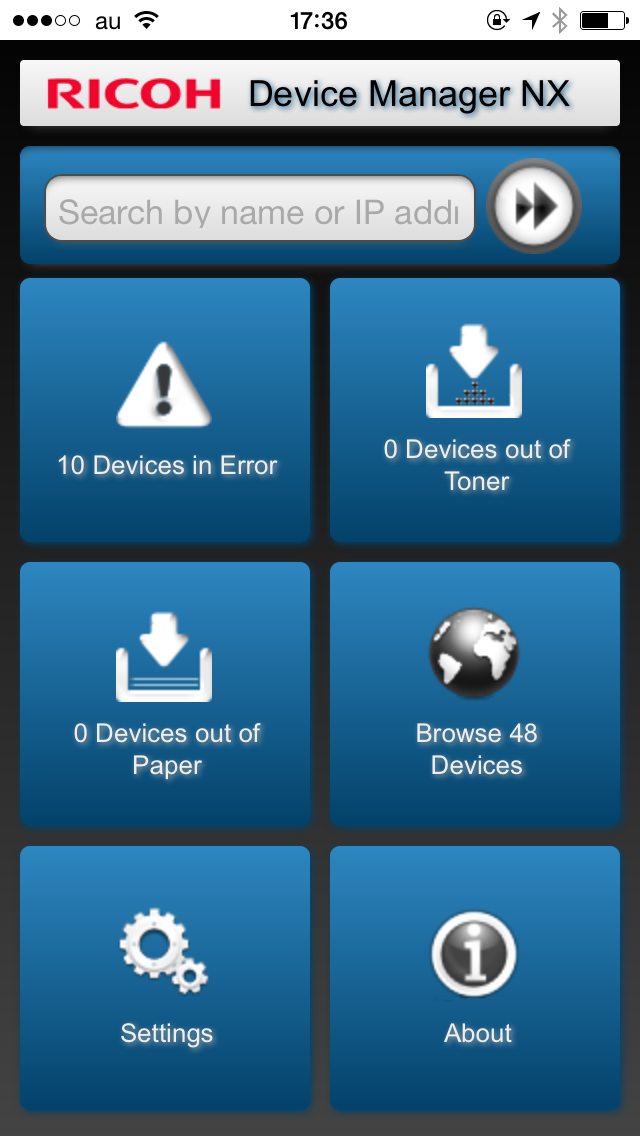
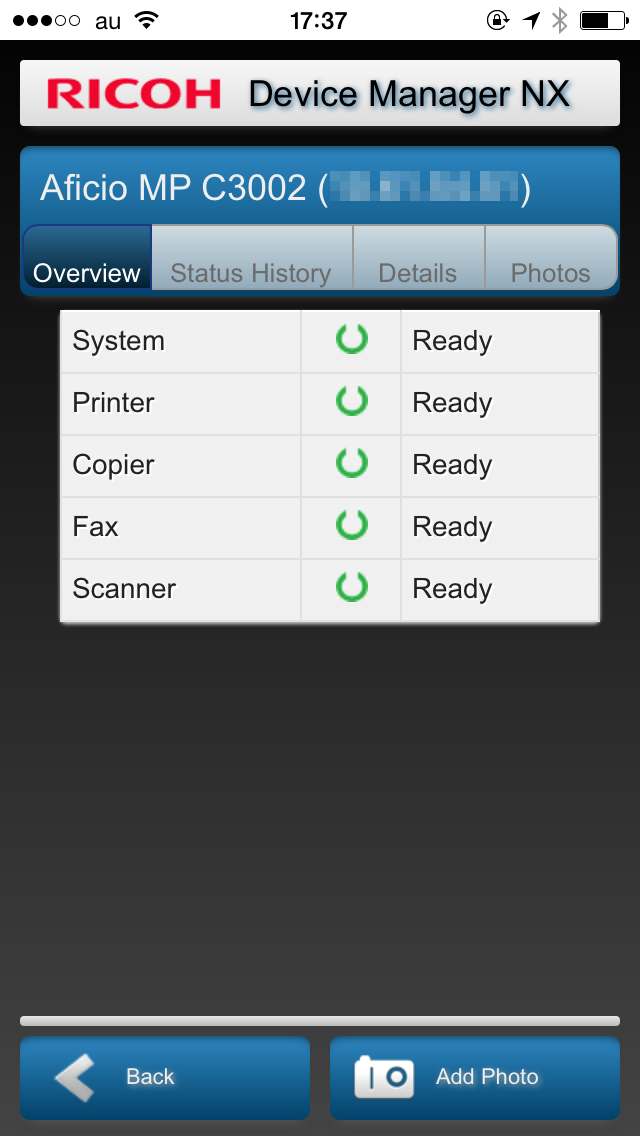
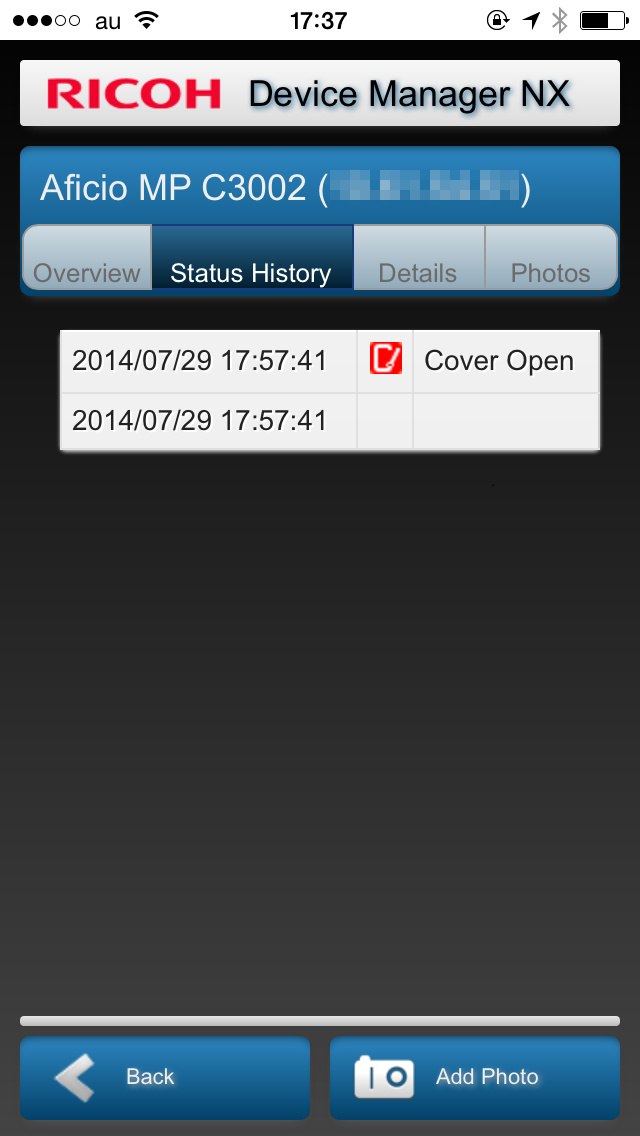
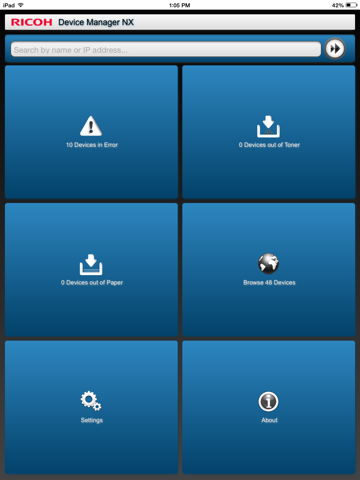
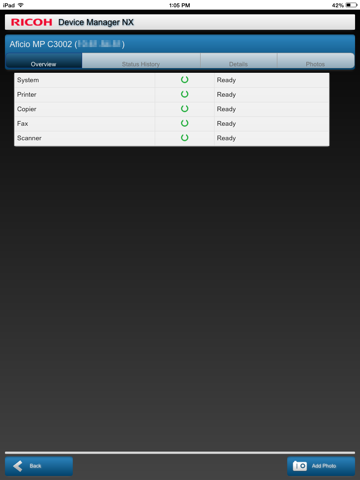
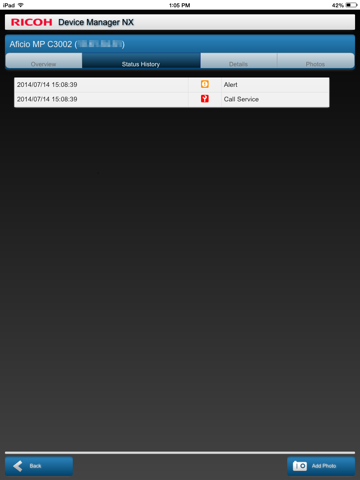
To use this application, the Device Manager NX Pro/Enterprise server software is required. For customers who wish to use this, please contact your nearest RICOH subsidiary or distributor. When connected to Device Manager NX Pro/Enterprise, RICOH Device Manager NX allows for highly efficient device management. In addition to displaying a list of managed devices and device overviews, it allows users to upload photos and register them to devices in Device Manager NX Pro/Enterprise. Major features: - Display a list of managed devices - Display a list of devices encountering errors, out of toner, and out of paper statuses - Display device overviews, details, status histories, and photos - Upload photos to Device Manager NX Pro/Enterprise Usage preparation: 1. Turn on the Mobile Device Access function in Device Manager NX Pro/Enterprise. 2. Activate RICOH Device Manager NX on the smart devices and configure the connection to Device Manager NX Pro/Enterprise.
Latest release
What’s New
This update from Apple will improve the functionality of this app. No new features are included. - Re-built to support iOS 8. - Added support for 64-bit devices. - Brazilian-Portuguese support.
Audience growth
Ratings growth
Baseline captured. Growth appears after the crawler observes a changed rating count.
Momentum comes from crawler snapshots for the tracked storefront. “Viral growth signal” means unusually fast recent rating gains; it is an indicator, not download data.
Price tracking
Price intelligence
First snapshot captured. The trend line starts after the next crawler price observation.
- First observed Aug 17, 2026 · 12:23 AM Free
Screenshots