About this app
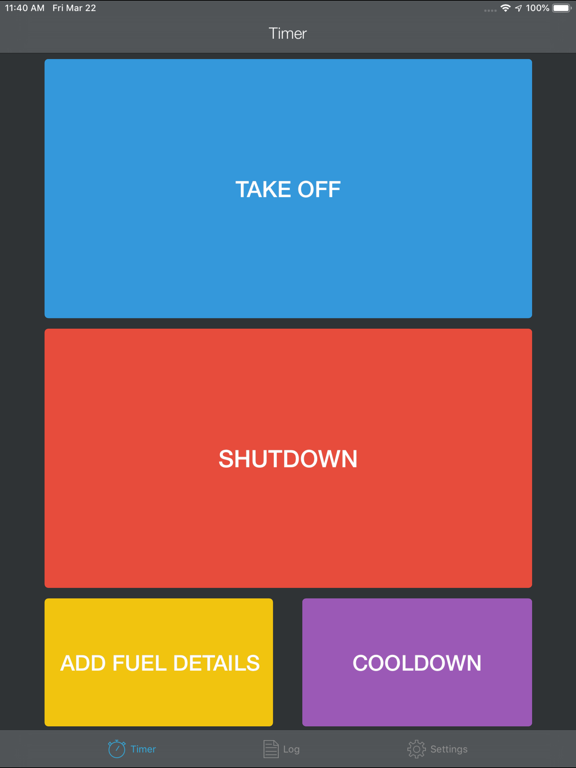
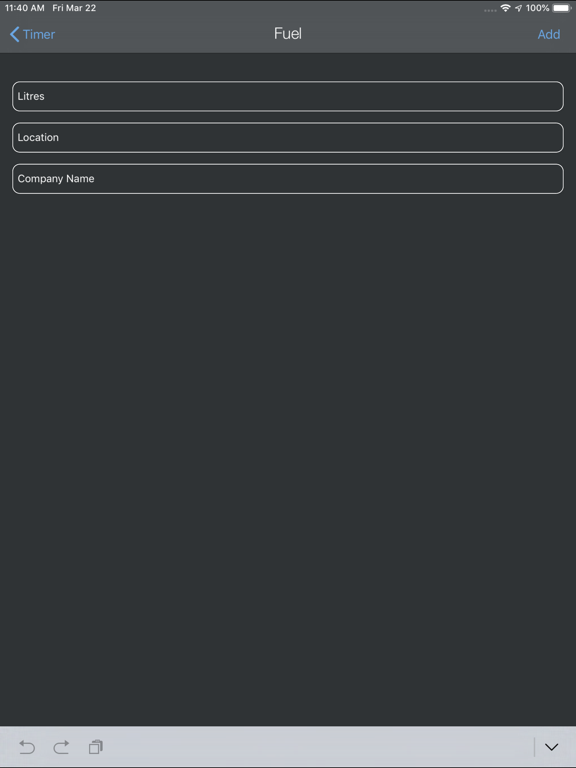
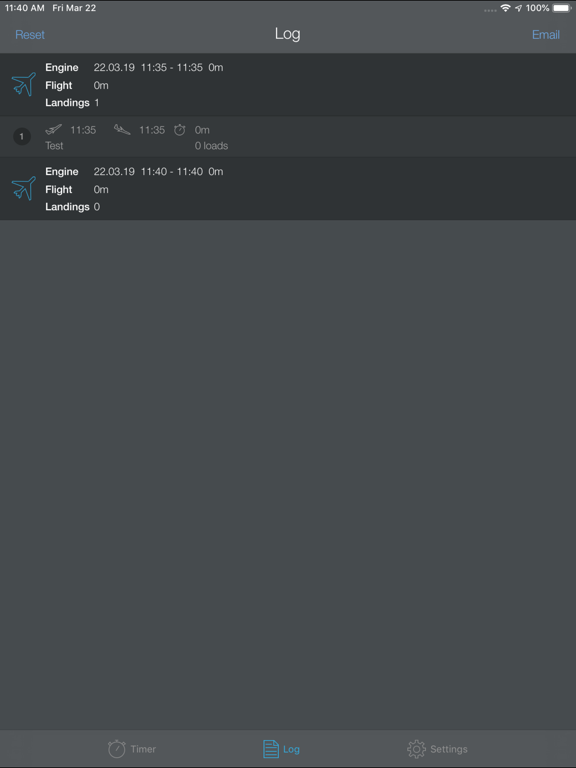
Daily flight log keeps track of engine on, take off, landing and engine stop times, start fuel and Stop fuel, landings, starts, fuel, number of loads and passengers. The app has large easy to use buttons that are pressed manually. Totals are kept in a log until emailed or deleted, the state of the app persisted through phone restarts. The flight logs can be saved to a cloud-based file or be emailed directly to your company or to yourself to see total engine time, flight time, starts, landings and fuel for the day and are in a CSV and PDF formats. This app is useful for any aircraft doing multiple engine starts and multiple take off and landings. Fuel can be added at any time. Passengers can be added before take-off. Loads can also be counted which is useful for firefighting ops or tourist work. There is also an engine cool down countdown timer that is configured in the settings. eg. 60 or 120 seconds Email is configured in settings The coordinates are also shown in the saved or emailed CSV. Location is shown in the log view on the app and in the CSV and PDF. This App will reduced your time on paperwork at the end of the day as it is all added up for you. Instead of picking up the pen, just open the device and press the buttons. You just have to get used to using it. Save to file and also email at the end of each flight or the end of the days flying to keep the records.
Latest release
What’s New
A flight details section to add pilots name, aircraft, task and a general notes section. Aircraft regos are auto saved to make a dropdown list when flying multiple aircraft and can be deleted and added in the settings. The timer section is now updated to include start and stop fuel, take off and land georeferenced location when the OK button is pressed, a flight and engine timer and ability to add passenger numbers. The flight log section is updated, and individual logs can be edited or deleted. Fuel added is attached to the current log view and can be edited or deleted. Flight logs can be saved to a cloud based file without deleting the log. Flight logs, when saved or emailed are sent as a CSV and PDF. The PDF is similar to a company journey/ Flight log. When the pop up after engine start or each landing, asks “Where are you” simply press the ok button and the location is georeferenced and saved or you can add a specific location or skip the location if not required. Fuel when added now has a time and date stamp. There is a basic fuel burn based off engine time in the CSV and PDF.
Audience growth
Ratings growth
Baseline captured. Growth appears after the crawler observes a changed rating count.
Momentum comes from crawler snapshots for the tracked storefront. “Viral growth signal” means unusually fast recent rating gains; it is an indicator, not download data.
Price tracking
Price intelligence
First snapshot captured. The trend line starts after the next crawler price observation.
- First observed Aug 20, 2026 · 2:02 AM $4.99
Screenshots