About this app
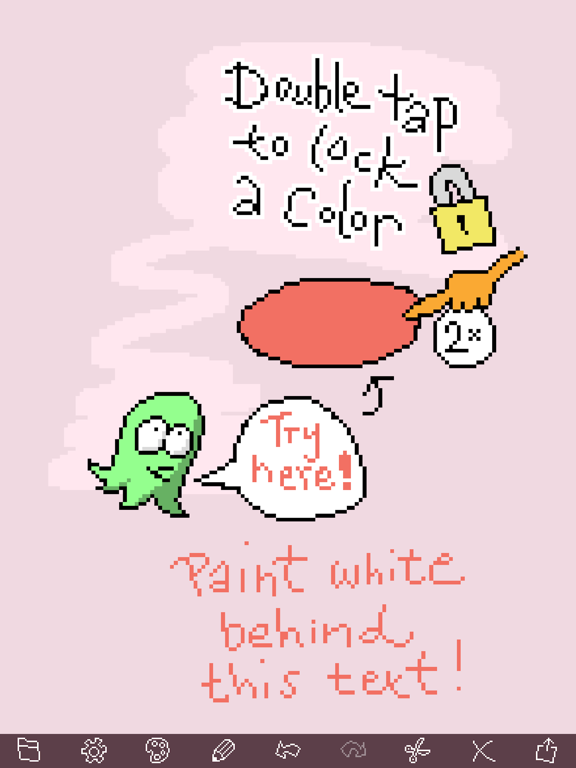
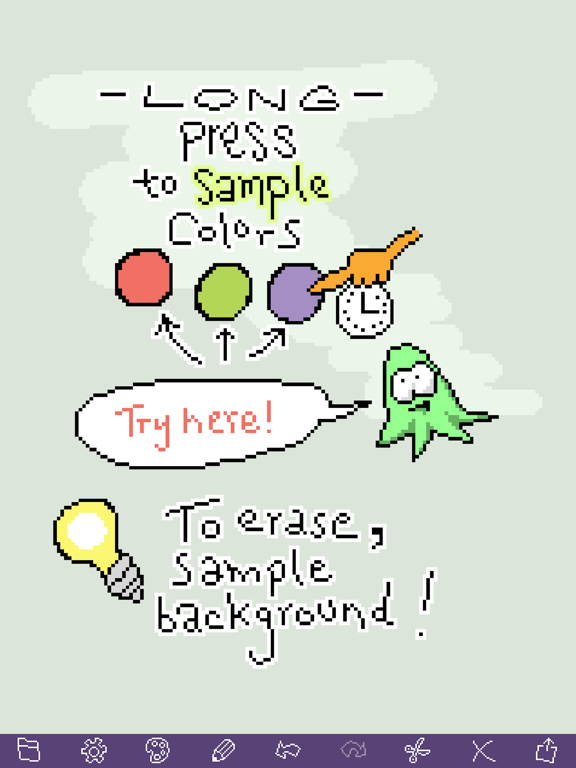
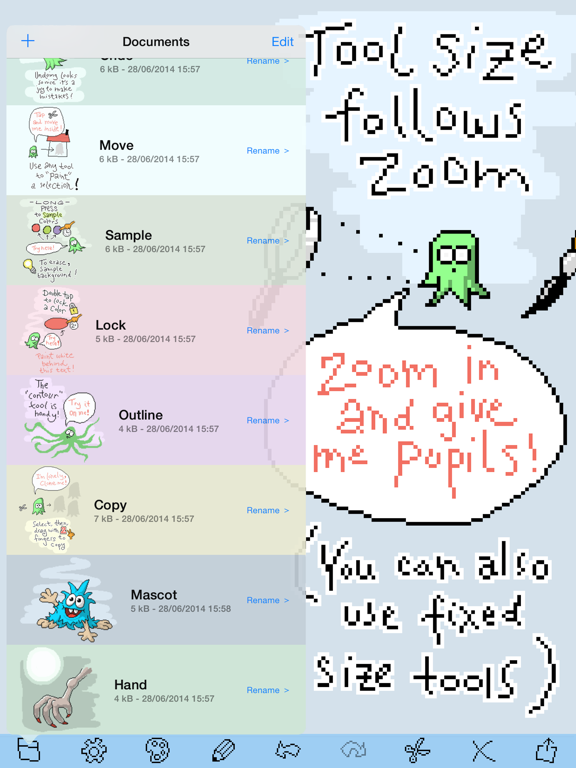
*** Please note: This FREE version puts an overlay on exported PNGs. Saved documents can later be opened in full version if iCloud is enabled! *** - "Wow — just wow, I've played with nearly ALL of the pixel editors out there (I use them daily) and none come close to this in terms of slickness.", UK - "I'm a HUGE fan of Pixel Playground! It's the only iOS pixel art app that's as well designed as iOS itself. Almost every design decision is perfect.", US - "This is Absolutely what you should expect from a great pixel art tool. Some of the tools here work like magic. Nice touches everywhere in the app.", UK - "Extremely feature rich but not bloated. Love the factual names of the colours too.", UK - "This really is a great pixel editor. The interface is refreshing and there’s a surprisingly robust toolset augmented with useful gesture controls. Pixel drawing is precise.", US - "The tutorials are fun and very effective at teaching the app’s features.", US - "Inuitive, fast. Really surprised to see several really cool tools. Lock color. Draw to select. Long press to sample. Nice.", Denmark ---- Do pixel editors have to be as retro as pixel art itself? No! Professionals, hobbyists and newcomers – rejoice! Pixel Playground is here, and it's powerful, beautiful and simple. INTERFACE - Simple & clean with no clutter between you and your art - Intuitive document organizer - Document bounds grow as needed - Super responsive drawing - Fast and smooth pan and zoom - Unlimited undo steps - Portrait or landscape anytime - Instant launch TOOLS - Freehand, lines, boxes, ellipses, flood-fill - Cool auto contour tool - Intuitive tool size: matches finger-tip size at any zoom level - Flood-fill and contour tools supports 4 or 8 pixel neighborhoods - Powerful selection: paint a mask using regular tools - Easy to move stuff around - Cut, copy, paste COLORS - Smart palette with existing document colors - Extensive palette with all recent colors - Paint opacity setting - Automatic color naming for easy reference - Long press to sample existing colors - Lock all pixels of one color - Lock all pixels except one color - Adjust individual colors in your art - Auto erase when drawing on same color SAVING - Syncs using iCloud - Auto saves your work - Export as regular PNGs - Save to photos, air drop, facebook, twitter, etc. BONUS - No in-app purchases - Magic undo/redo transitions - Minimal file size (1,5 MB!) Turn on iCloud sync, and you can access your documents if you upgrade to the full version!
Latest release
What’s New
This update from Apple will improve the functionality of this app. No new features are included. Bug fixes
Audience growth
Ratings growth
Baseline captured. Growth appears after the crawler observes a changed rating count.
Momentum comes from crawler snapshots for the tracked storefront. “Viral growth signal” means unusually fast recent rating gains; it is an indicator, not download data.
Price tracking
Price intelligence
First snapshot captured. The trend line starts after the next crawler price observation.
- First observed Aug 21, 2026 · 1:38 PM Free
Screenshots