About this app
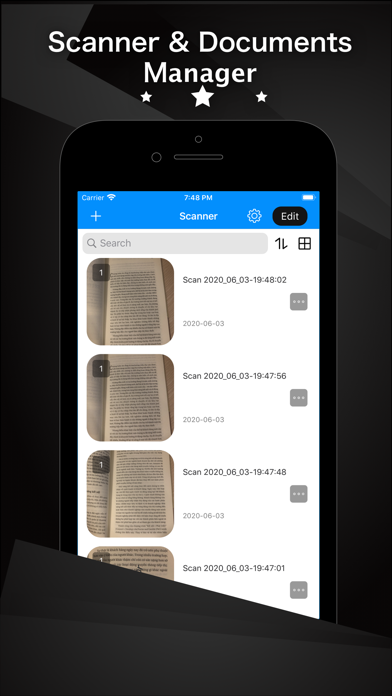
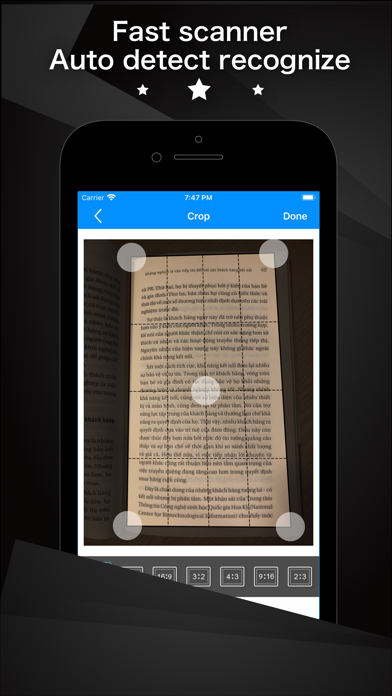
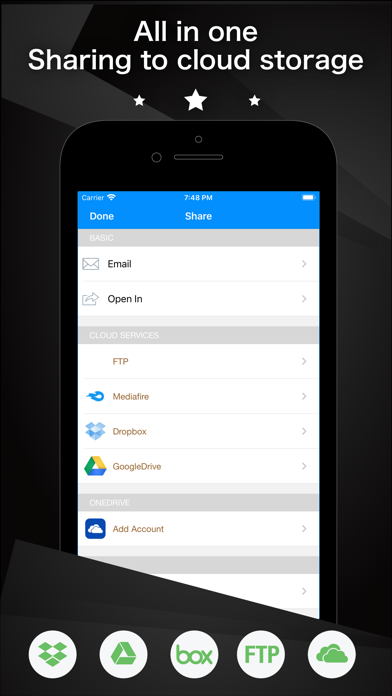
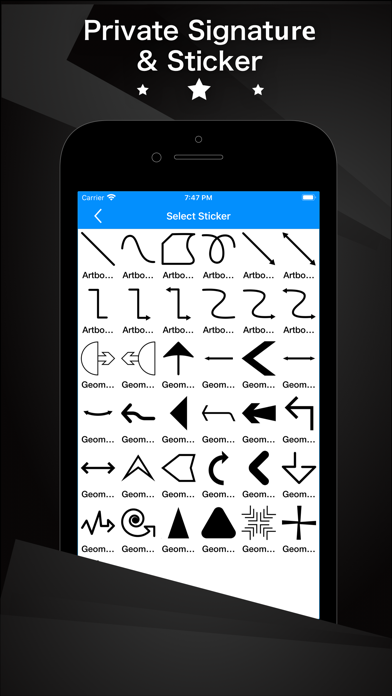
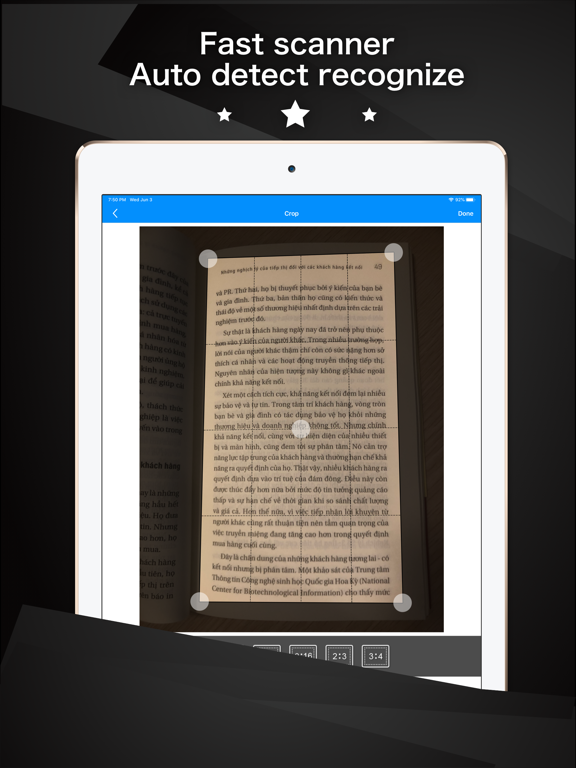
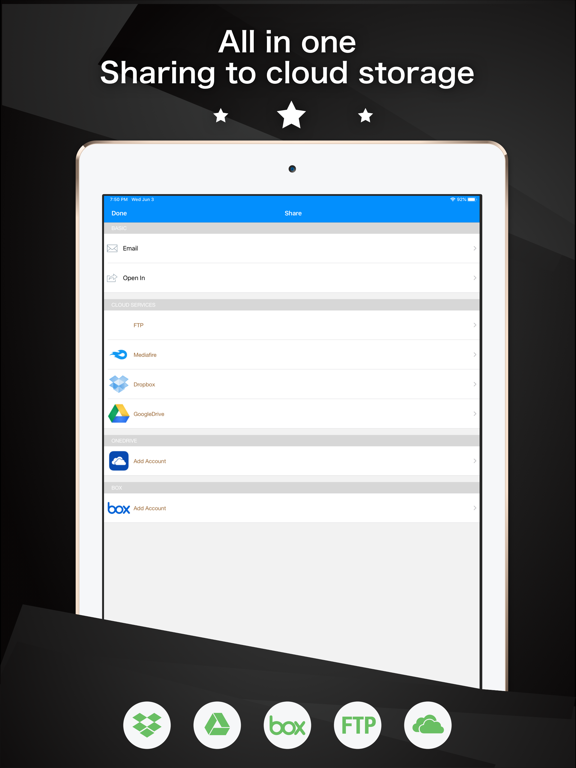
iScanPDF transforms your iPhone and iPad into portable scanners. It allows you to scan receipts, whiteboards, paper notes, or any multipage document. Scanned documents can be emailed and printed, uploaded to Dropbox, Box, Google Drive and One Drive, or simply saved on the iPhone/iPad. The application incorporates special algorithms that remove shadows, make scans sharper, correct perspective and make them as readable as possible. Experience the simplicity of document scanning: + Scan receipts to keep track of travel expenses + Convert paper notes and sketches into digital copies + Sign with a pen and scan a contract to email it back + Save interesting articles and book pages for further reading What Scanner Pro allows you to do: + Scan documents + iScanPDF scans any type of document, ranging from a receipt to multipage documents. All scans are saved as a PDF. + Process images smartly + Automatic edge detection and advanced image processing help you to get great scans blazingly fast. You can also adjust the crop area manually, by tapping on the screen. + Real-time border detection + While making a scan, borders are detected visually and in real time. Thus you can choose the best position to get a perfect scan and skip manual borders adjustments. + Scan documents into a PDF file + All scanned document are produced as industry-standard PDF files. You can add new scans, delete or rearrange pages within a PDF file. + Email or print scanned documents + Just scan any document and tap the "Send" button. If the document needs to be printed, send it to any printer nearby. + Upload scans to online storage + All your scans can be uploaded to Dropbox, Box, One Drive, Google Drive or any other + iCloud sync across all devices + It brings convenient access to all your documents on your iPhone or iPad. When you take a picture on your iPhone, seconds later it can be accessed on your iPad vice versa. IMPORTANT NOTE FROM THE DEVELOPERS: If you have any questions, feedback or suggestions please contact us directly at helper.df@gmail.com or http://vnios.com/iscanpdf
Latest release
What’s New
Fix bug and functions improvements.
Audience growth
Ratings growth
Baseline captured. Growth appears after the crawler observes a changed rating count.
Momentum comes from crawler snapshots for the tracked storefront. “Viral growth signal” means unusually fast recent rating gains; it is an indicator, not download data.
Price tracking
Price intelligence
First snapshot captured. The trend line starts after the next crawler price observation.
- First observed Aug 19, 2026 · 7:29 AM Free
Screenshots