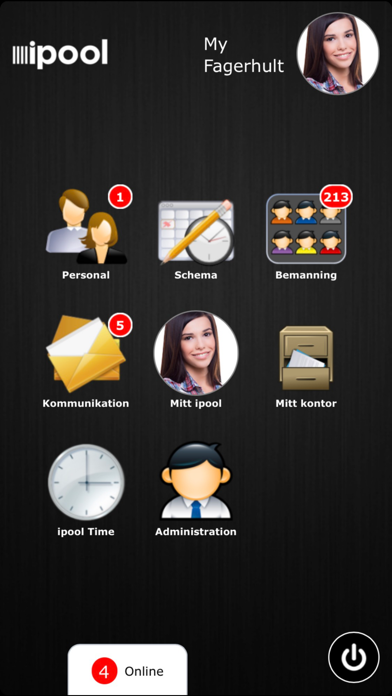
About this app
Ipool is a tool for efficient staffing and personnel communication. It is available for both managers and personnel. The portal helps you streamline and ensure your staffing, personnel communication, schedules and documentations. Ipool handles your staffing in each step - plan vacant work periods - hand out available work periods - the staff indicate when they are available to work - approve work periods - handle applications for change of work periods - handle leave applications - handle notifications of illness - handle temporary certificates of employment Ipool gathers all communication in one place - internal e-mail - text-messages - internal chat function - notice board - documents The current schedule is always available to view in ipool. You can view schedules per day, week and month. You can work with your schedule in ipool and add, change and remove work periods and you get automatic suggestions for temps. All employees have their own ipool login. They can: - view the current schedule (their own and colleagues) - book available work periods - apply for a change of work period - apply for leave - read employee information - communicate with colleagues Ipool facilitates the workday for you and your personnel. It is: - easy to use - easy to get started (you can have the portal going in a matter of hours for all your employees) - easy to have access to (all around the world where you have a computer, smart phone or tablet with Internet connection) - easy to understand the advantages - easy to adapt to your needs (the portal is available in different sizes) - easy to profit from (you save a lot of time – time is money)
Latest release
What’s New
Bugfixes
Audience growth
Ratings growth
Baseline captured. Growth appears after the crawler observes a changed rating count.
Momentum comes from crawler snapshots for the tracked storefront. “Viral growth signal” means unusually fast recent rating gains; it is an indicator, not download data.
Price tracking
Price intelligence
First snapshot captured. The trend line starts after the next crawler price observation.
- First observed Aug 21, 2026 · 12:08 AM Free
Screenshots