About this app
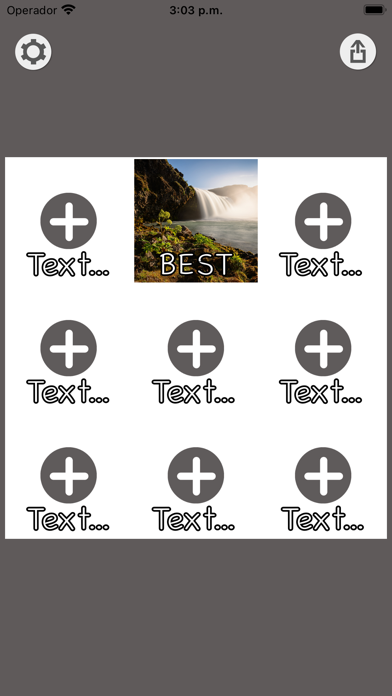
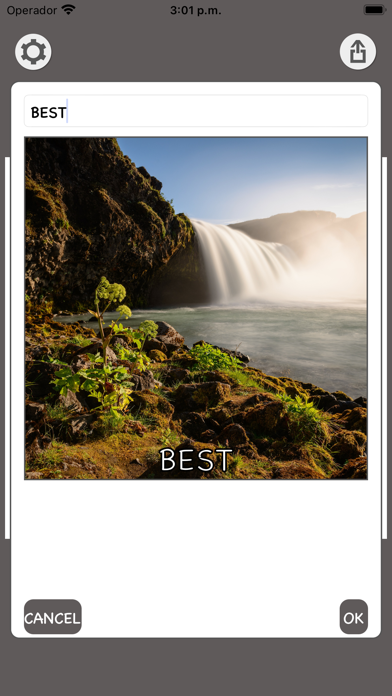
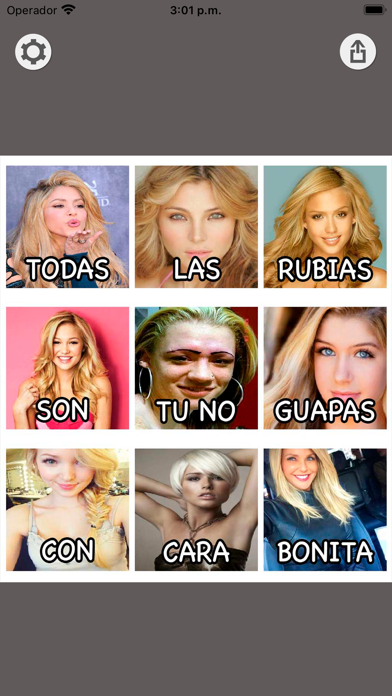
How to use: - Click on the + symbol in the square you want to add a photo. - A window will open to edit the square. Press the + symbol again to select a photo from the gallery or to make it from the camera. - Click in the upper text box to modify the text. - Press accept and you will see the photo with the text in the final result. - If you want to edit a photo just click on it to edit the photo or text.
Latest release
What’s New
Application redeveloped from scratch to improve its operation completely
Audience growth
Ratings growth
Baseline captured. Growth appears after the crawler observes a changed rating count.
Momentum comes from crawler snapshots for the tracked storefront. “Viral growth signal” means unusually fast recent rating gains; it is an indicator, not download data.
Price tracking
Price intelligence
First snapshot captured. The trend line starts after the next crawler price observation.
- First observed Sep 1, 2026 · 11:55 AM Free
Screenshots