About this app
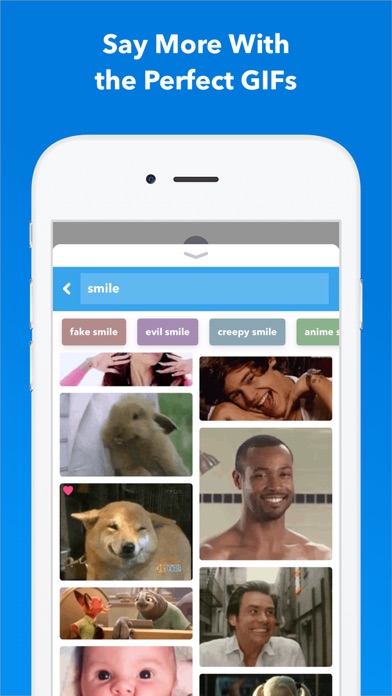
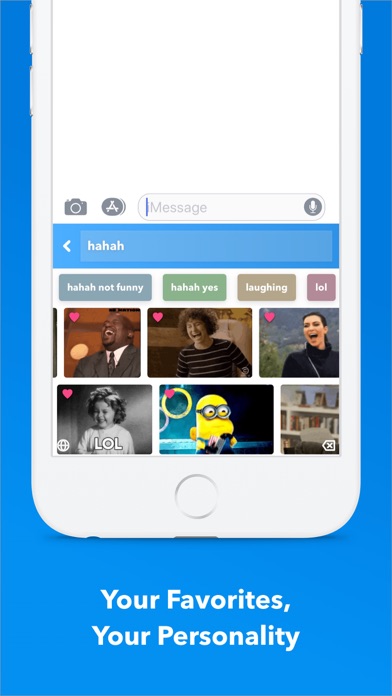
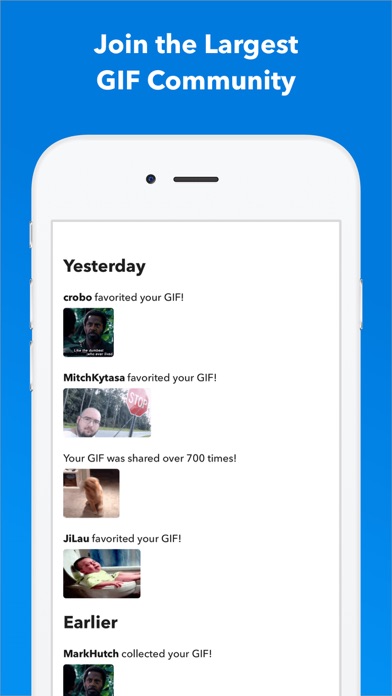
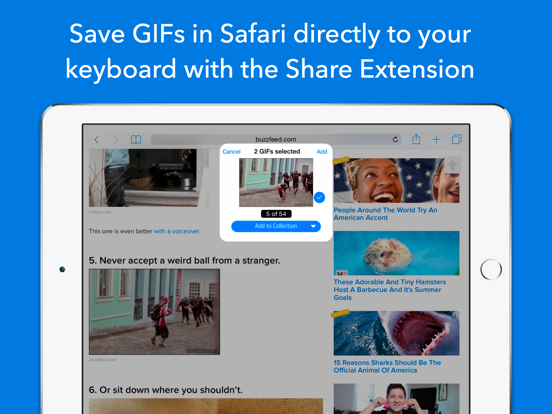
Say more with GIF Keyboard by Tenor. Add tone to your conversation. With Tenor’s GIF Keyboard for iPhone, iPad and iMessage discover or create the right GIF or video to visually sum up exactly what you’re trying to say, directly from your keyboard. Express the emotion, inside joke, or clever response you want to share. iMessage App Features: - Get the same great browse and search experience as GIF Keyboard, including access to your favorites and uploads. Create Stickers - Press and hold on any GIF to create a sticker that you can drag and drop onto any text, image or GIF in iMessage. Capture GIFs - Create your own GIFs with your front or back camera and personalize them with text, a handwritten note or drawings. Share instantly or save to a Pack. Packs - Create packs of your favorite stickers and GIFs that you can easily share with friends and family. Syncs with GIF Keyboard - Everything syncs to your Tenor GIF Keyboard so you can take your stickers and GIFs everywhere GIFs are supported. GIF Keyboard Features: - Send the right GIF or video to express exactly what’s on your mind, directly from your keyboard! - Search Tenor’s millions of GIFs and videos to find the one that perfectly fits the moment. You can also search by emoji to see the GIFs related to that emoji.. - Need inspiration? Browse by category like reactions, trending topics, and more. - Once you find the right GIF or video, simply tap it to automatically copy it to your clipboard, tap the iMessage text box to paste it and watch as it plays inline in your conversation. - See a GIF you like while browsing on your phone? Save it directly to your GIF Keyboard from Safari with the share button and our share extension. No need to save it to your camera roll because it’s instantly available from your GIF Keyboard! - Keep the GIFs you love handy -- double tap a GIF to favorite it and customize your GIF Keyboard. - Works with your favorite messengers and social networks including iMessage, Facebook Messenger, WhatsApp, Facebook and email. Just long-press on a GIF to pull up options to share the GIF, video, link, or save to camera roll. Tenor’s GIF Keyboard needs “full access” in your iPhone settings. This gives the GIF Keyboard full access to the internet so we’re able to give you the GIF you are searching for and ensure that our library is always updated with the latest and greatest GIFs and videos. Note: We do not log keystrokes or send them to our servers other than to search by key terms for the perfect GIF. If you have any other questions about full access please email us at privacy@tenor.co. Tenor was formerly known as Riffsy.
Latest release
What’s New
We've fixed a few minor bugs related to search, ensuring that all formats (GIFs, Stickers, and Memes) are all visible for users. Thanks for using GIF Keyboard!
Audience growth
Ratings growth
Baseline captured. Growth appears after the crawler observes a changed rating count.
Momentum comes from crawler snapshots for the tracked storefront. “Viral growth signal” means unusually fast recent rating gains; it is an indicator, not download data.
Price tracking
Price intelligence
First snapshot captured. The trend line starts after the next crawler price observation.
- First observed Aug 21, 2026 · 12:08 AM Free
Screenshots