About this app
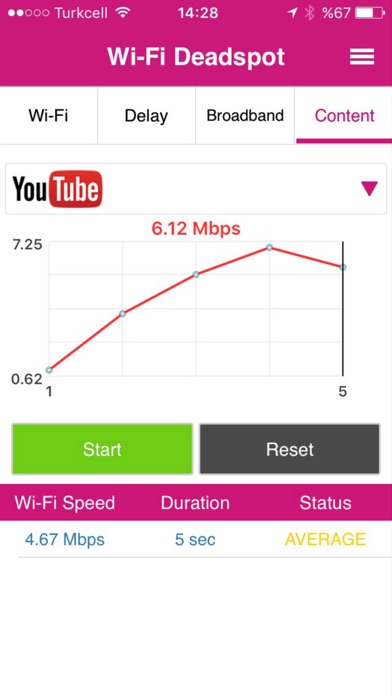
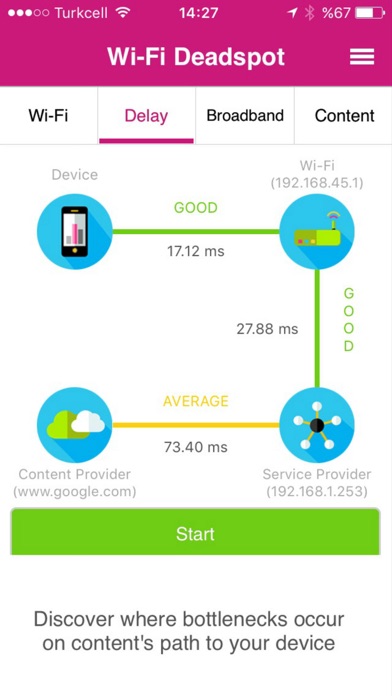
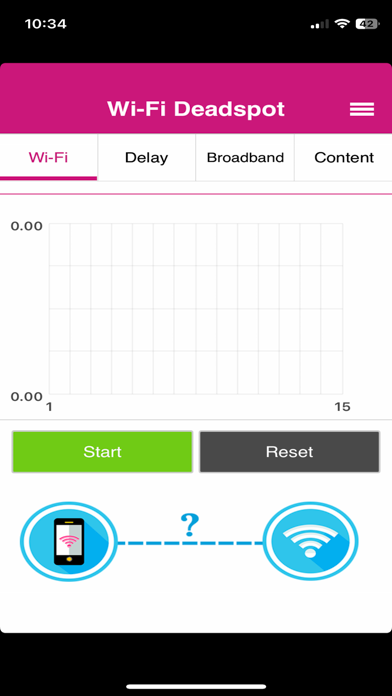
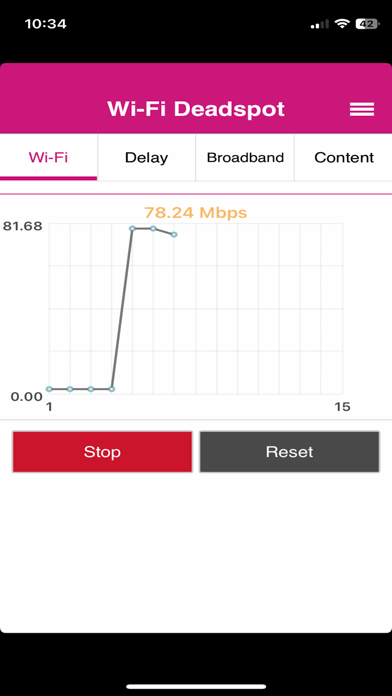
Are you experiencing issues with your Wi-Fi? We help you understand why. Is the problem with your Wi-Fi signal? Or does your ISP have bandwidth issues? Maybe the content provider server is unable to respond to your requests. "Wi-Fi Deadspot" offers you the answer. - [Wi-Fi] tab shows the dead spots in your premises where Wi-Fi speeds suffer. - [Delay] tab tells you how fast your Wi-Fi modem, Service Provider and Content Provider responds to your requests. - [Content] tab performs a Speed Test towards a specific content provider. Note: Wi-Fi Deadspot does not force to enable the GPS on your device if GPS is turned off. However if it's on be aware that continued use of GPS running in the background can dramatically decrease battery life.
Latest release
What’s New
Bug Fixed
Audience growth
Ratings growth
Baseline captured. Growth appears after the crawler observes a changed rating count.
Momentum comes from crawler snapshots for the tracked storefront. “Viral growth signal” means unusually fast recent rating gains; it is an indicator, not download data.
Price tracking
Price intelligence
First snapshot captured. The trend line starts after the next crawler price observation.
- First observed Aug 24, 2026 · 1:57 AM Free
Screenshots