About this app
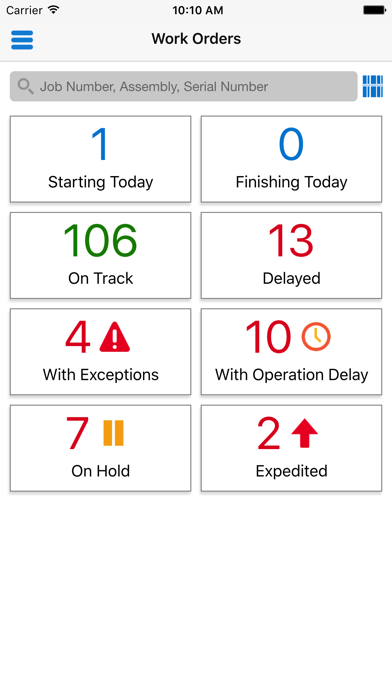
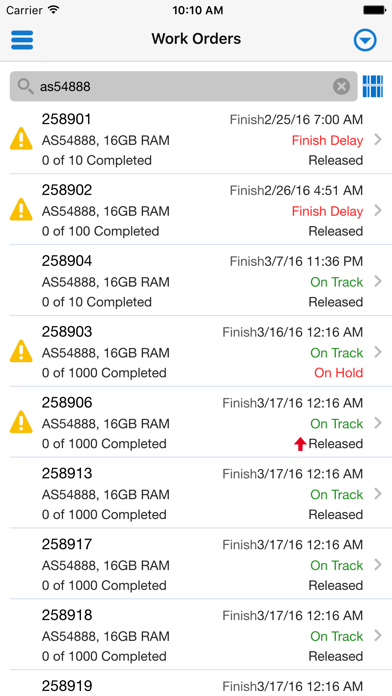
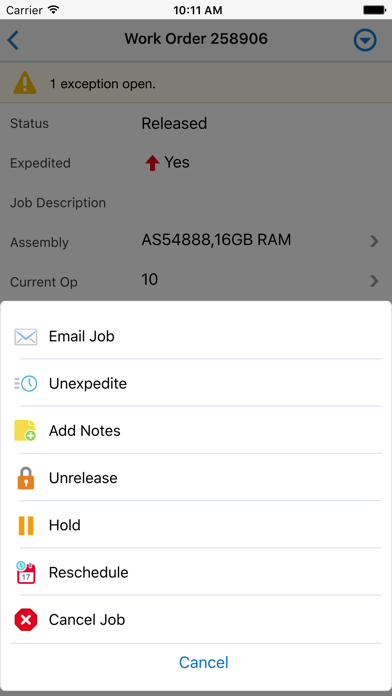
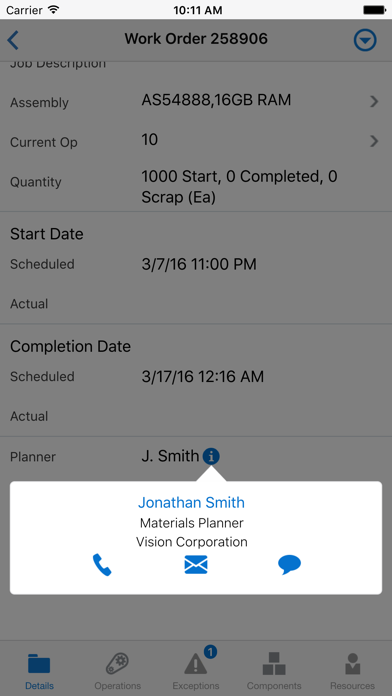
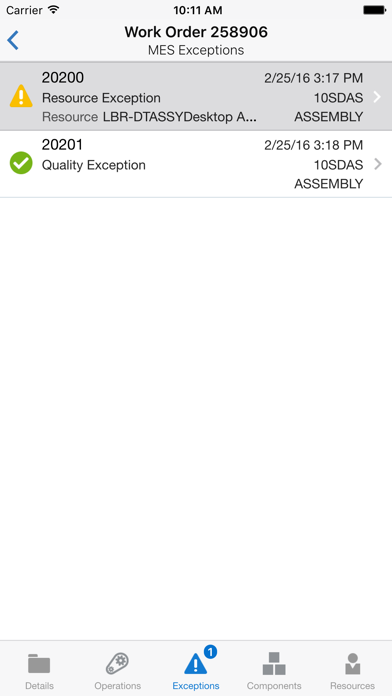
With Oracle Mobile Discrete Production Supervisor for Oracle E-Business Suite, discrete manufacturing supervisors can monitor work in process and take quick actions on the go. - Filter and search, or barcode scan work orders to view progress (on track, delayed, on hold, exceptions) - View work order and operations detail along with their associated attachments - Perform quick actions including expedite, hold, release, unrelease, reschedule, cancel, and add notes - Upload image attachments for work orders, operations, and exceptions. - View component issue and resource charges - Manage production exceptions related to assembly, components, resources, and quality - Collaborate in transaction context using device features such as email, phone and text Oracle Mobile Discrete Production Supervisor for Oracle E-Business Suite is compatible with Oracle E-Business Suite 12.1.3 and 12.2.3 and above. To use this app, you must be a user of Oracle Discrete Manufacturing, with mobile services configured on the server side by your administrator. Users of Oracle Manufacturing Execution System for Discrete Manufacturing get additional capability for exception management. For information on how to configure mobile services on the server and for app-specific information, see My Oracle Support Note 1641772.1 at support.oracle.com Note: Oracle Mobile Discrete Production Supervisor for Oracle E-Business Suite is available in the following languages: Brazilian Portuguese, Canadian French, Dutch, English, French, German, Italian, Japanese, Latin American Spanish, Simplified Chinese, and Spanish.
Latest release
What’s New
- Technical updates Note: The latest app version will work with the current version (N) and one previous version (N-1) of the server-side patches. However, the latest server-side patches must be applied to enable new features and fixes that require those patches; such features are marked with an asterisk (*). See My Oracle Support Note 1641772.1 at https://support.oracle.com
Audience growth
Ratings growth
Baseline captured. Growth appears after the crawler observes a changed rating count.
Momentum comes from crawler snapshots for the tracked storefront. “Viral growth signal” means unusually fast recent rating gains; it is an indicator, not download data.
Price tracking
Price intelligence
First snapshot captured. The trend line starts after the next crawler price observation.
- First observed Aug 11, 2026 · 6:09 PM Free
Screenshots