About this app
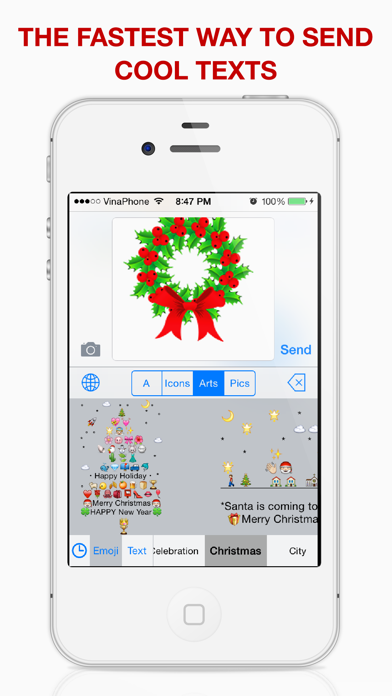
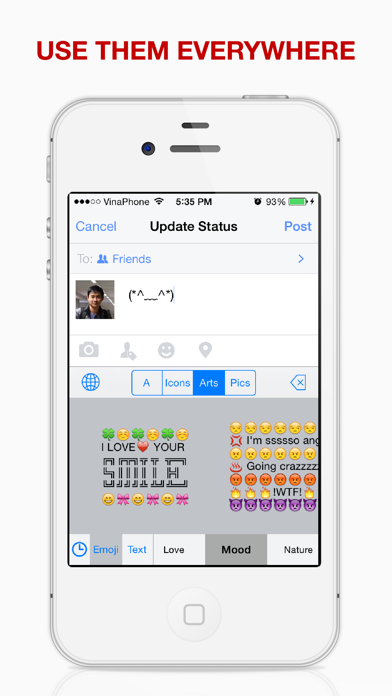
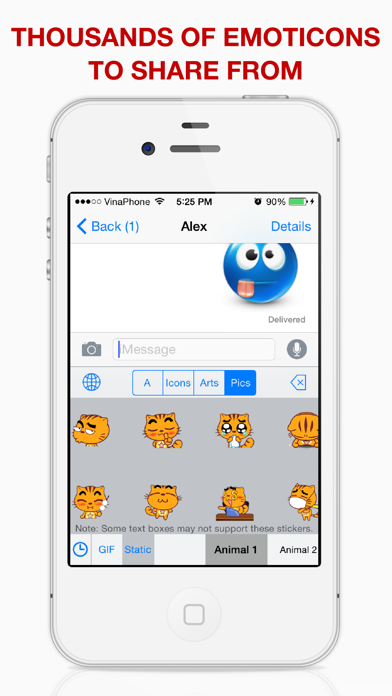
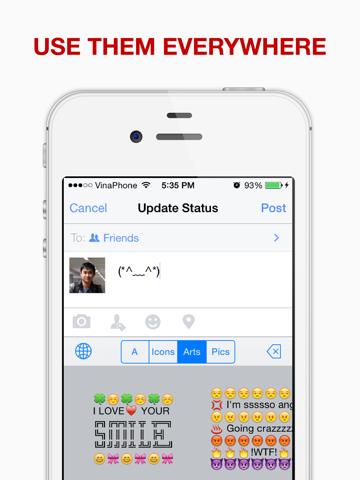
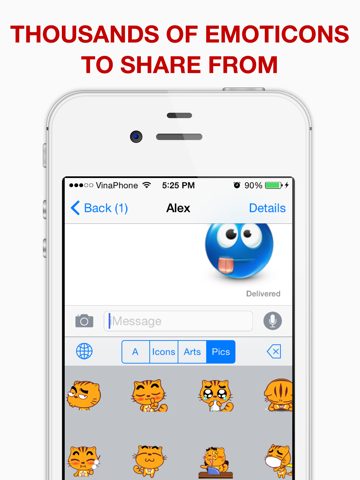
"The greatest Emoji keyboard on the entire App Store." "ONE STOP SHOP KEYBOARD with all you need really!!" Choosing this app, you can: √ Enjoy the biggest collection of Emoticons √ Express yourself with 4000+ Emoji Art pictures √ Use these awesome texts everywhere! Facebook, Twitter, Whatsapp, Kik, Instagram, iMessage, Viber... EVERYWHERE! • Download now and you will see how powerful this emoji keyboard is! *** How to use this keyboard: 1. Open your Settings. The Settings app can be found on your Device’s Home Screen. In the Settings Menu, select the General option. 2. Open the Keyboard menu. Scroll down until you find the Keyboard menu in your General settings. Tap it to open the Keyboard menu. Select the Keyboards submenu. 3. Add the Emoji Keyboard. In the Keyboards submenu, you will see a list of your installed keyboards. Tap the Add New Keyboard button to open a list of available keyboards. Select Emoji Art from the list.
Latest release
What’s New
This app has been updated by Apple to prepare for watchOS 27 compatibility. No new features are included.
Audience growth
Ratings growth
Baseline captured. Growth appears after the crawler observes a changed rating count.
Momentum comes from crawler snapshots for the tracked storefront. “Viral growth signal” means unusually fast recent rating gains; it is an indicator, not download data.
Price tracking
Price intelligence
- First observed Sep 4, 2026 · 10:44 AM Free
Screenshots
6 screenshots · scroll for more