About this app
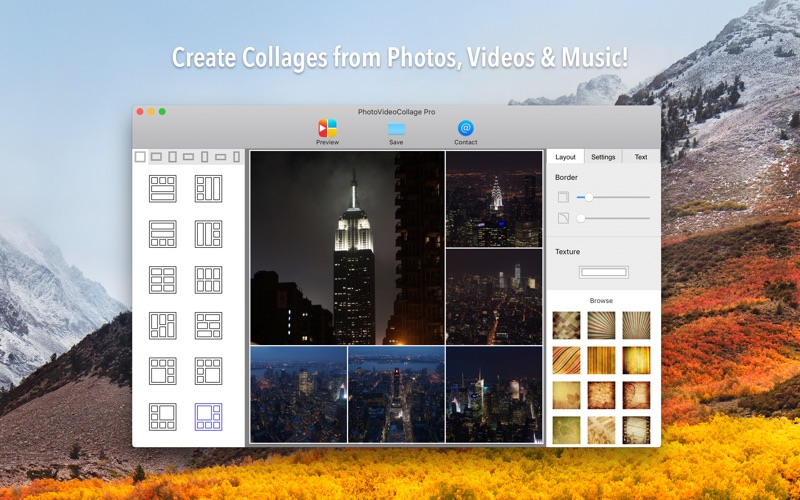
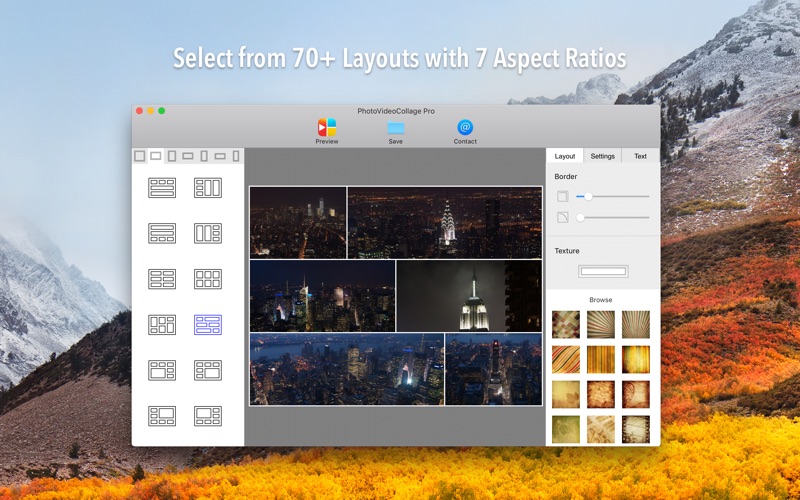
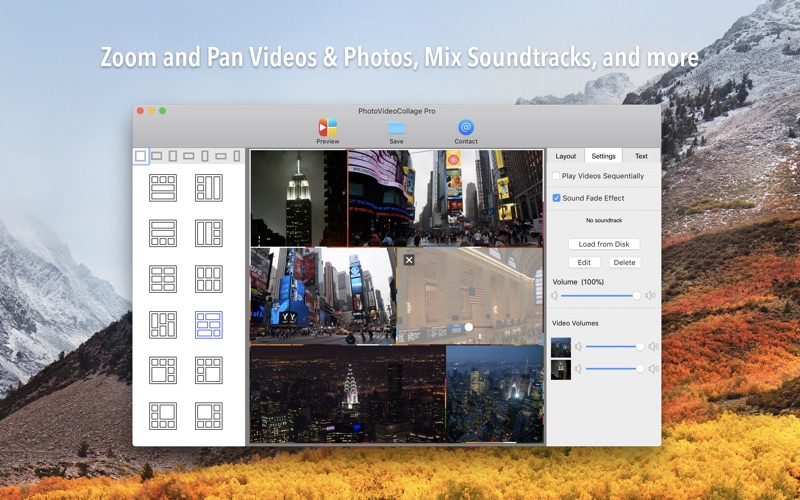
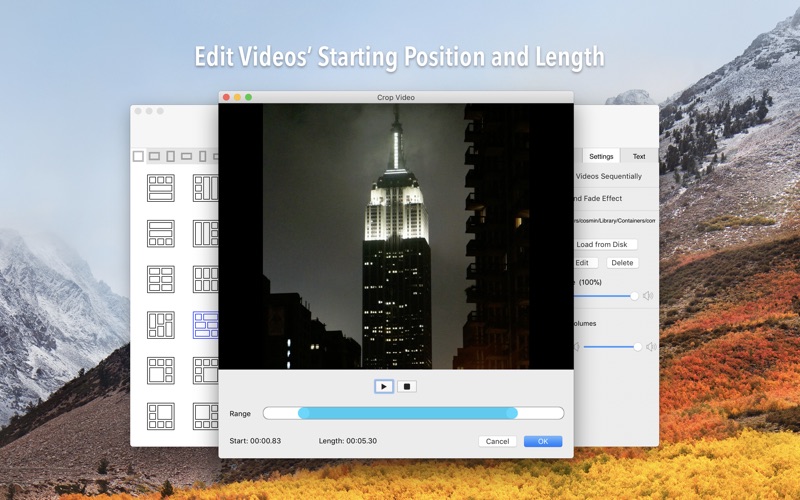
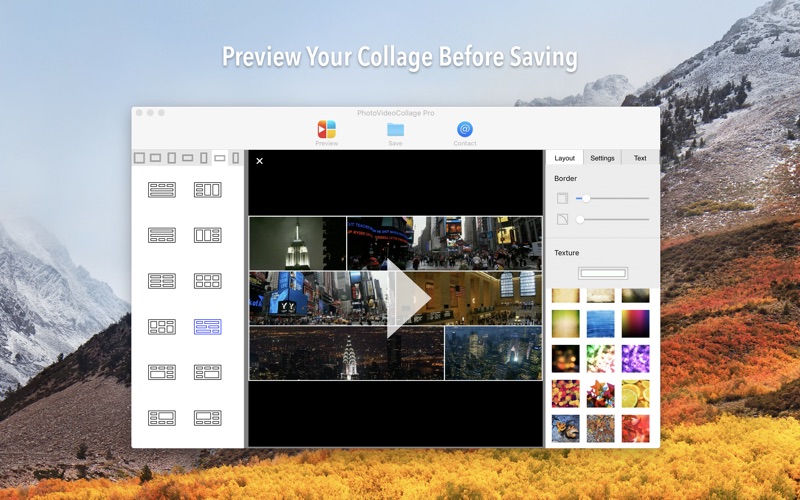
Create beautiful and engaging video collages with your memories and favorite music. Impress your friends and family with your awesome collages that contain not only photos but also video clips, and music! VideoCollage is not your classic photo collage, it's a video collage app that can add photos and music into the mix. "VideoCollage brings the classic photo collage to the next level. Not only can users add photos but also videos, and mix the soundtracks with their favorite music." — CreativeBloq Here's what you get for free: • Create collages from your photos, videos, and music; • Choose from multiple layouts for your collage design (38 layouts are free); • [New] Dark theme mode, that switches automatically with your macOS theme! • 4K resolution for video & photo collages; • 7 aspect ratios for all collage layouts (including 16:9, 16:10, 4:3) • Edit videos by choosing which segment of the video to play; • Simply drag & drop to rearrange the photos & videos inside the layout; • Drag & drop photos & videos directly from the Photos app or from Finder; • Add Text to your collages, with customizable font, size, color and placement; • You can have no frame around the videos, or a frame of specified size and with curved edges; • Set a color or texture for your frame, from a collection of handpicked designs (all colors and 18 textures are free); • Add background music and select the starting position for your song; • Mix the soundtracks (like a DJ) with individual volume controls for each video and for the selected song; • The option to play the videos from inside the video college simultaneously or sequentially; • Fade-in/out audio effect for the resulting video collage. Additionally, you can upgrade to Pro (for just $9.99) and get: • Remove the "Bits&Coffee VideoCollage" watermark from the resulting video collage; • All layout templates (70+) for your video collage; • All textures from the handpicked collection; • The option to select a custom texture for your layout. Now what're you waiting for? This is a Free app so go get it!
Latest release
What’s New
• New beautiful templates with up to 9 cells! • Native support for the new Apple Silicone Macs • Updated for macOS Big Sur • Border no longer covers the image • Additional improvements & bug-fixes
Audience growth
Ratings growth
Baseline captured. Growth appears after the crawler observes a changed rating count.
Momentum comes from crawler snapshots for the tracked storefront. “Viral growth signal” means unusually fast recent rating gains; it is an indicator, not download data.
Price tracking
Price intelligence
First snapshot captured. The trend line starts after the next crawler price observation.
- First observed Aug 13, 2026 · 9:03 PM Free
Screenshots