About this app
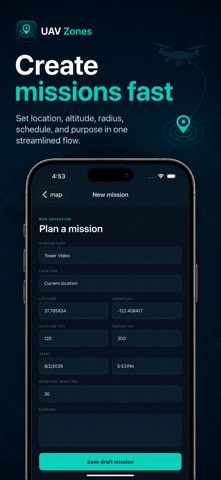
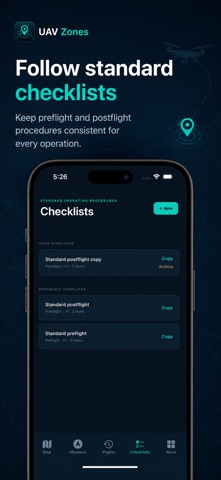
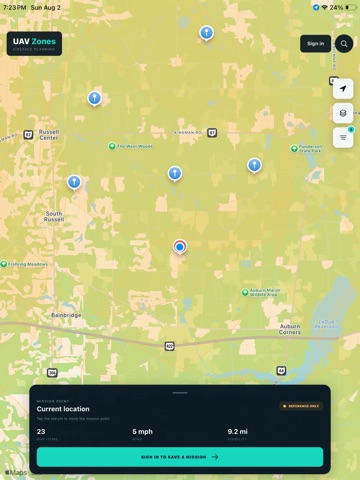
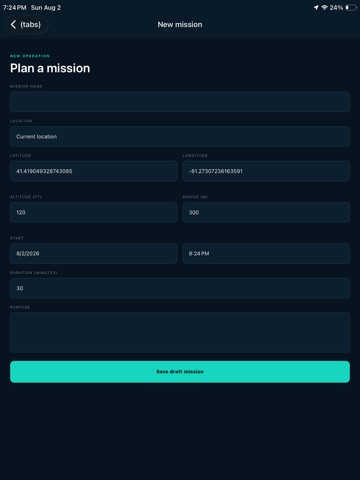
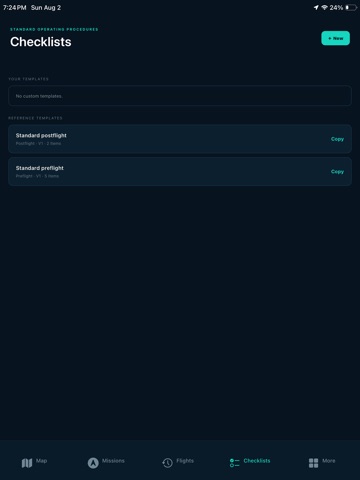
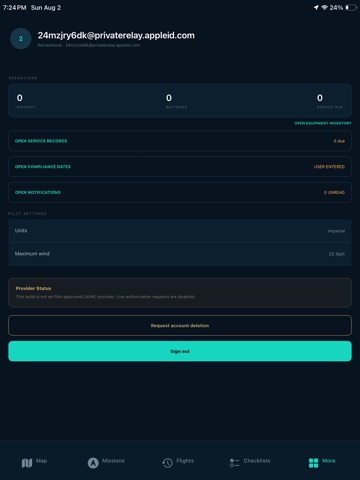
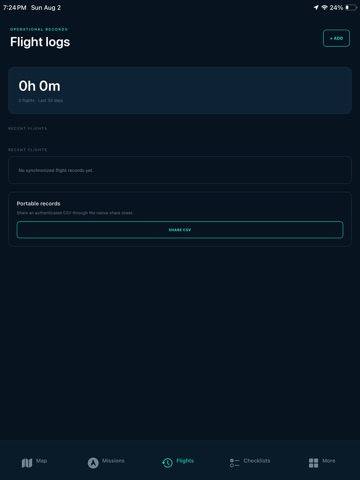
UAV Zones brings drone mission planning and operational recordkeeping together in one app for iPhone and iPad. PLAN MISSIONS Create missions with a location, schedule, operating radius, planned altitude, duration, and purpose. Review mission details, organize upcoming work in a calendar, assess operational risk, and prepare mission records before heading to the site. REVIEW PLANNING CONTEXT Use the interactive map to search locations, view your position, and review available airspace and airport context. Check current weather information and source status as part of your preflight process. Clearly identified reference or unavailable data is never presented as an authorization. RUN CHECKLISTS Create reusable checklist templates, start mission-linked checklist runs, record required items, pause and resume work, and retain completion evidence for your records. MANAGE YOUR EQUIPMENT Keep an inventory of aircraft, batteries, controllers, and accessories. Record registration and Remote ID details, operating limits, battery use, readiness status, and maintenance history. Track upcoming service and document expiration reminders. KEEP FLIGHT RECORDS Create flight logs with time, location, aircraft, mission, altitude, notes, incidents, and battery assignments. Review synchronized records and share CSV exports through the native share sheet. CONTROL YOUR DATA Your account data is protected with authenticated access and row-level ownership controls. UAV Zones includes account export and deletion-request tools. Review the Privacy Policy for current retention and deletion-processing details. IMPORTANT UAV Zones is a planning and recordkeeping tool. It is not currently an FAA-approved LAANC provider and does not issue flight authorizations. Airspace, weather, map, and regulatory information may be incomplete, delayed, unavailable, or reference-only. Always verify current official sources, obtain every required authorization, follow applicable rules, inspect the operating area, and exercise pilot judgment before and during flight.
Latest release
What’s New
Complete redesign of the app. Please read description for the full list
Audience growth
Ratings growth
Baseline captured. Growth appears after the crawler observes a changed rating count.
Momentum comes from crawler snapshots for the tracked storefront. “Viral growth signal” means unusually fast recent rating gains; it is an indicator, not download data.
Price tracking
Price intelligence
First snapshot captured. The trend line starts after the next crawler price observation.
- First observed Sep 21, 2026 · 1:08 AM Free
Screenshots