About this app
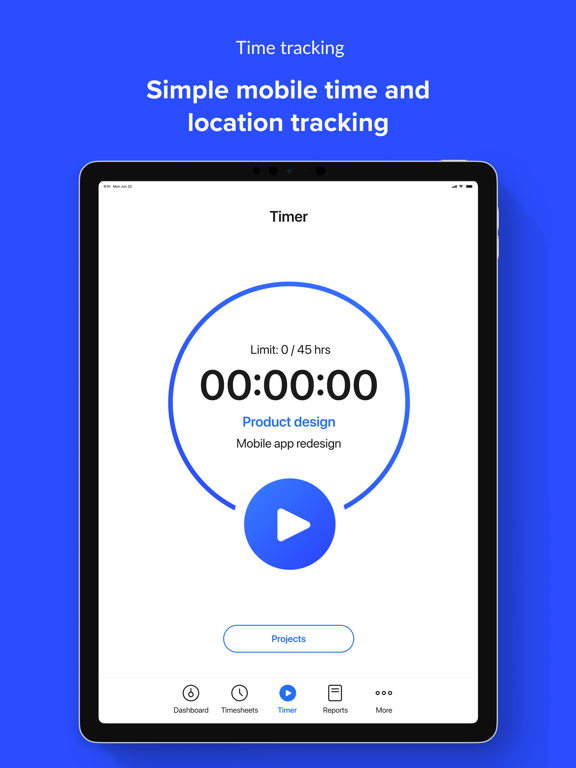
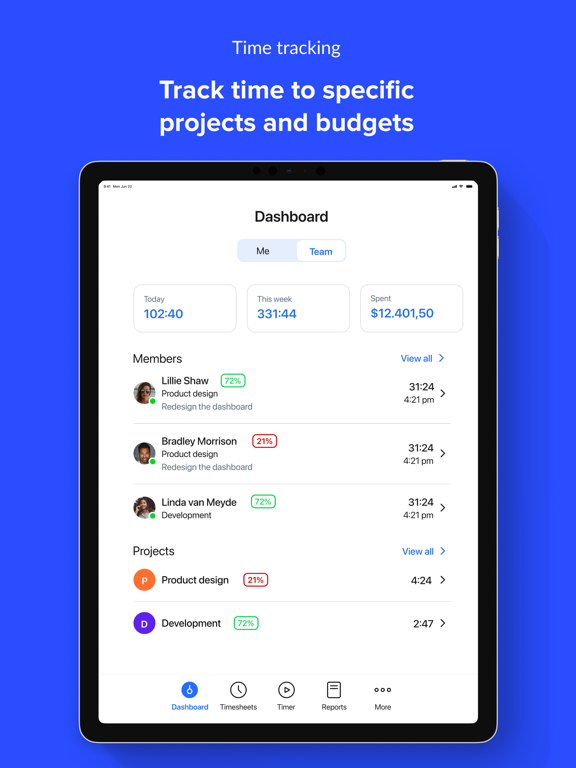
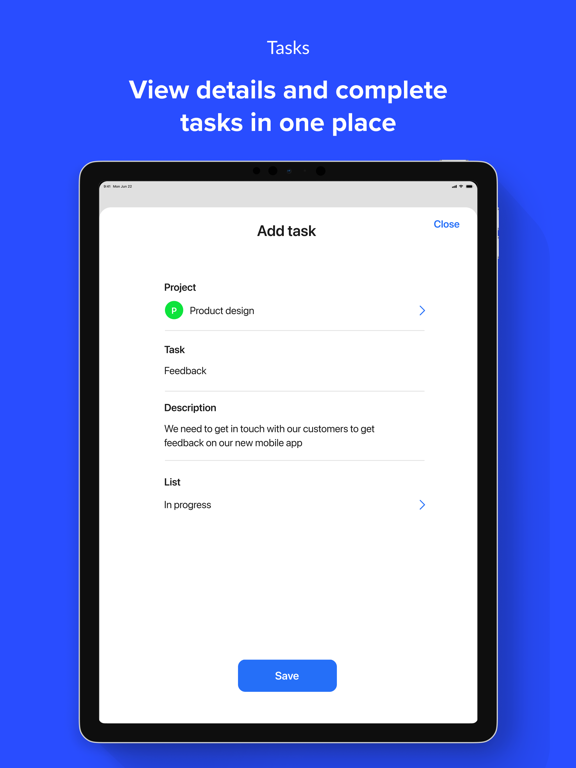
◆ SIMPLE TIME TRACKING Start and stop timers with a tap. Track time to tasks, jobs, or projects from anywhere. ◆ GPS TRACKING & GEOFENCING Log time based on job site presence. View routes and track location history to understand where work happens. ◆ ADD CONTEXT WITH NOTES & PHOTOS Attach notes and images to time entries to clarify work done in the field. ◆ SMART NOTIFICATIONS Get notified when team members arrive or leave a job site. ◆ SEE YOUR TEAM ON THE MAP Monitor real-time location or view historical movement during shifts. ◆ REPORTS & PAYMENTS Generate timesheets, automate team payments, and access detailed productivity insights. ◆ SYNCS WITH DESKTOP & WEB Data from the mobile app syncs seamlessly to Hubstaff’s web dashboard — where you’ll find payments, reporting, and deeper productivity insights. Start your free trial to track time, improve accountability, and understand how and where your team works — all from your mobile device.
Latest release
What’s New
- We've resolved a layout issue in the latest iOS version, where note input text was hidden behind the navigation bar.
Audience growth
Ratings growth
Baseline captured. Growth appears after the crawler observes a changed rating count.
Momentum comes from crawler snapshots for the tracked storefront. “Viral growth signal” means unusually fast recent rating gains; it is an indicator, not download data.
Price tracking
Price intelligence
First snapshot captured. The trend line starts after the next crawler price observation.
- First observed Aug 20, 2026 · 5:30 PM Free
Screenshots