About this app
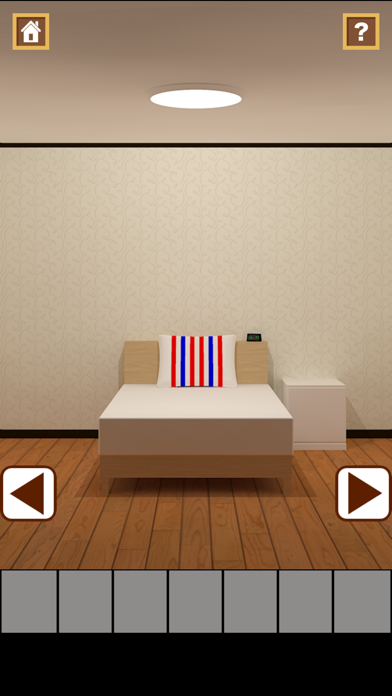
When I wake up I was in a strange room Find the hidden items in the room The interpretation of the tricks many escape from this room Method of operation examine the suspicious location · Touch the place you want to examine select an item · Touch the item you want to select see a detailed image of the item ・The touch again the selected item Select other items to display detailed image of the item You can use the item to item by touching By touching the Home icon in the upper left You can get back to the title screen By touching the top right corner of the "?" Icon You can go to Tips Site (Sorry, Language Tips site is Japanese only) In the MORE GAMES button on the title screen You can see the other games
Latest release
What’s New
This update from Apple will improve the functionality of this app. No new features are included. Minor fixes. Adjust sound effect. Arrow button design change.
Audience growth
Ratings growth
Baseline captured. Growth appears after the crawler observes a changed rating count.
Momentum comes from crawler snapshots for the tracked storefront. “Viral growth signal” means unusually fast recent rating gains; it is an indicator, not download data.
Price tracking
Price intelligence
First snapshot captured. The trend line starts after the next crawler price observation.
- First observed Aug 21, 2026 · 9:09 AM Free
Screenshots