About this app
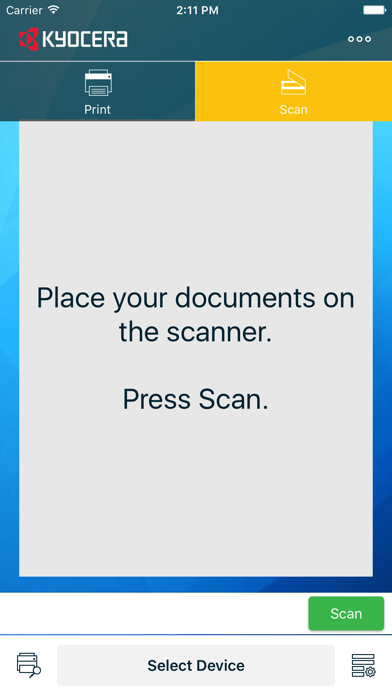
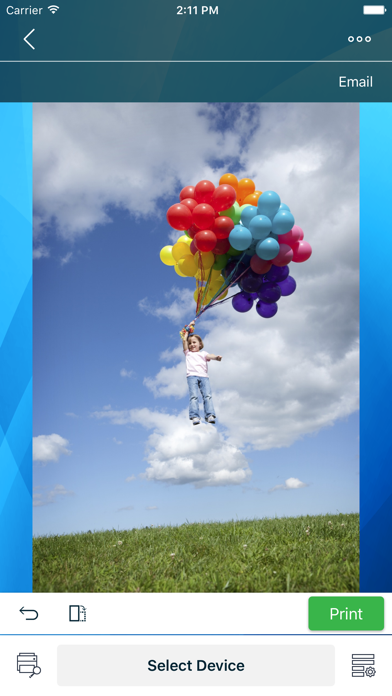
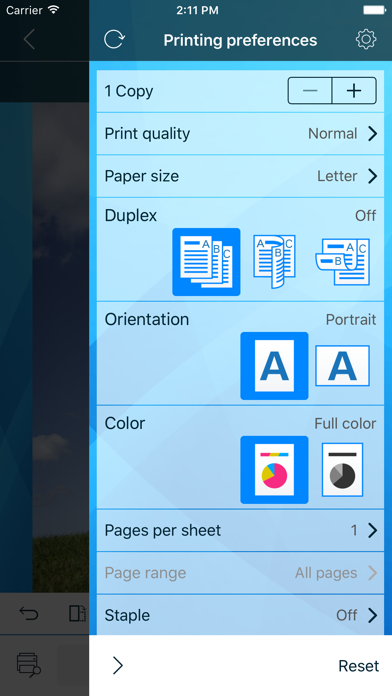
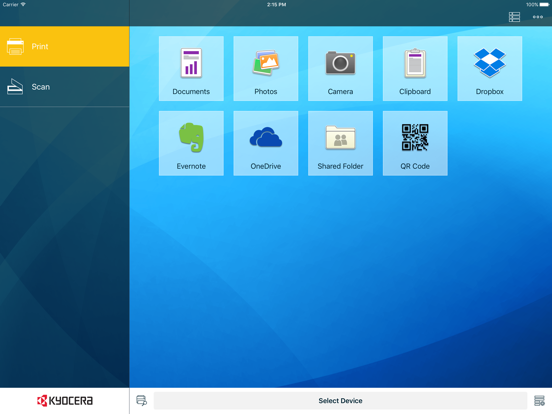
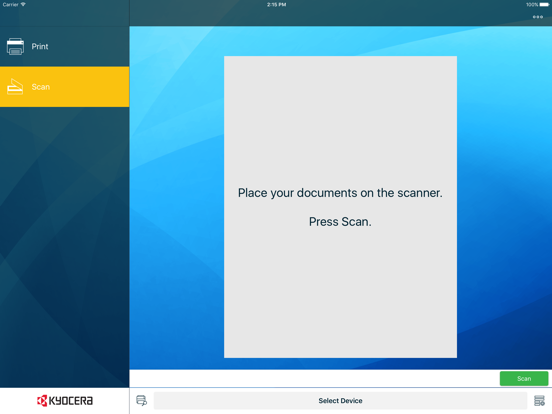
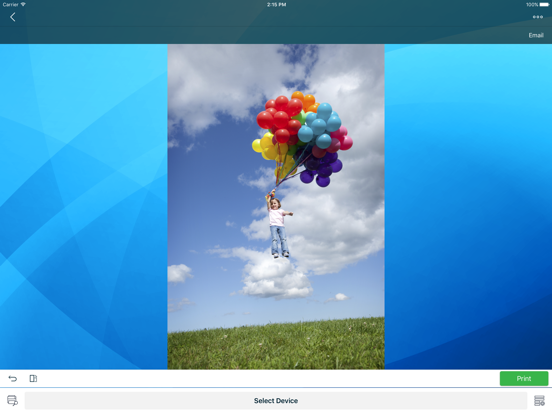
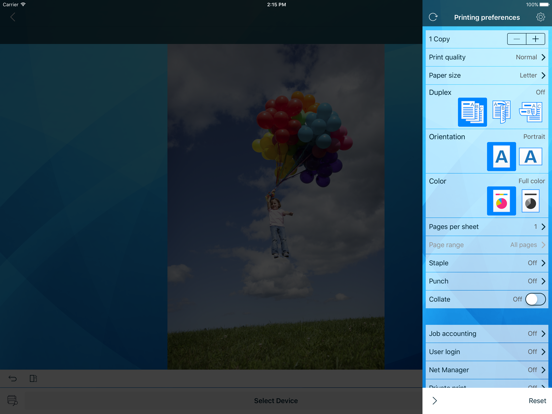
With the KYOCERA Mobile Print for Students app, you can use your iOS device to discover compatible KYOCERA printing devices on your local Wi-Fi network. If supported by your printing device, Wi-Fi Direct lets you connect directly to a printing device without a local Wi-Fi network. When connected, you can do the following: • Print photos and documents stored on your iOS device or a supported external service. KYOCERA Mobile Print for Students can handle a wide range of file formats, including .HTML, .JPG, .PDF, .PNG, .RTF, .TIFF, .TXT, and .XPS, as well as file types produced in iWork, Microsoft Office, or Google Docs • Scan your documents on a compatible printing device to print or save to your iOS device or a supported external service • Attach and send documents that are stored within the app by email The following external services are supported in KYOCERA Mobile Print for Students: • Dropbox • Evernote • OneDrive • Google Drive • SMB (Shared Folder) The KYOCERA Mobile Print for Students app is compatible with the following iOS devices and KYOCERA printing devices: • Apple iPad, iPhone, and iPod touch devices running iOS version 10.0 or later • KYOCERA printing devices that support PDF Direct Print 1.4 or later
Latest release
What’s New
Copy function with workflow Photo Editing with Add, Remove, Crop and Rotate support Support for multiple images in one page with Photo Editing Share edited photos to 3rd party business and social media apps Support for Files app in iOS 11 and later Support for new models View and search supported MFP models Bug fixes and minor improvements
Audience growth
Ratings growth
Baseline captured. Growth appears after the crawler observes a changed rating count.
Momentum comes from crawler snapshots for the tracked storefront. “Viral growth signal” means unusually fast recent rating gains; it is an indicator, not download data.
Price tracking
Price intelligence
- First observed Aug 11, 2026 · 1:21 AM Free
Screenshots