About this app
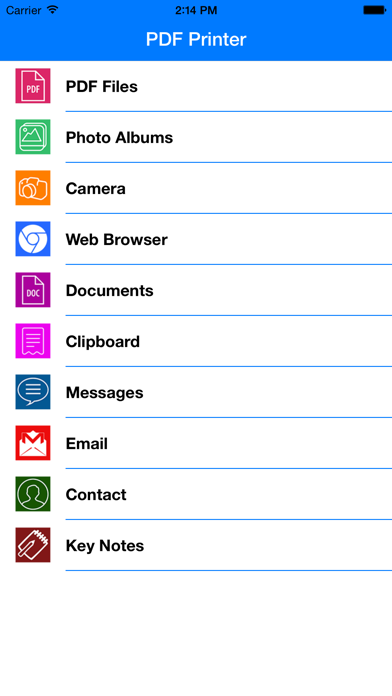
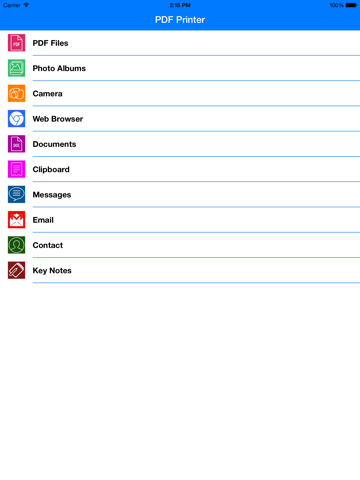
PDF Printer is the ultimate converter to Adobe PDF. Open and read any office document. Convert popular content e.g. Photos, Notes, Web Pages to the Portable Document Format. Create and share PDF documents on the fly. PDF Printer lets preview Word, Excel, PowerPoint, Pages, Numbers or Keynote files on your iPad. If you need any of these documents for future reference, just convert them to PDFs and keep in the document manager or upload to the cloud storage. If you deal with digitalizing printed documents, there is the built-in scanner module that enables you to make sharp digital copies and instantly save them to the readable PDF files. PDF Printer makes it easy for everyone who wants to keep web pages, bills, invoices or bank transcripts for offline reference to save them to the platform-independent PDF. You can do it directly with the help of built–in web-browser or from any browser you choose thanks to the Convert To PDF extension. With PDF Printer, you enjoy the simple way to merge several pieces of content into the single PDF file and manipulate with page order in the handy manner. Save to PDF and share: • Pages, Numbers and Keynote documents • Word, Excel and PowerPoint files • Photos • Pictures and Texts from Clipboard • Emails and attachments • Text Messages • Contacts • Web-pages
Latest release
What’s New
This app has been updated by Apple to prepare for watchOS 27 compatibility. No new features are included. -Minnor bug fixed
Audience growth
Ratings growth
Baseline captured. Growth appears after the crawler observes a changed rating count.
Momentum comes from crawler snapshots for the tracked storefront. “Viral growth signal” means unusually fast recent rating gains; it is an indicator, not download data.
Price tracking
Price intelligence
First snapshot captured. The trend line starts after the next crawler price observation.
- First observed Sep 2, 2026 · 7:12 AM $1.99
Screenshots