About this app
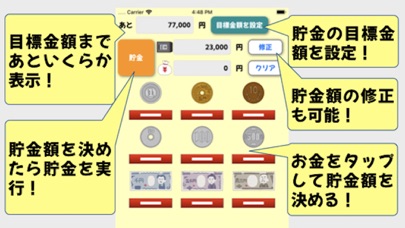
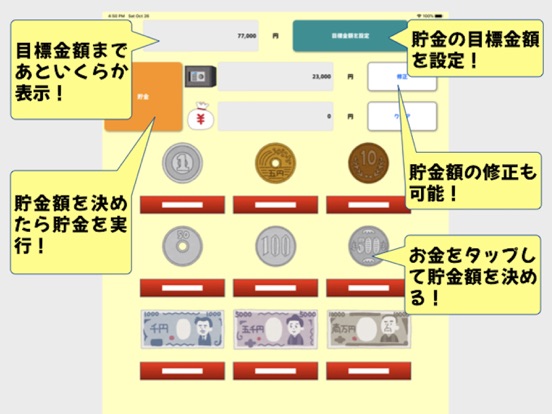
[How to use] 1. Set the amount by tapping "目標金額を設定" in the upper right. 2. Tap the money to set the savings amount. 3. Tap the top left "貯金" button to save. - It will be displayed how much it is necessary to reach the target amount! - The savings amount can be corrected and cleared! Please contact the review section or DM here. https://twitter.com/corasck
Latest release
What’s New
Bug fixes and performance improvements.
Audience growth
Ratings growth
Baseline captured. Growth appears after the crawler observes a changed rating count.
Momentum comes from crawler snapshots for the tracked storefront. “Viral growth signal” means unusually fast recent rating gains; it is an indicator, not download data.
Price tracking
Price intelligence
First snapshot captured. The trend line starts after the next crawler price observation.
- First observed Aug 15, 2026 · 1:20 PM Free
Screenshots