About this app
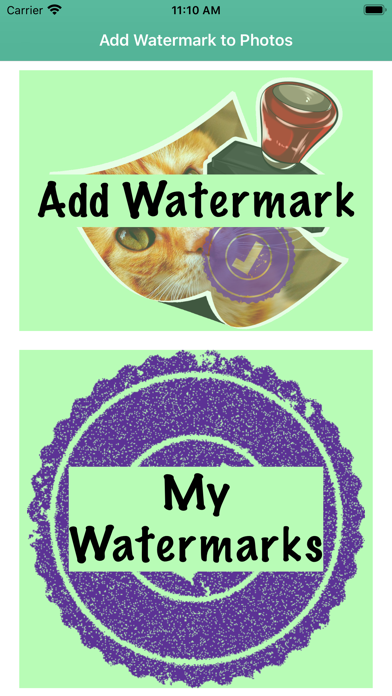
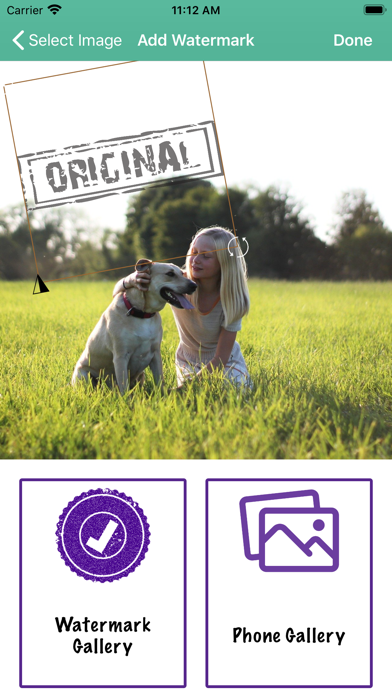
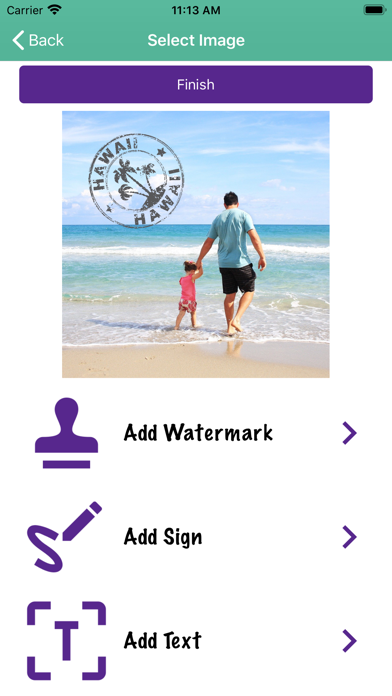
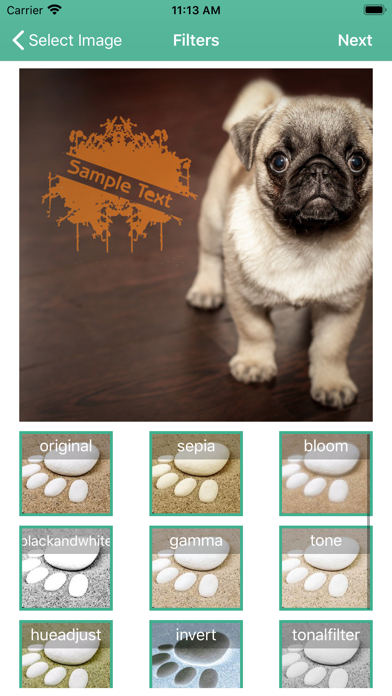
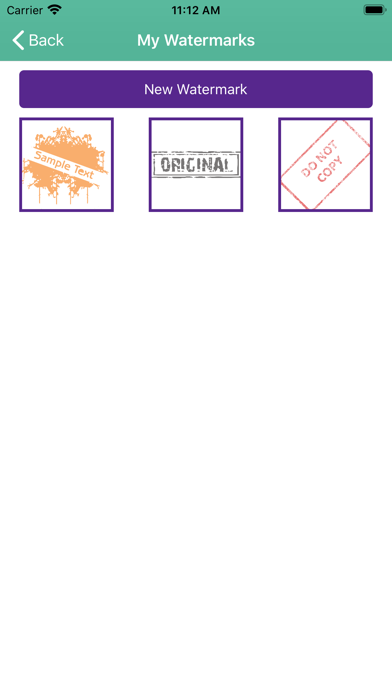
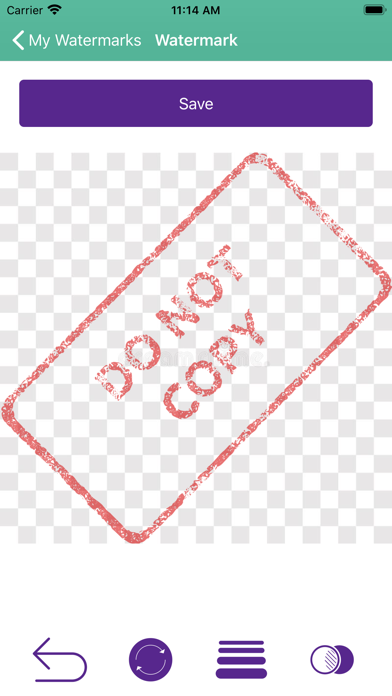
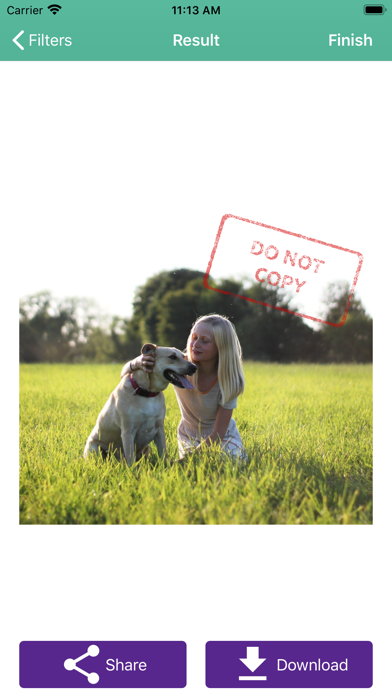
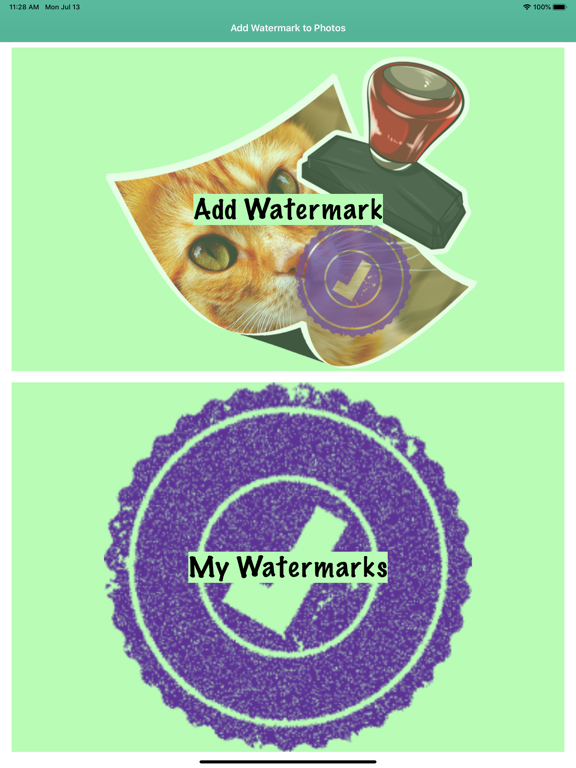
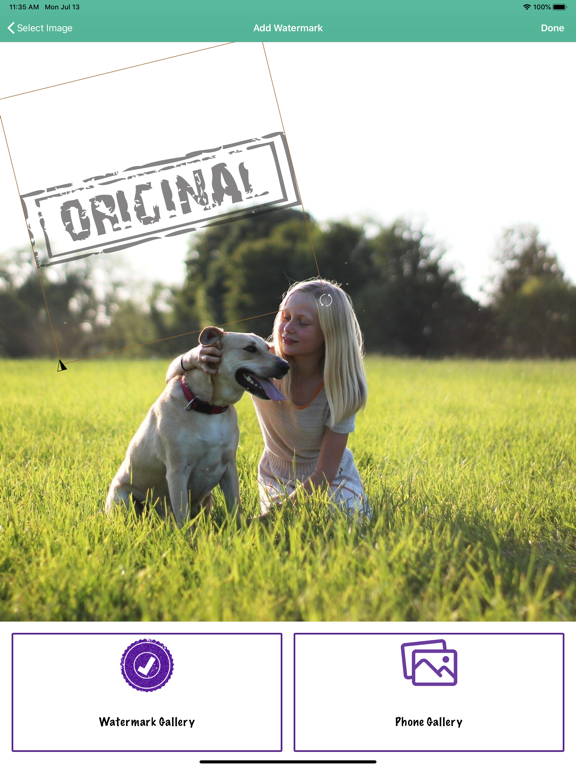
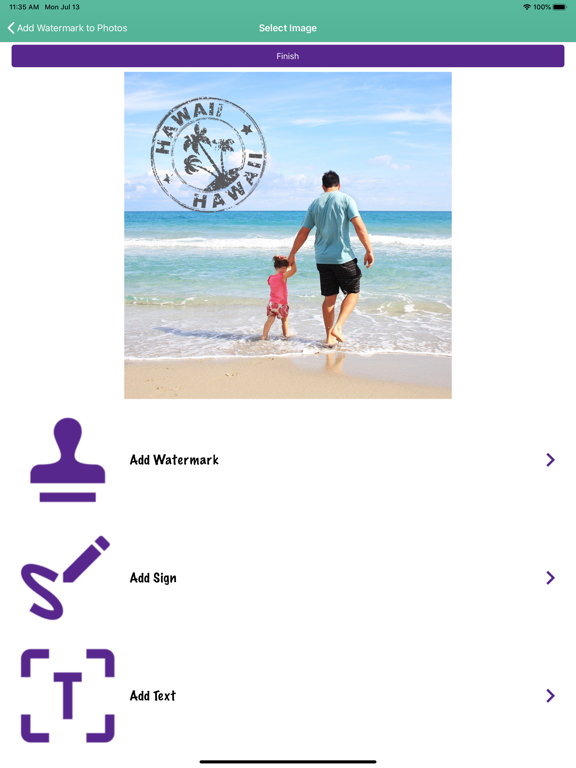
This complete application will allow you to add text, logos, images, or watermarks to any images or pictures you want. Multiple options: - Choose the watermark's location, size, and transparency. - Import your logo or image to use as a watermark. - Use our logo/image creator to add an image and delete the background, transparency, etc. to use it as a watermark. - Add text and use it as a watermark for your photos. - Draw or write something freestyle and use it later in all of your photos. - Save the watermarks you create, so you can use them later in any of the photos you want. - Add filters to change the final appearance of your photos. - Download and share your creations. Premium Features: - Unlimited Watermark Creation: Create as many watermarks as you want with no limits. Design custom watermarks using text, logos, images, or handwritten signatures and keep them ready for any project. - Unlimited Watermarking on Photos: Add unlimited watermarks to your images whenever you need. Use image watermarks, text watermarks, or signature-style marks to protect and personalize all your photos. - Automatic background removal to create your watermark more easily. - Remove Ads: Enjoy a cleaner and more comfortable experience without interruptions. Focus on creating and editing your watermarks with no ads. This watermark maker and photo watermark editor is perfect for protecting your pictures, personalizing your images, and creating your own visual style in a quick and easy way. Whether you want to add a logo to photos, insert text on images, create a signature watermark, or mark your content before sharing it online, this app gives you the tools you need. This app is a practical solution for anyone who wants to protect their images or give them a more personal and professional touch before sharing them. It can be useful for adding a logo to your photos, signing your images, or placing a custom watermark on your content in just a few steps. Whether you create content for social media, run a small business, sell products online, or simply want your photos to have your own style, this app helps you do it quickly and easily. You can prepare your own saved designs and reuse them whenever you need, making the editing process much faster and more convenient. It is also a simple way to keep your pictures more recognizable by adding text, image-based marks, or signature-style elements with the look and placement you prefer. Terms: https://smikoapps.com/terms/add-watermarks-terms.html Privacy: https://smikoapps.com/privacy-policy.html
Latest release
What’s New
- Bug fixes and performance improvements - Updated and optimized for iOS 26 - New automatic background removal to create your watermark more easily
Audience growth
Ratings growth
Baseline captured. Growth appears after the crawler observes a changed rating count.
Momentum comes from crawler snapshots for the tracked storefront. “Viral growth signal” means unusually fast recent rating gains; it is an indicator, not download data.
Price tracking
Price intelligence
- First observed Aug 16, 2026 · 12:06 AM Free
Screenshots