About this app
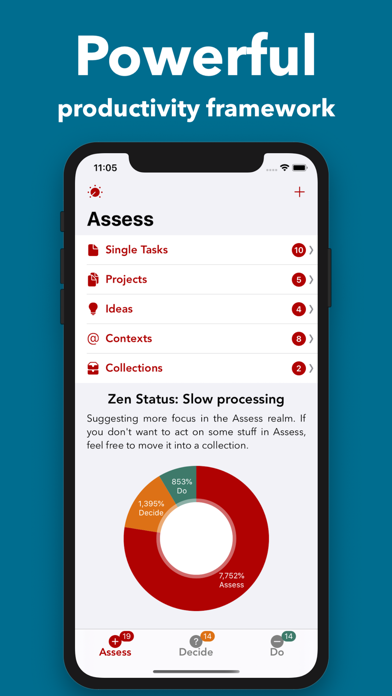
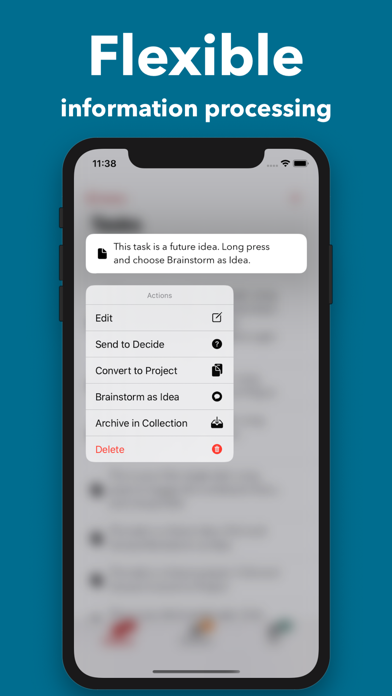
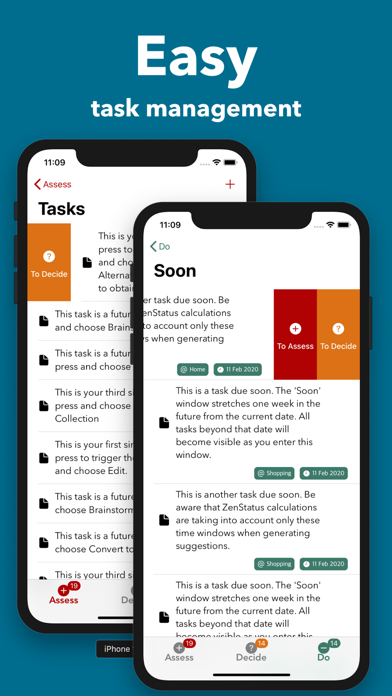
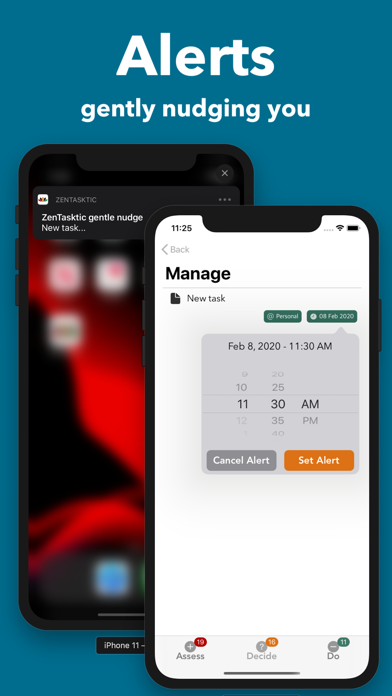
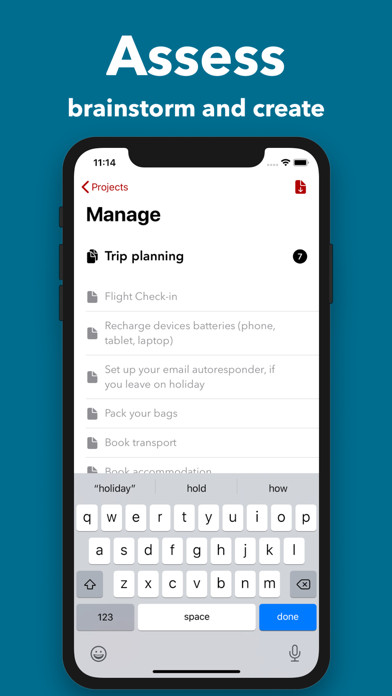
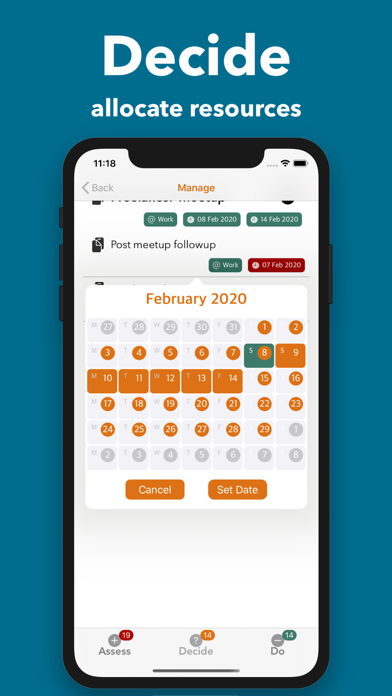
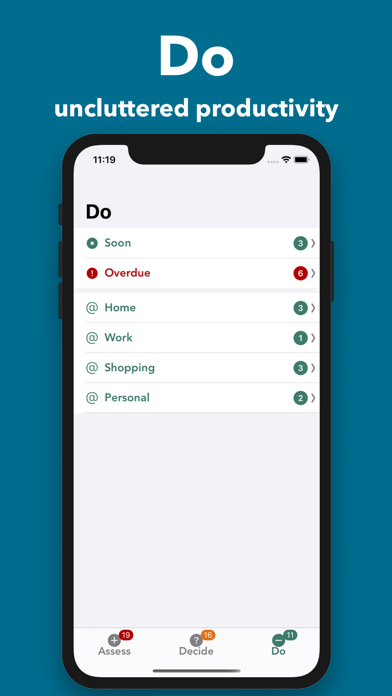
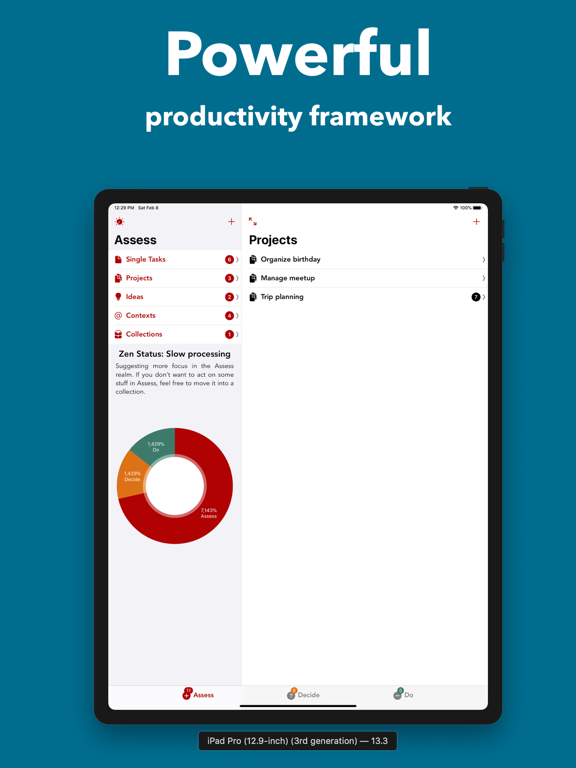
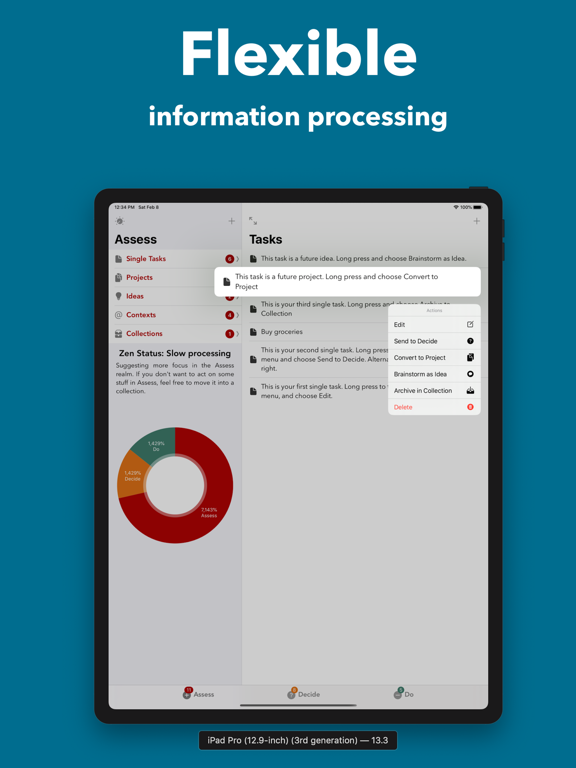
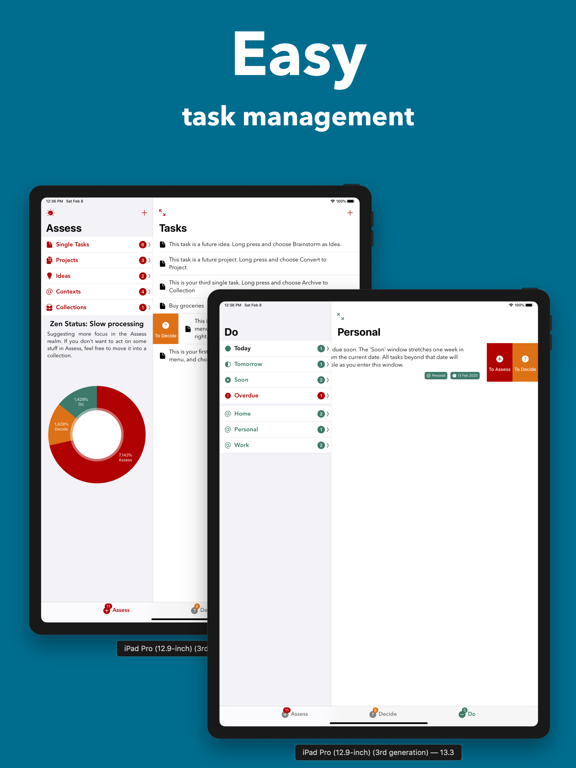
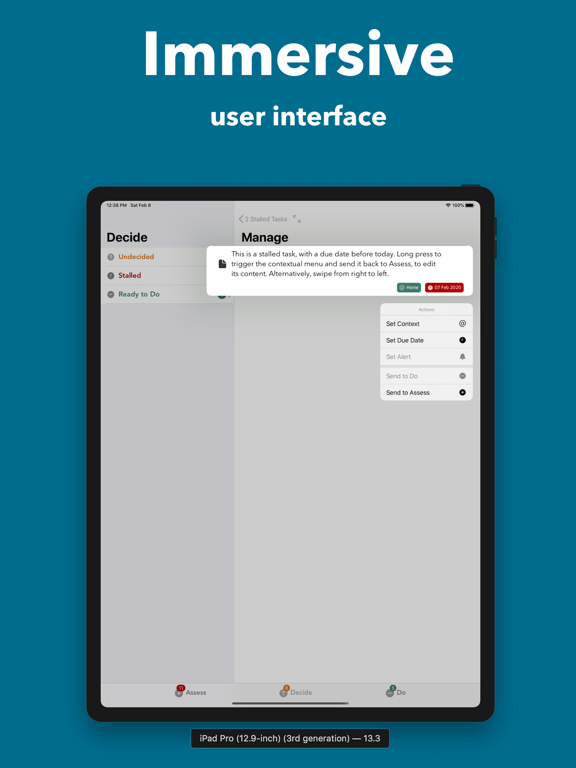
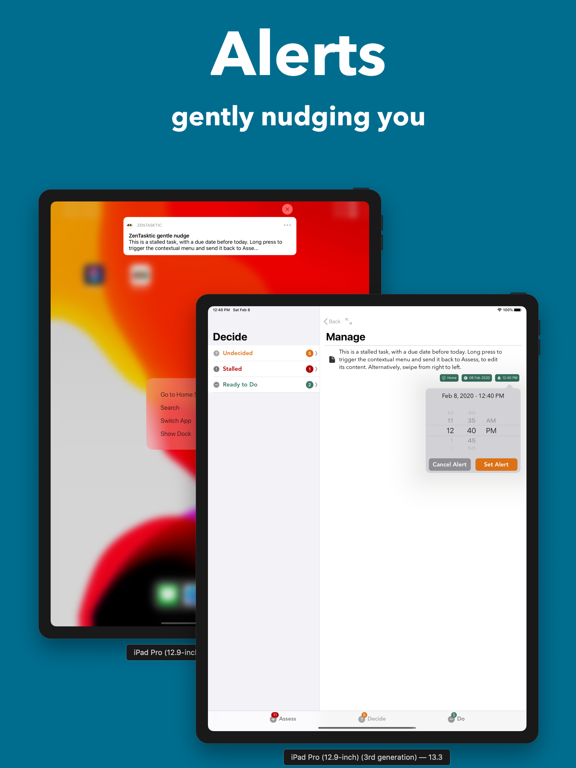
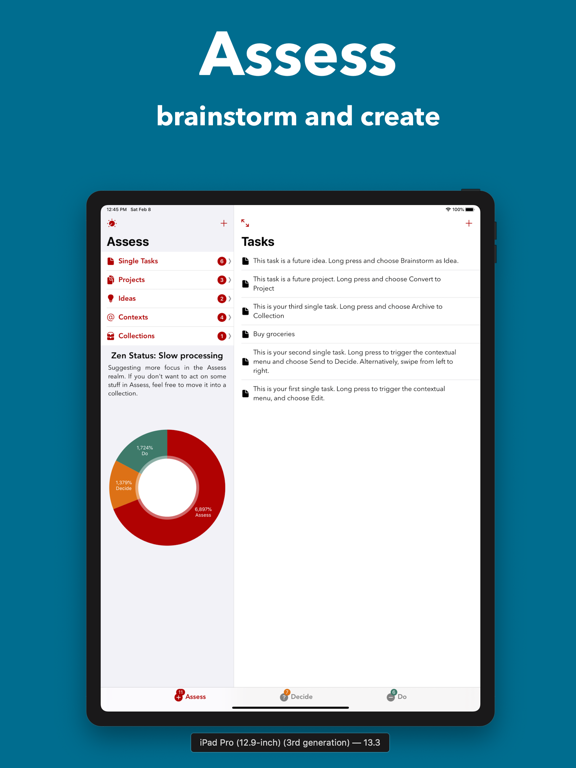
ADHD planner and task manager built for brain dumps, hyperfocus, and scattered to-do lists. Turn chaos into clear next steps with the ADD framework. addTaskManager gives ADHD brains, busy professionals, and students a structured path from scattered to do lists to finished tasks — without the complexity of traditional task managers. A real ADHD planner, that works with your brain, not against it. The ADD Framework • Assess – Dump all your tasks, ideas, and projects here without worrying about priorities or deadlines. Just get them out of your head. • Decide – Review what you've captured. Assign contexts, set priorities, and schedule what needs scheduling. Move items forward when you're ready. • Do – Your focused workspace. Only what you've decided to work on appears here, organized by time: today, this week, this month. Features That Actually Help • Quick Capture – Add a task in seconds. Decide where it belongs later. • Universal Search – Find any task, project, or idea instantly across all realms from one search bar. • Real-Time Sync – Your task manager seamlessly syncs across iPhone, iPad, and Mac via iCloud. Start on your phone, continue on your tablet. • Share & Collaborate – Invite others to shared collections. Everyone stays in sync automatically through CloudKit. • ZenStatus – See how many items are in each stage of your workflow at a glance. • AI Summaries – Intelligent insights about your tasks and patterns. On-device processing means your data stays private. (Requires iOS 18.1+ with Apple Intelligence) • Collections – Group related items across all realms. Create a collection for a project, a client, or any way you organize your work. Built for Focus No gamification. No social features. No complexity for complexity's sake. Just a clear path from "I have too much to do" to "I know exactly what to do next." Works well for anyone who feels overwhelmed by traditional task managers — particularly those with ADHD who benefit from externalizing thoughts and breaking work into clear stages. Privacy First All your data stays on your devices and in your personal iCloud. AI features process entirely on-device. We don't have access to your tasks.
Latest release
What’s New
Free trial is now 3 days (was 7). Zen Status can use on-device Apple Intelligence when available, with classic logic as fallback.
Audience growth
Ratings growth
Baseline captured. Growth appears after the crawler observes a changed rating count.
Momentum comes from crawler snapshots for the tracked storefront. “Viral growth signal” means unusually fast recent rating gains; it is an indicator, not download data.
Price tracking
Price intelligence
First snapshot captured. The trend line starts after the next crawler price observation.
- First observed Sep 7, 2026 · 6:50 AM Free
Screenshots