About this app
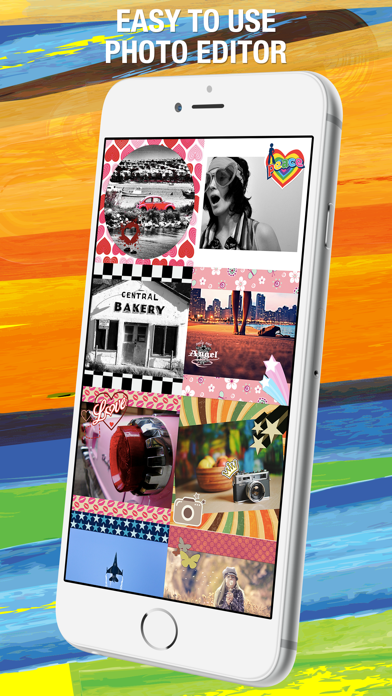
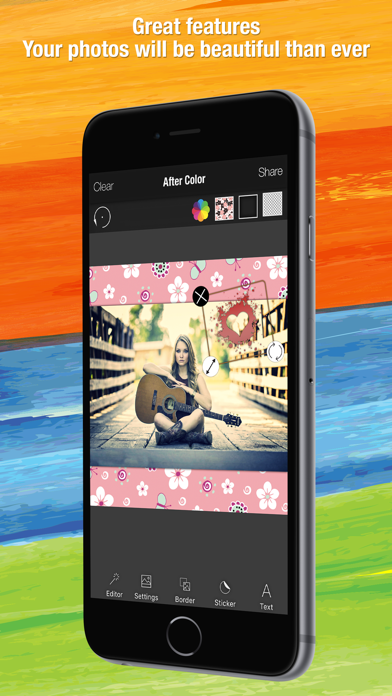
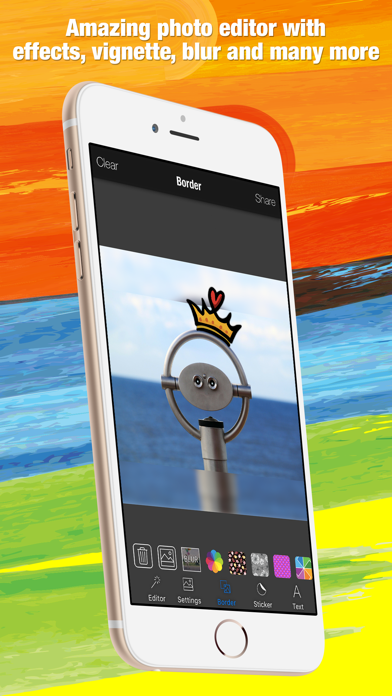
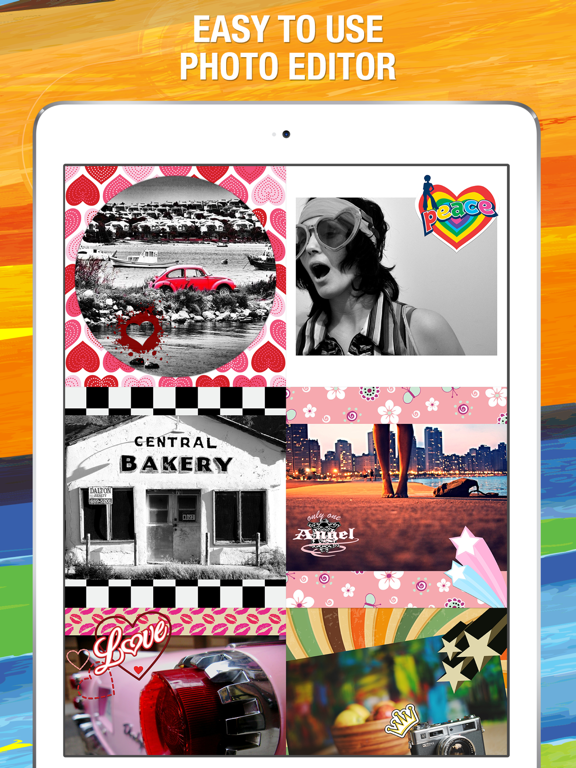
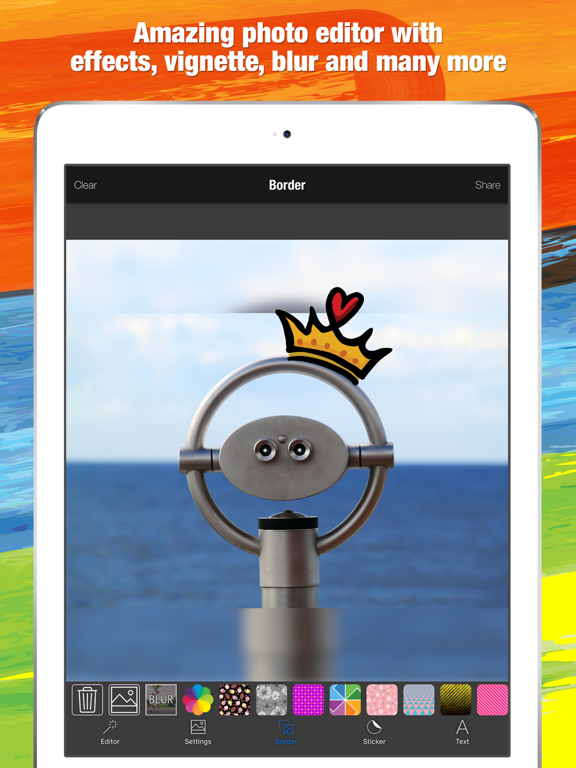
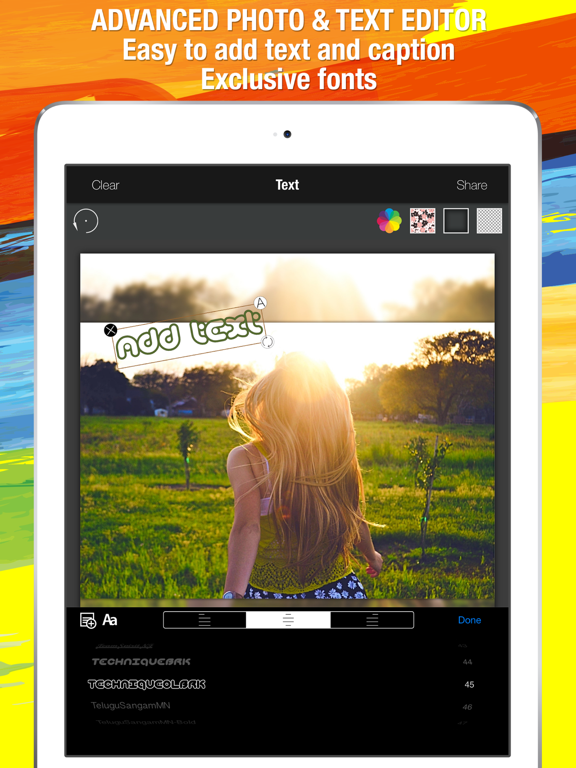
This app packs a simple design with a powerful editor to give you everything you could possibly want to make your photo's simply amazing. Our simple design, paired with powerful and snappy tools, will give you the look you want in seconds. Your photos will be beautiful than ever. Features: » You can add your own textures even your own photo and you can use them as border, text, sticker texture. » Tons of high-quality, high-resolution stickers that you can combine with your creations and manipulate by finger » Get creative with stunning stickers & frames » Enhance with Hi-Def, Scenery, Food, Portrait, and Night » Draw attention to the subject of your photo with Focus or Vignette » Easy to add word/caption to photo » Advanced text & photo editor » Exclusive fonts » Touch-up selfies with redeye and blemish removal » Boost smile wattage with teeth whitening » Crop, rotate, and straighten your photos »Free photo transform for best fit »Move – Zoom In/Out – Rotate » Amazing photo fx filters » Selectively remove and replace color with Splash » Change border color » Add drama with Sharpness » Modify brightness, contrast, highlights and shadows » Adjust saturation, warmth, tint and fade » Add custom hashtags »Tag your photos on Instagram with #AfterColor Join our community Create, share and enjoy ! Share more than just a photo in your social network English, Русский, Türkçe, 普通话, 中文, 日本語, 한국어, Nederlands, Deutsch, Español, Português, Français, Italiano, Norsk, Svenska. Web: http://www.climaxapps.com/ Facebook: https://www.facebook.com/climaxapps Vk: http://vk.com/climaxapps Twitter: @climaxapps Instagram: @climaxapps Gmail: climaxapps.com@gmail.com YouTube: http://www.youtube.com/climaxapps The copyright violations regarding all shared visual material, photographs, videos, pictures, drawings, quotes, texts and everything else are under the responsibility of the user. After Color and Melih ÖZDOĞAN do not accept any responsibility. Those who buy / download this application are assumed to have accepted the above conditions.
Latest release
What’s New
This app has been updated by Apple to prepare for watchOS 27 compatibility. No new features are included. Thanks for using our app! Quick “Blur” button added on “Border” tab. Simply, you can use your photo as blurred background. New stickers, borders, fonts added. Some paid features are free (Corner rounding, user photo to background etc.) Every update of our app includes improvements for speed and reliability. Contact and review us to develop better apps. Follow & like our Facebook page. https://www.facebook.com/climaxapps Please review us on App Store. You can't imagine how important your thoughts. Best regards. Climax Apps Use #AfterColor join our community. Facebook: https://www.facebook.com/climaxapps
Audience growth
Ratings growth
Baseline captured. Growth appears after the crawler observes a changed rating count.
Momentum comes from crawler snapshots for the tracked storefront. “Viral growth signal” means unusually fast recent rating gains; it is an indicator, not download data.
Price tracking
Price intelligence
First snapshot captured. The trend line starts after the next crawler price observation.
- First observed Aug 11, 2026 · 11:53 AM Free
Screenshots