About this app
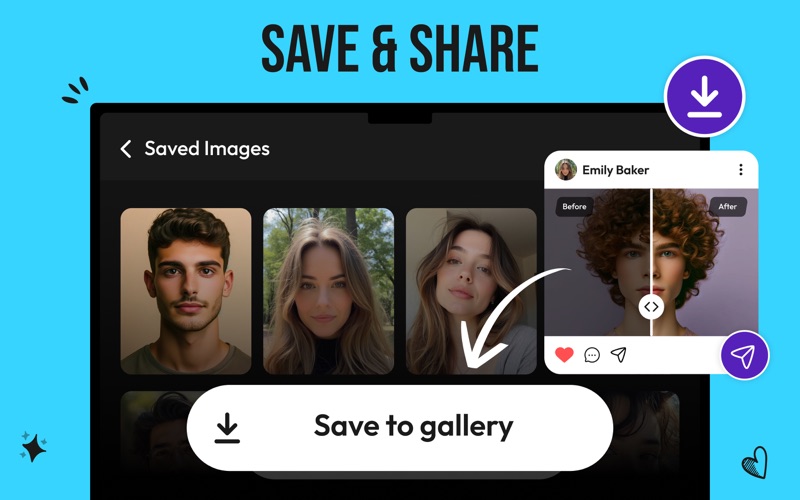
Make your photos look better in a single click. Our RAZE - AI photo enhancer transforms your ordinary pictures into masterpieces. Perfect for personal or professional use. How to Use Our Image Enhancer? Download & Install the App Click the “Download” button. Once downloaded, install it on your Mac. Open the App Tap the app icon to launch it. Add Your Photos Drag the photo you want to enhance & drop it on the interface. Start Enhancing Hit the “Enhance” button. The app will process your photo in a few seconds. Save Your Enhanced Photos Tap “Save” to download the enhanced photo to your Mac. Key Features One-Click Enhancements Tap the “Enhance” button to make your photos look amazing. No complicated menus or confusing settings! Fast Processing The app works super fast. It can refine your photos in a matter of moments. Stunning Results The AI photo enhancer makes your images look bright, sharp, & clear without ruining their natural look. Batch Editing Our app allows you to enhance the quality of multiple photos in a single go. AI-Driven Enhancements The advanced AI technology automatically improves lightning, sharpness, & colors. Supports All Photo Formats The app works with all kinds of photo formats, from JPG to HEIC. Safe & Secure Your photos stay on your computer. We don’t store or share them anywhere. Who Can Use Our AI Photo Enhancer? Our RAZE - AI Photo Enhancer App is for everyone! • Photographers: Make your photos look sharp & professional. • Designers: Save time by enhancing images in seconds. • Business Owners: Enhance images to make them clear & beautiful for your site or social media. • Students: Improve pictures for school projects. • Families: Fix old or blurry family photos.
Latest release
What’s New
Improved before and after preview Smoother drag and drop import More reliable high quality export Cleaner and faster app experience
Audience growth
Ratings growth
Baseline captured. Growth appears after the crawler observes a changed rating count.
Momentum comes from crawler snapshots for the tracked storefront. “Viral growth signal” means unusually fast recent rating gains; it is an indicator, not download data.
Price tracking
Price intelligence
First snapshot captured. The trend line starts after the next crawler price observation.
- First observed Aug 6, 2026 · 3:55 AM Free
Screenshots