About this app
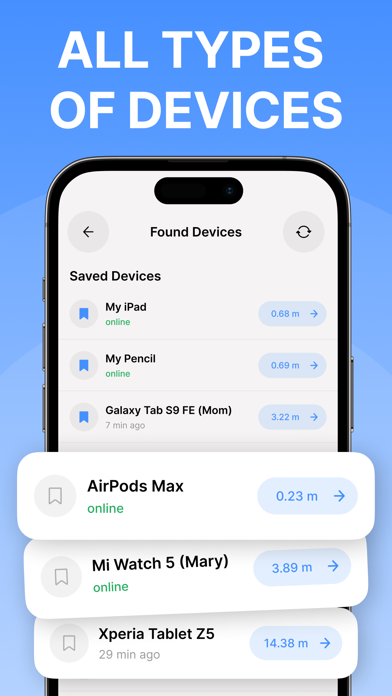
Lost your AirPods, headphones, smartwatch, bracelet, fitness tracker, or any other Bluetooth device? Don’t worry! Our app makes finding your lost Bluetooth devices simple and fast. How to use the app? 1. Run the app. Find and select your lost device from the list 2.Move slowly and keep observing the data (i.e. signal strength and estimated distance) on the radar screen. The higher the intensity on the radar screen, the closer you are to your device. 3. When the signal strength is over 90 and the estimated distance is 0 - 0.5m, look around. Your device won't be far away! Key Features: - Device Radar: Scans the area to detect all nearby Bluetooth devices. - Device Tracker: Shows how close you are to your device using a percentage scale; the higher the percentage, the nearer you are. - Favorite Devices: Lets you save frequently used devices for easy tracking if they go missing again. - Play Sound: Sends a sound signal to help you locate your AirPods. Privacy Policy: https://docs.google.com/document/d/1yvXZxZtnK6MrePOf6mq_I-fZbHDxlQihlorxa9lrGZk/edit?usp=sharing Terms of Use: https://docs.google.com/document/d/1WIHNNaayAsaYJtHi-takdLP3yuo3ofNyux0eAmAgb6M/edit?usp=sharing
Latest release
What’s New
bug fixes and small improvements.
Audience growth
Ratings growth
Baseline captured. Growth appears after the crawler observes a changed rating count.
Momentum comes from crawler snapshots for the tracked storefront. “Viral growth signal” means unusually fast recent rating gains; it is an indicator, not download data.
Price tracking
Price intelligence
First snapshot captured. The trend line starts after the next crawler price observation.
- First observed Aug 12, 2026 · 4:38 AM Free
Screenshots