About this app
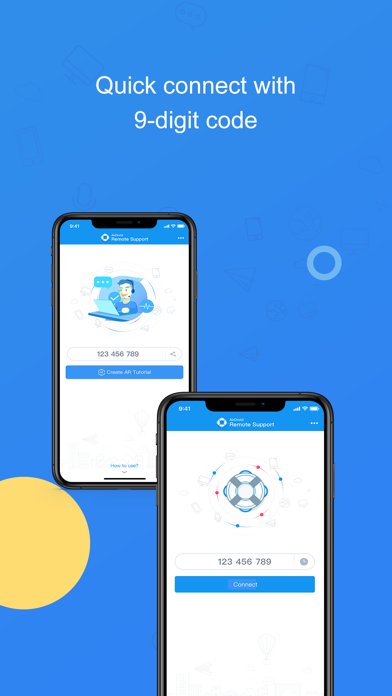
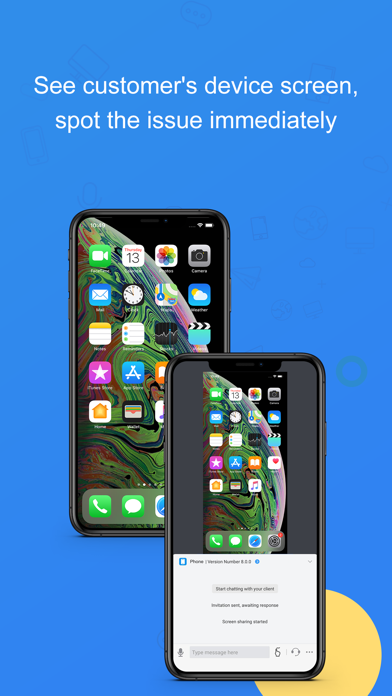
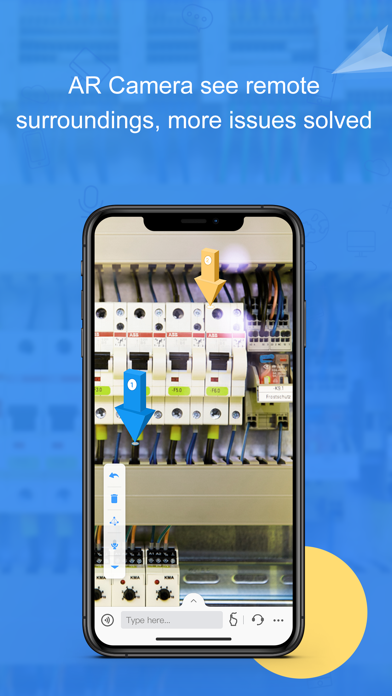
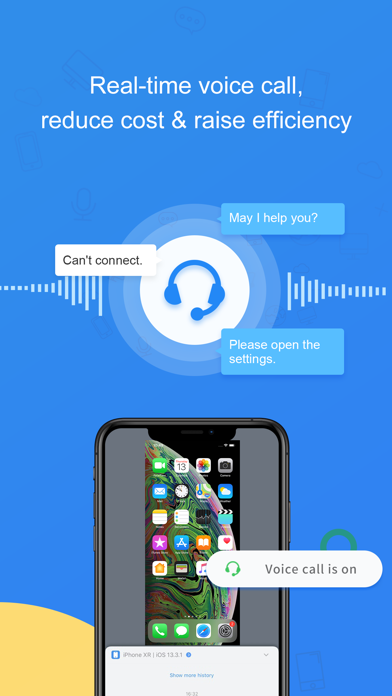
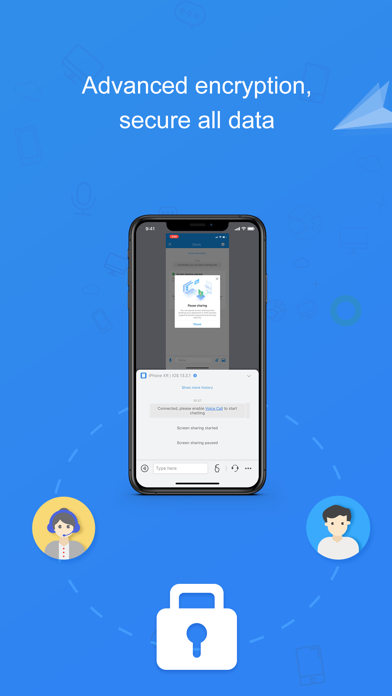
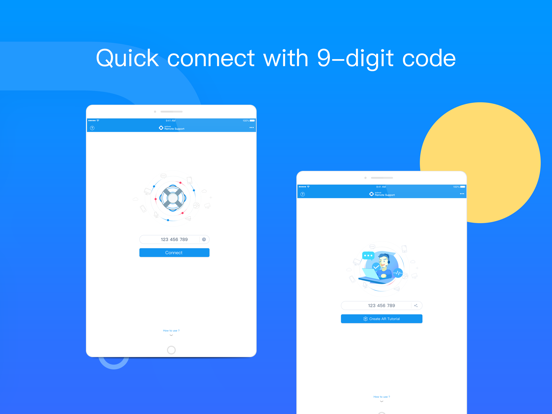
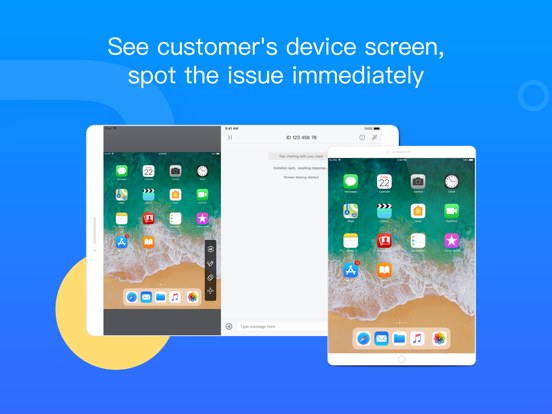
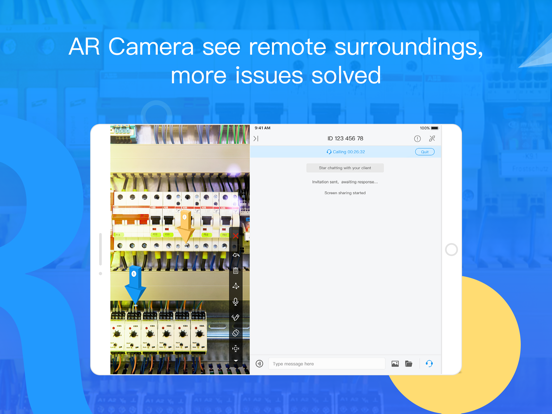
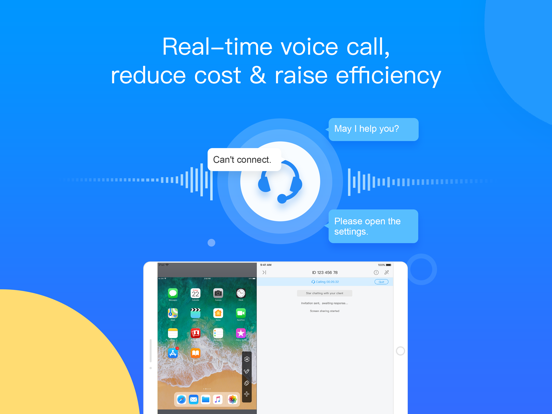
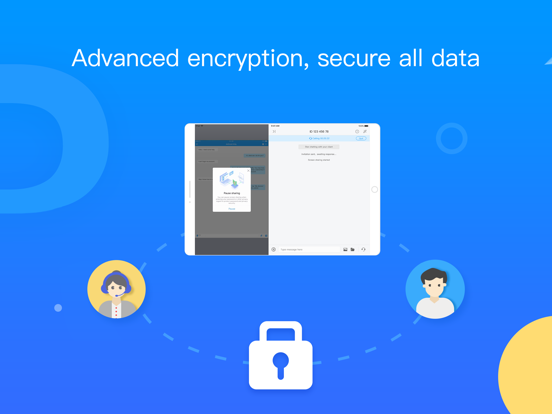
The wide-spreading growth of mobile device brings unprecedented productivity to the enterprise. Nevertheless, it also brings the risk of paralyzing the entire organization when these devices malfunction, system or apps crash. Moreover, the misuse of mobile devices, apps, services from enterprise staff or the customer is also challenging. Mobile devices bring industry niche, yet they put a heavy burden on managing and maintaining as well. On-site service becomes more time-consuming than before, with the entire cost increases. AirDroid Business empowers your technician to spot the problem and instruct the on-site personnel. The Screen Sharing feature lets you see the remote device screen. At the same time, the Voice Call allows you to discuss the problem, and Tutorial Gesture helps guide your customers untangle the mess step by step. The latest feature, AR Camera, presents the on-site issues, especially for hardware, and your technician can indicate the critical points by placing 3D arrows. Lots of communication time saved! Quick guide: 1. Visit our website, sign up to become an AirDroid Business user or free trial user. 2. Download and open AirDroid Business on your phone/tablet. 3. Have your customer download and open AirDroid Remote Support, and tell you the 9-digit Connection Code shown on his/her screen. 4. Enter the code in AirDroid Business, and you will be connected. Features: Screen Sharing See your customer's device screen and quickly spot the issue. AR Camera See what customer sees, guide your customers by placing 3D markers onto real-world objects. Voice Call(VOIP) Make a call to your customer and discuss the problem in real-time. Chat Multiple communication ways are available: texting, sending pictures and voice messages. Tutorial Gesture Your operation will show on the customers' device screen. Easy for your customer to follow and solve the problem.
Latest release
What’s New
1. Other minor improvements and bug fixes.
Audience growth
Ratings growth
Baseline captured. Growth appears after the crawler observes a changed rating count.
Momentum comes from crawler snapshots for the tracked storefront. “Viral growth signal” means unusually fast recent rating gains; it is an indicator, not download data.
Price tracking
Price intelligence
First snapshot captured. The trend line starts after the next crawler price observation.
- First observed Aug 14, 2026 · 10:40 AM Free
Screenshots