About this app
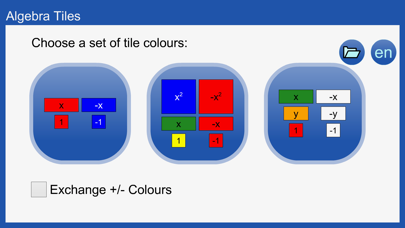
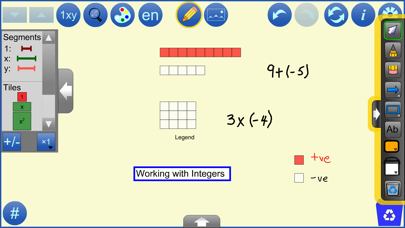
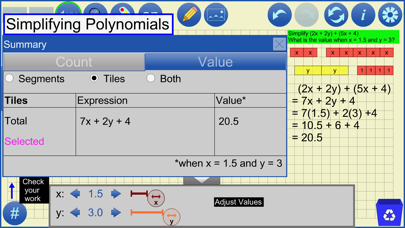
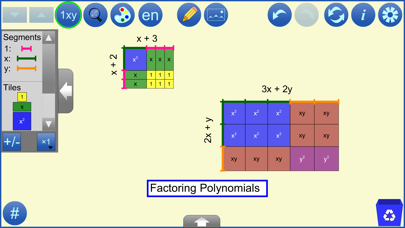
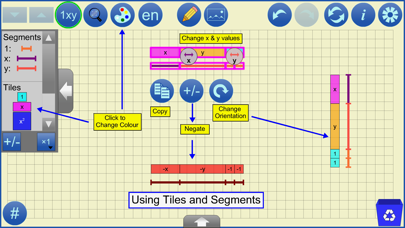
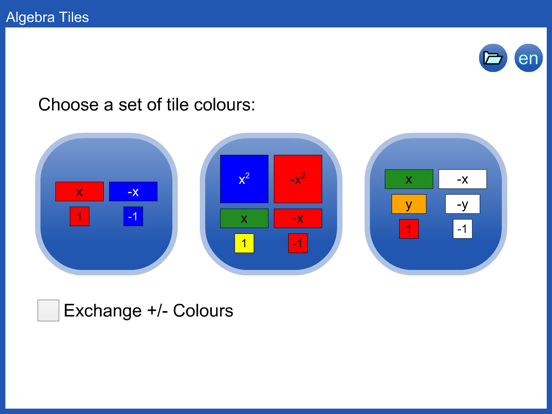
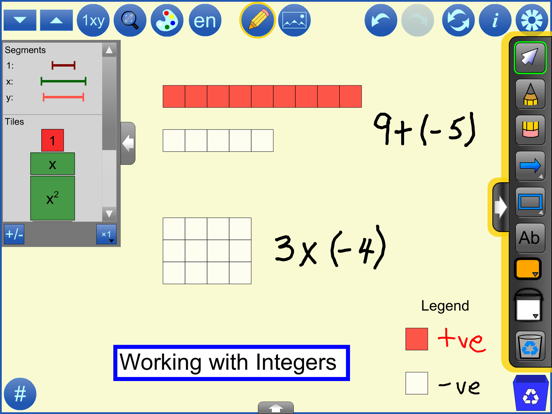
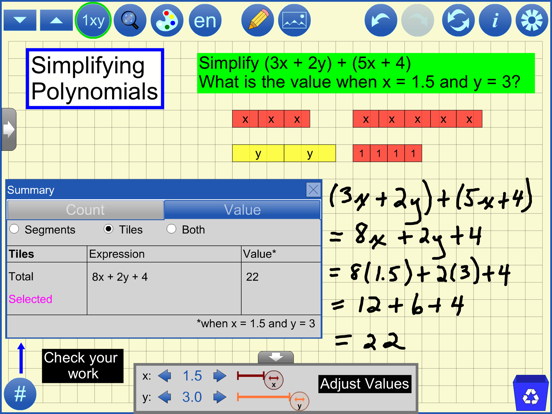
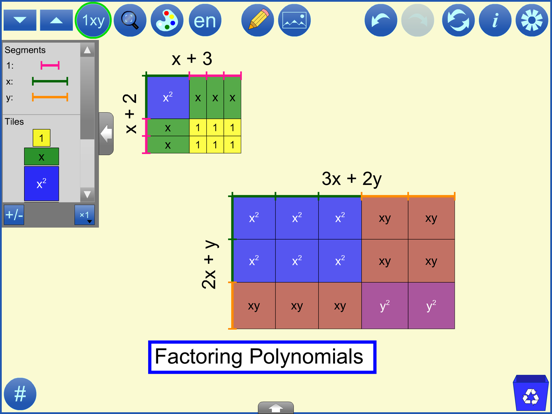
The Algebra Tiles Tool is a virtual manipulative similar to the physical ones commonly available in classrooms. Tiles representing 1, x, x² ,y ,y² and xy long with their opposites can be dragged into the workspace from the scrollable selection panel at the left. Once in the workspace they can be moved, copied, re-oriented, or negated individually or in groups. The tiles can be configured to match the colours of common physical sets. Unlike the physical tiles, the value of x and y can be adjusted. The virtual tool also contains 1, x, and y line segments. See support.mathies.ca for more information and examples. Mathematical Concepts: • Visual representations support students in developing and applying understanding of mathematical concepts. Algebra Tiles can be used to: • represent and perform operations on Integers • represent and perform operations on Polynomials • evaluate expressions for different values of the variable(s) • factor polynomials • solve equations Features: • Choose a set of tile colours from the opening dialog or change colour sets by clicking on the Choose Colour Set (paint palette) button • Change the colour of each type of object (tile or segment) by clicking on the object in the selection panel • Use the multiplier button to set the number of objects (1, 2, 5, 10) to drag to the workspace • Use the +/- button to display positive/negative objects in the panel • Change the size of objects • Hide/show object labels • Use the size to fit (magnifying glass) button to make objects fit in the workspace • Objects snap to each other as indicated by a stapling sound and animation • Select an object or set of objects by drawing a marquee around them • Copy, negate or change the orientation of individual object or sets of selected objects • Objects representing opposite values poof when moved to overlap. This behaviour can be toggled off in the settings. • Adjust the value of x and y (use settings to adjust the number of allowed decimal places) • Use the Summary button (#) to see information about the objects in the workspace.Information is provided for all objects in the workspace as well as for those objects which are currently selected. The Count tab shows how many of each type of object is in the workspace. The Value tab shows the simplified algebraic expression and its numerical value for the current values of x and y. • Adjust the transparency of tiles, segments and the background grid • Step through a history of your work with the undo/redo buttons • Communicate your thinking or highlight various features of your representation using the built-in annotation tool • Insert background images • Switch between English and French • Save your work to files on your device • Open files stored on your device or from the web, including several example files • Opened files contain all the tool and image steps performed; use Undo and Redo to review these steps • Opened files contain the final annotation step which is not affected by Undo and Redo • Use the iOS Files app to access mathies files
Audience growth
Ratings growth
Baseline captured. Growth appears after the crawler observes a changed rating count.
Momentum comes from crawler snapshots for the tracked storefront. “Viral growth signal” means unusually fast recent rating gains; it is an indicator, not download data.
Price tracking
Price intelligence
First snapshot captured. The trend line starts after the next crawler price observation.
- First observed Aug 24, 2026 · 8:22 PM Free
Screenshots