About this app
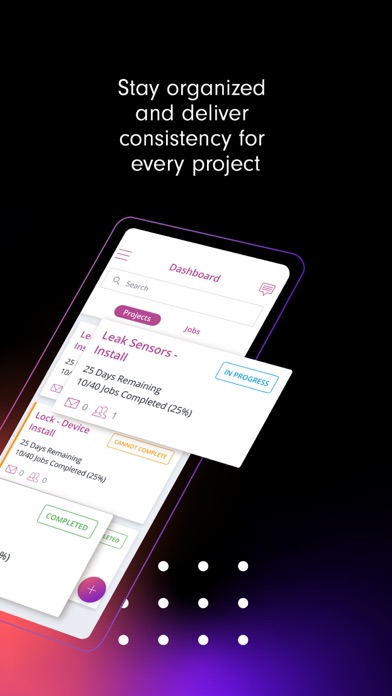
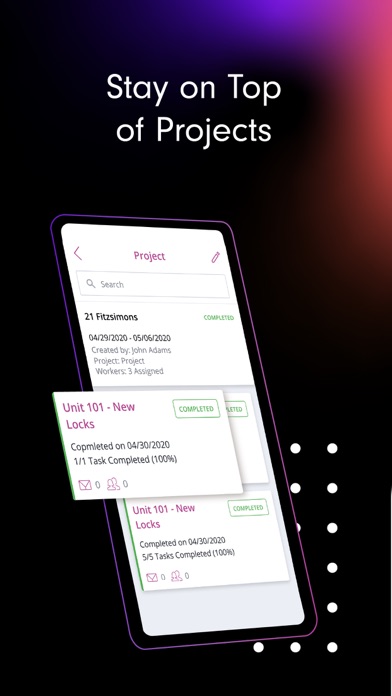
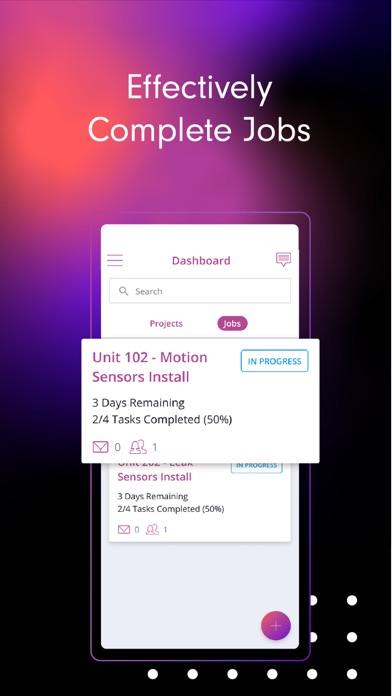
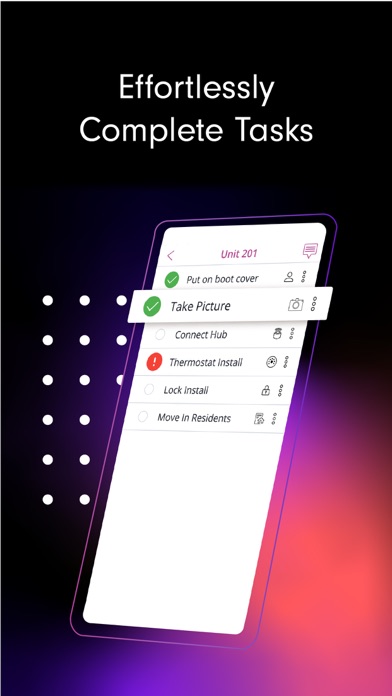
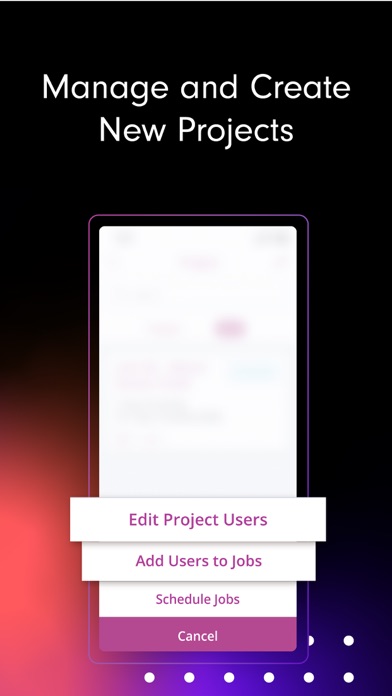
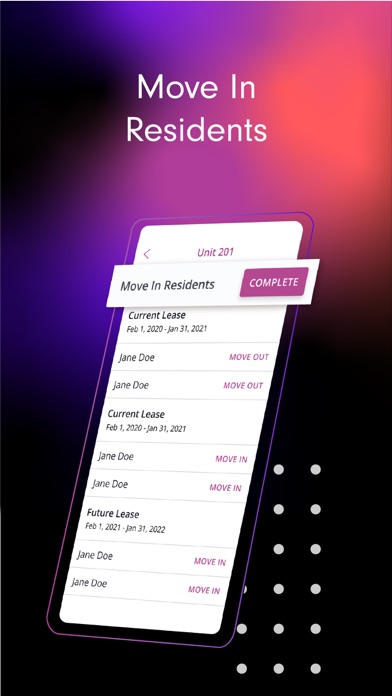
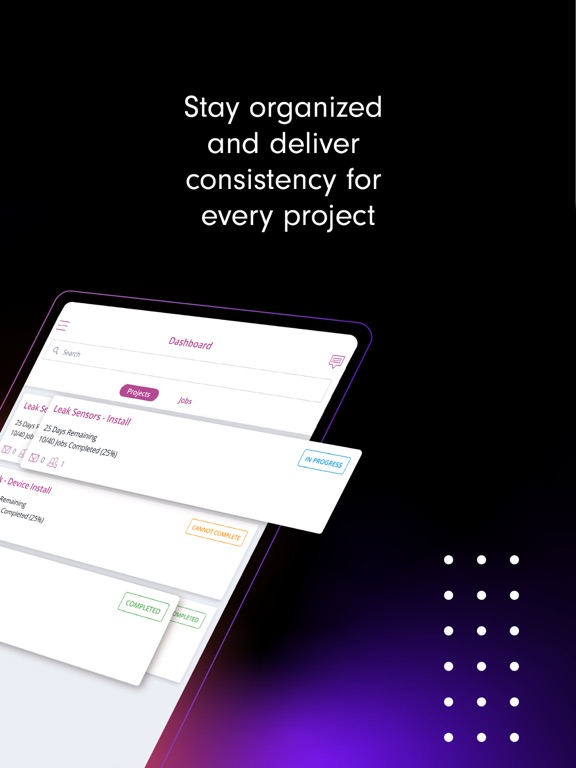
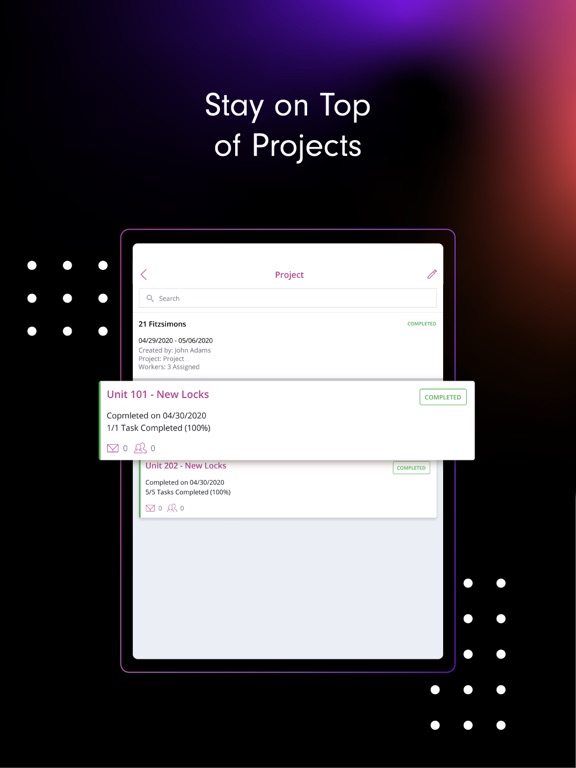
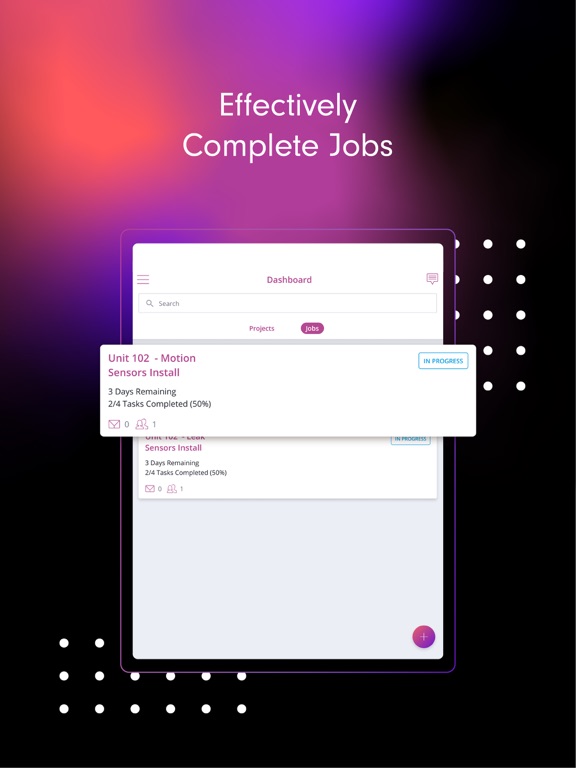
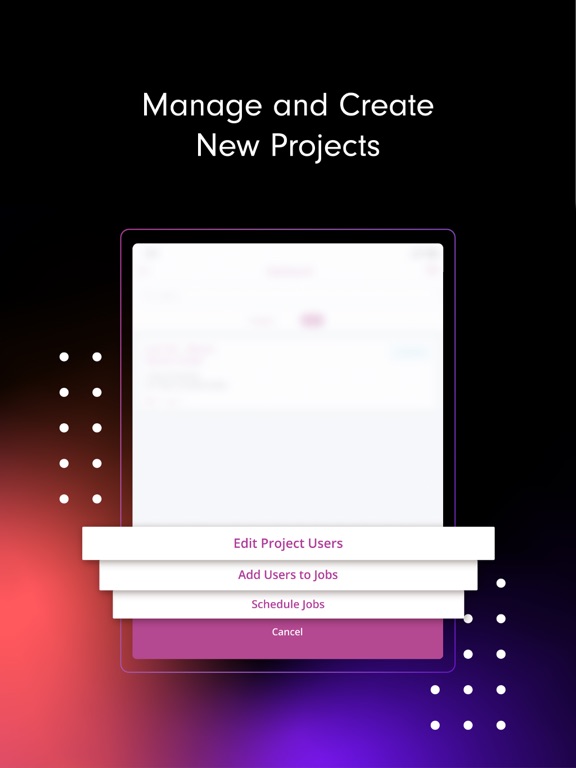
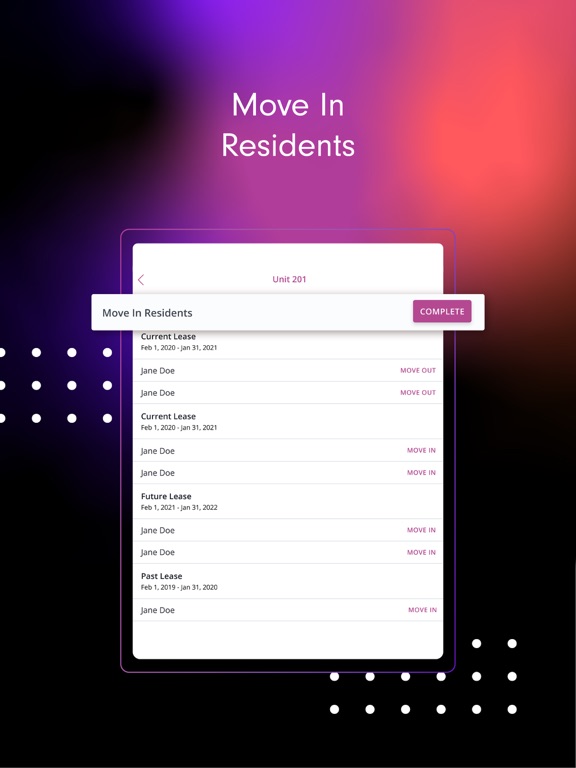
Alloy Install is a mobile application tool for installation teams using SmartRent software to pair smart home devices. The Alloy Install app provides field teams with the task management tools they need to stay organized while delivering consistency for every project. Users will also be able to assign and schedule jobs, as well as pair devices from the app! Key Features Stay on Top of Projects A project is a series of jobs on a selected property with an assigned completion deadline. Projects can have multiple jobs. Alloy Install helps teams complete jobs faster and more accurately while allowing managers to effectively QA installation tasks. Effectively Complete Jobs A job is a series of tasks to be completed per single unit. Jobs are able to have multiple tasks. Users have the ability to see jobs assigned to them on the day they are scheduled, as well as a separate view for future and past jobs, keeping them focused and on task for that days work. Effortlessly Complete Tasks A task is a singular assignment within a job. Alloy Install provides tools within the app to complete the SmartRent smart home IoT installation including device pairing, photos, troubleshooting and more. Quickly Manage And Create New Projects Create job templates to avoid having to manually input each task per job. A template can be applied to any and all jobs. Template creation will save time by reusing similar task lists for multiple projects and jobs. Move Residents In After a job is completed, users can move a resident in from the app, completing the task, the job, and eventually the project.
Latest release
What’s New
We've made numerous bug fixes and performance improvements throughout the app.
Audience growth
Ratings growth
Baseline captured. Growth appears after the crawler observes a changed rating count.
Momentum comes from crawler snapshots for the tracked storefront. “Viral growth signal” means unusually fast recent rating gains; it is an indicator, not download data.
Price tracking
Price intelligence
- First observed Aug 13, 2026 · 10:34 PM Free
Screenshots