About this app
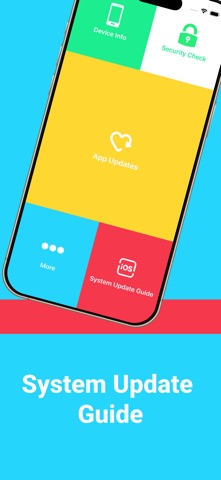
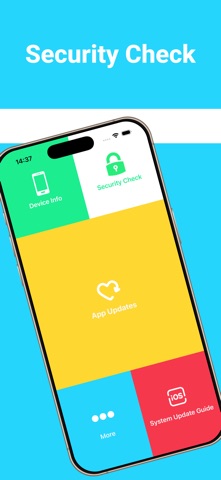
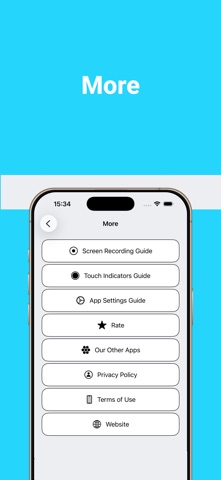
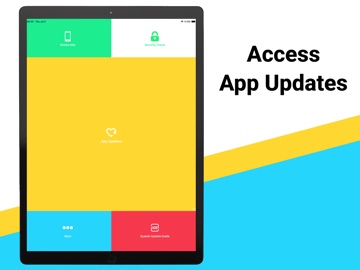
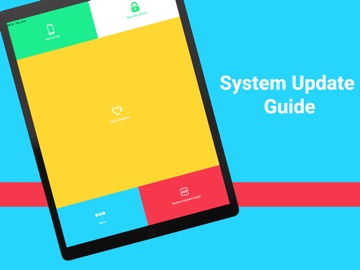
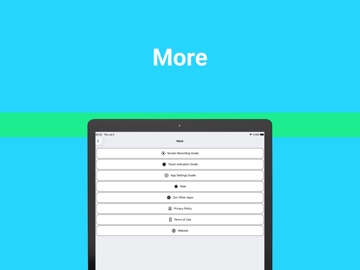
Looking for an easy way to access app update options, view device information, and follow helpful iOS guides? App Update Access brings useful tools and step-by-step instructions together in one lightweight app. With App Update Access you can: • Access app update options • View detailed device and system information • Check your device's jailbreak status • Follow the System Update guide • Follow the Screen Recording guide • Follow the Touch Indicator guide • Follow the App Settings guide App Update Options Access your device's app update page in just a few taps. Device Information View your iPhone or iPad model, iOS version, and other essential device information. Jailbreak Check Check whether your device appears to be jailbroken. System Update Guide Follow step-by-step instructions to open the iOS Software Update settings. Screen Recording Guide Learn how to enable Screen Recording with easy step-by-step instructions. Touch Indicator Guide Learn how to enable touch indicators for tutorials and demonstrations. App Settings Guide Follow step-by-step instructions to open app-specific settings.
Latest release
What’s New
Thanks for using this app. We're continuously improving the app to provide a better experience.
Audience growth
Ratings growth
Baseline captured. Growth appears after the crawler observes a changed rating count.
Momentum comes from crawler snapshots for the tracked storefront. “Viral growth signal” means unusually fast recent rating gains; it is an indicator, not download data.
Price tracking
Price intelligence
First snapshot captured. The trend line starts after the next crawler price observation.
- First observed Aug 22, 2026 · 2:34 PM Free
Screenshots