About this app
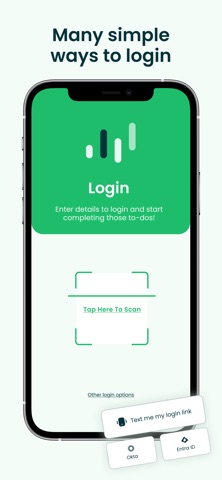
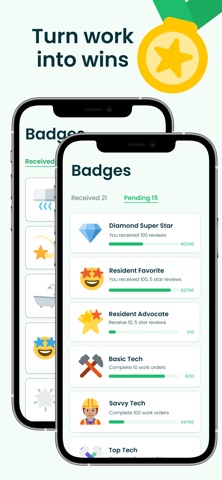
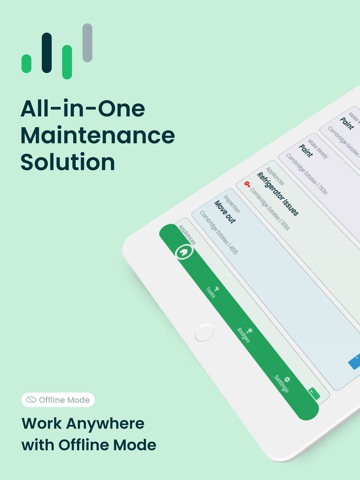
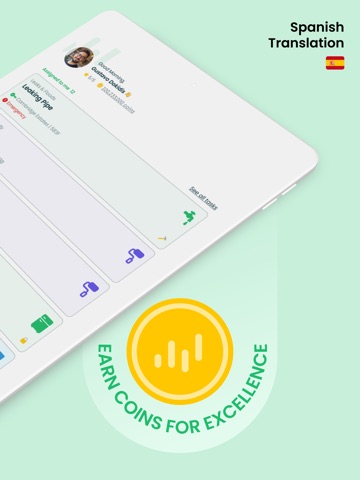
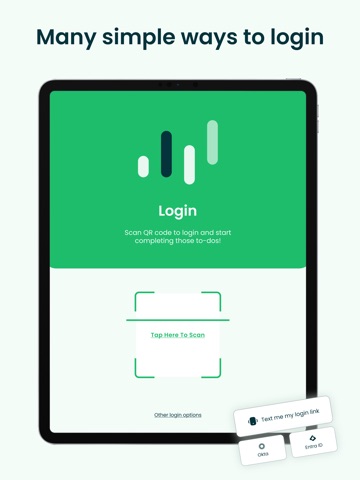
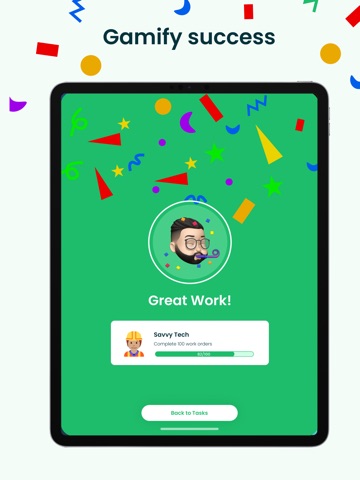
AppWork is the perfect tool for service teams working on-site. With our cloud-based system, your maintenance team can easily see and manage their assigned work orders, make readies and inspections, in real-time, and stay connected with managers, residents, and other technicians through our central communication platform. But AppWork isn't just practical - it's also fun! Our badge and coins system gamifies the maintenance process, motivating your team to get the job done while adding an element of enjoyment to their work. Techs can use the AppWork app to contact residents, upload photos/videos, add comments, complete tasks, and perform other simple actions. With AppWork, your maintenance team will have everything they need to get the job done efficiently and effectively.
Latest release
What’s New
New Features Work Orders now show their due date. Right next to the scheduled date, you'll see when a Work Order is actually due, color-coded so it lands at a glance. Upcoming sits in green, due-today goes bold, and anything overdue turns red. You always know what truly needs you first. Play call recordings without leaving the app. If a Work Order started as a resident call, you can now listen to the recording right in the Tech App. No more jumping to the Admin Portal to hear what was said. Filters show up when they're useful. The property filter used to hide unless you covered more than one property. Now that there are more ways to filter, each one appears based on what's actually relevant to you. No more phantom resident alerts on vacant units. When a unit is vacant, the app no longer claims the resident will be notified for statuses like Need Parts, No Access, or Notify Resident. Nobody's home to notify, so we stopped saying otherwise. A friendlier face when you don't have a photo. Techs without a profile photo now get a proper avatar on the home page. Under the Hood Fewer timeouts. We tracked down a request that could hang for two full minutes before giving up. Tightened it up so things move faster. Sharper bug reports. Report Issue now bundles in sync queue data, so when something's stuck syncing, we can see why and fix it faster.
Audience growth
Ratings growth
Baseline captured. Growth appears after the crawler observes a changed rating count.
Momentum comes from crawler snapshots for the tracked storefront. “Viral growth signal” means unusually fast recent rating gains; it is an indicator, not download data.
Price tracking
Price intelligence
First snapshot captured. The trend line starts after the next crawler price observation.
- First observed Aug 26, 2026 · 12:13 AM Free
Screenshots