About this app
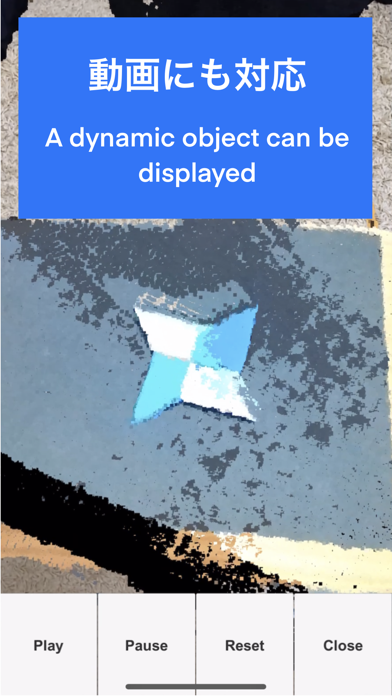
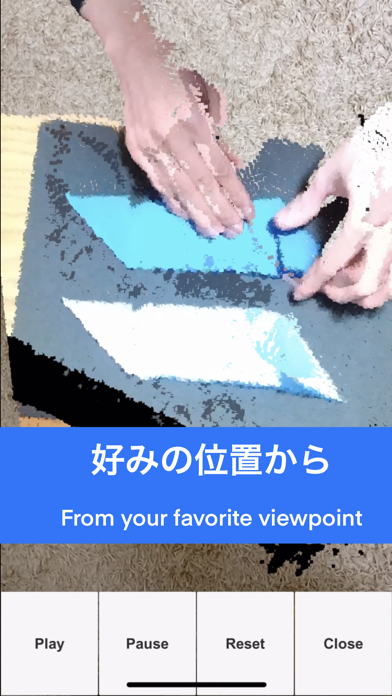
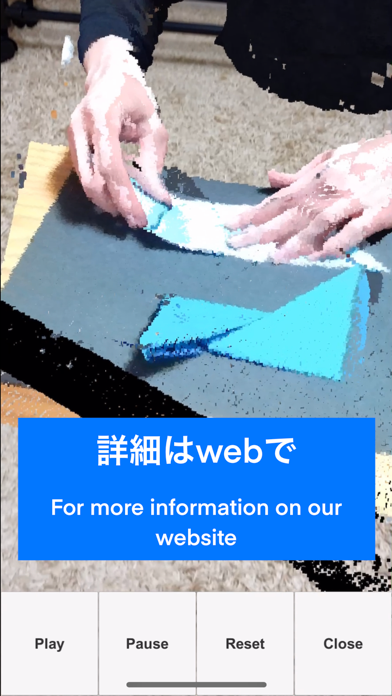
This App displays point cloud data in AR. In the file selection screen, select the file you want to play. (.PLY or our original format files can be played) When you start the player, it will enter the plane detection mode. The detected plane will be displayed in black. When you tap the detected black plane, an object will be placed on the plane. The play button and seek bar etc. are functions for dynamic objects.(The pre-installed sample is a dynamic object but a short.) Dynamic objects and mesh-applied data can only be displayed in our original format. Please contact us for more information.
Latest release
What’s New
The sample file has been changed to Sakura. Please using it for HANAMI. Change in ver. 3.0 - Select a file to play. - Fixed a bug in which it would sometimes use the device coordinate system. (Always play in the world coordinate system) Fixed a bug that caused a crash when playing to the last frame.
Audience growth
Ratings growth
Baseline captured. Growth appears after the crawler observes a changed rating count.
Momentum comes from crawler snapshots for the tracked storefront. “Viral growth signal” means unusually fast recent rating gains; it is an indicator, not download data.
Price tracking
Price intelligence
First snapshot captured. The trend line starts after the next crawler price observation.
- First observed Sep 4, 2026 · 1:58 AM Free
Screenshots