About this app
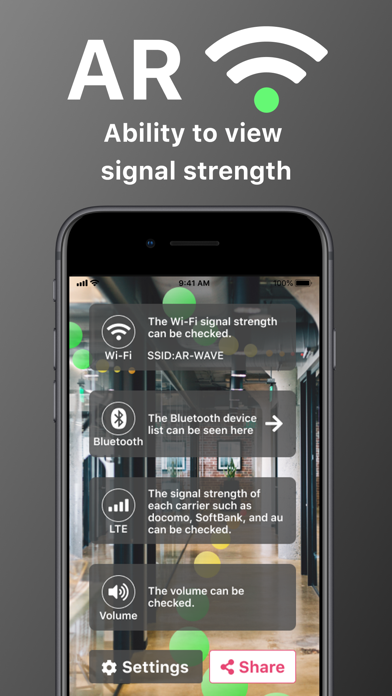
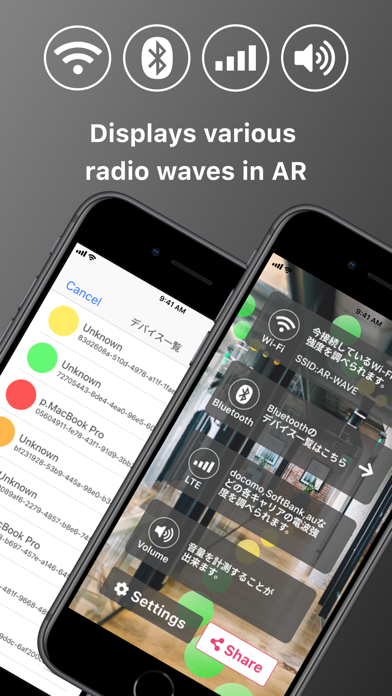
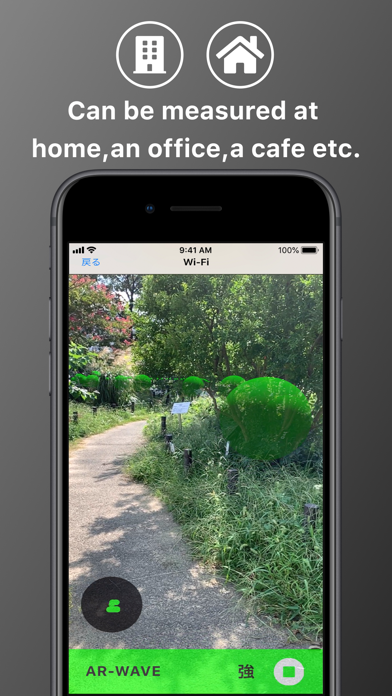
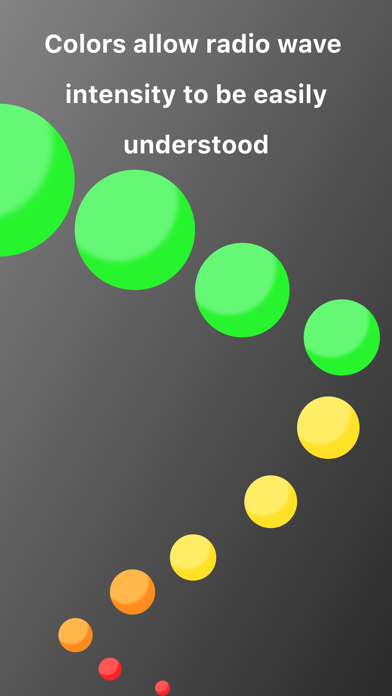
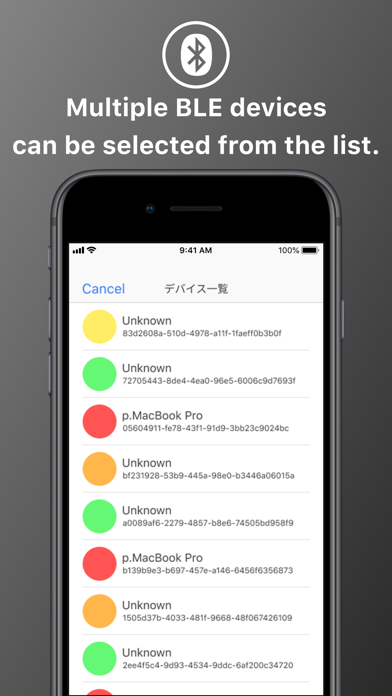
[Features] AR-WAVE can be used to check the signal strength of Wi-Fi, Bluetooth and LTE of a carrier and display it on AR. Works to create a better environment for home security, home speakers, routers and other network devices. AR can be used to visualise the functions of loT devices and colour can be used distinguish the intensity. [How to distinguish intensity by colour] Green indicates strong reception. Yellow indicates a medium level of reception. Orange indicates weak reception. Red indicates that there is no reception. Signal strength can be measured efficiently in 1 seconds. About Wi-Fi LAN Standard Approved by the Wi-Fi Alliance. About Bluetooth Bluetooth is one of the short range wireless communication standards for digital devices. Composed from Bluetooth Basic Rate/Enhanced Date Rate (BR/EDR) and Bluetooth Low Energy (LE) About LTE Long Term Evolution, abbreviated as LTE, is a mobile phone communication standard. [About paid version] Free version, only measure the strength of Wi-Fi signal. In addition, an advertisement is displayed at the bottom of the screen during measurement. If you use other measurements (BLE, devices, volume), please consider the paid version. ● Paid version: AR-WAVE Pro Monthly plan $4.49/ month Annual plan $21.99 / year One-time payment $31.99 If you subscribe to the paid version, no ads will be displayed and other measurements (BLE, each carrier, volume) will be possible. Currently, if you choose monthly plan or annual plan, you can use all the functions of AR-WAVE for free for one more extra week. If you are interested, please try it. ● Restore when changing models When you change the model, you can restore the previously purchased paid version for free. (Settings => Purchase Pro version => Restore) Log in to iTunes on your iPhone / iPad with the same Apple ID as when you purchased. ● Confirmation and cancellation Select the user icon at the top of the AppStore app—> Select a subscription—> Select an active AR-WAVE Pro—> From this screen you can check the next automatic update timing and cancel / set the subscription Will ●About automatic billing If the automatic renewal is not canceled more than 24 hours before the next payment date, the contract period will be renewed automatically. Auto-renewal will be charged within 24 hours after the next payment date. ●Important ・ If you are charged within the app, you can not cancel by any other method ・ We do not accept cancellations for the current month. ・ You will be charged via your iTunes account. ● Terms of use https://www.rooking.co.jp/app-agreement/ If you have any opinions or suggestions regarding the app, please feel free to contact us anytime.
Latest release
What’s New
Thank you for always using AR-WAVE. This app will be updated regularly. Thank you for your continues support for AR-WAVE.
Audience growth
Ratings growth
Baseline captured. Growth appears after the crawler observes a changed rating count.
Momentum comes from crawler snapshots for the tracked storefront. “Viral growth signal” means unusually fast recent rating gains; it is an indicator, not download data.
Price tracking
Price intelligence
First snapshot captured. The trend line starts after the next crawler price observation.
- First observed Sep 11, 2026 · 6:25 PM Free
Screenshots