About this app
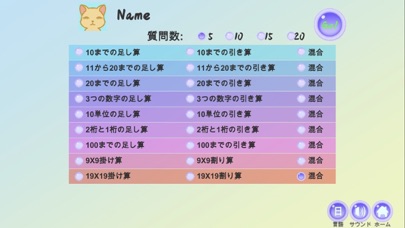
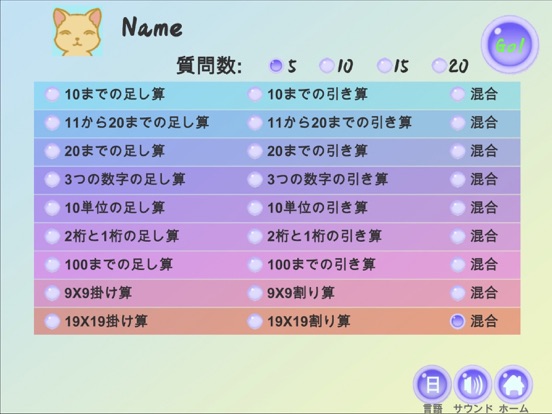
1 Select the respondent, and also edit or add user information. 2 Set question types, including addition, subtraction, multiplication, division and mixing. 3 Set the number of questions, as 5, 10, or 20. 4 Complete the questions. 5 Click "Home" to return and save the results to the local album. 6 Please share your learning results with parents.
Latest release
What’s New
Added several new question types
Audience growth
Ratings growth
Baseline captured. Growth appears after the crawler observes a changed rating count.
Momentum comes from crawler snapshots for the tracked storefront. “Viral growth signal” means unusually fast recent rating gains; it is an indicator, not download data.
Price tracking
Price intelligence
First snapshot captured. The trend line starts after the next crawler price observation.
- First observed Sep 12, 2026 · 7:03 AM Free
Screenshots