About this app
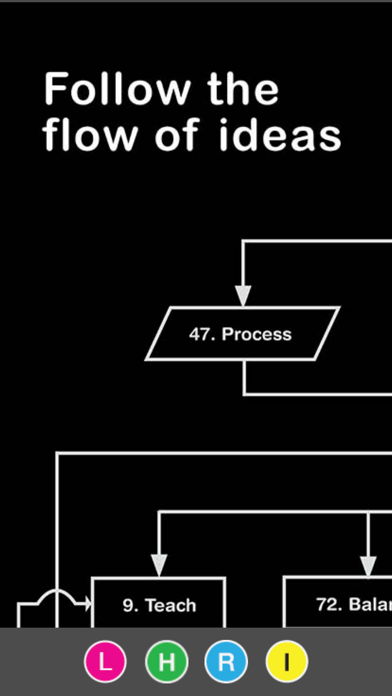
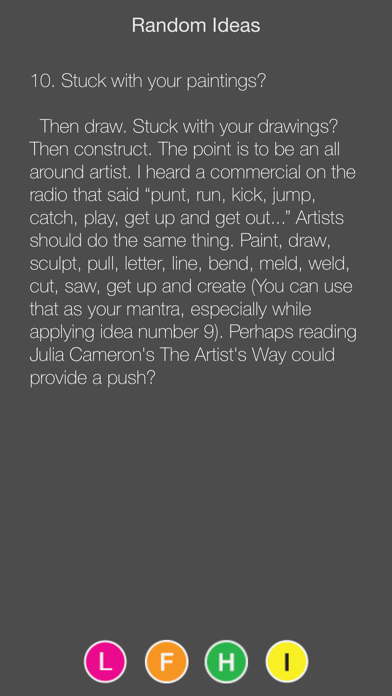
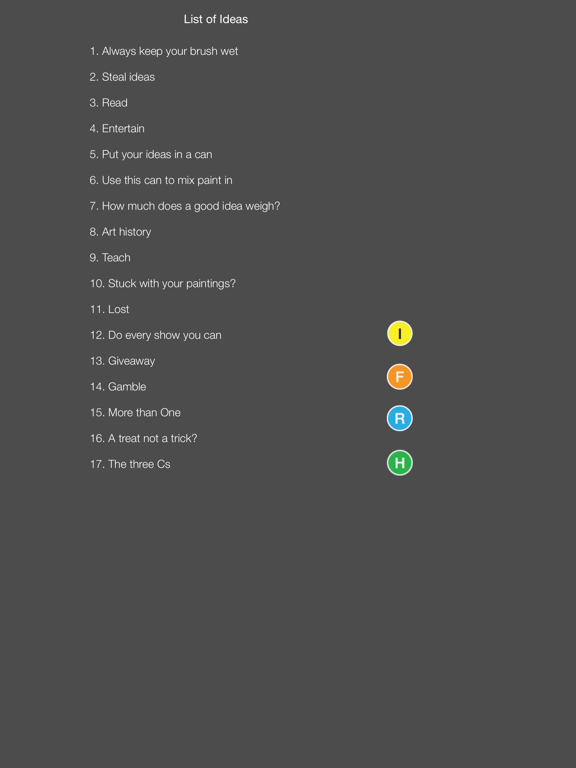
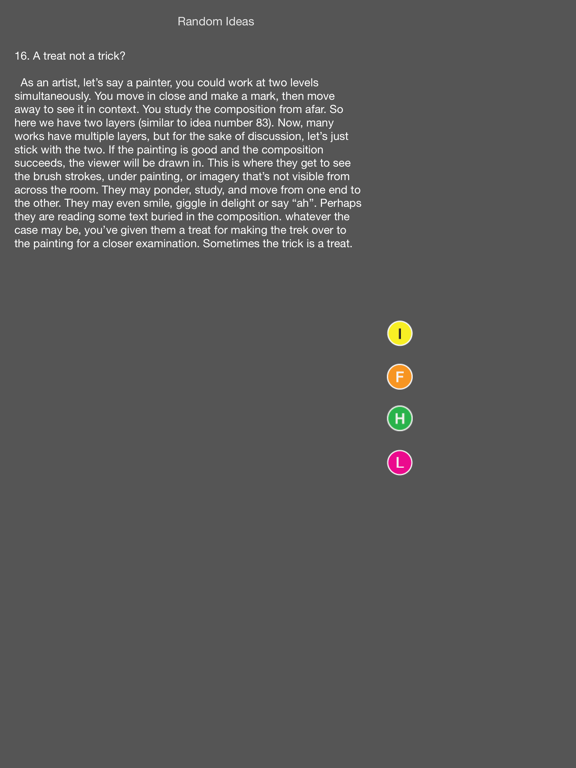
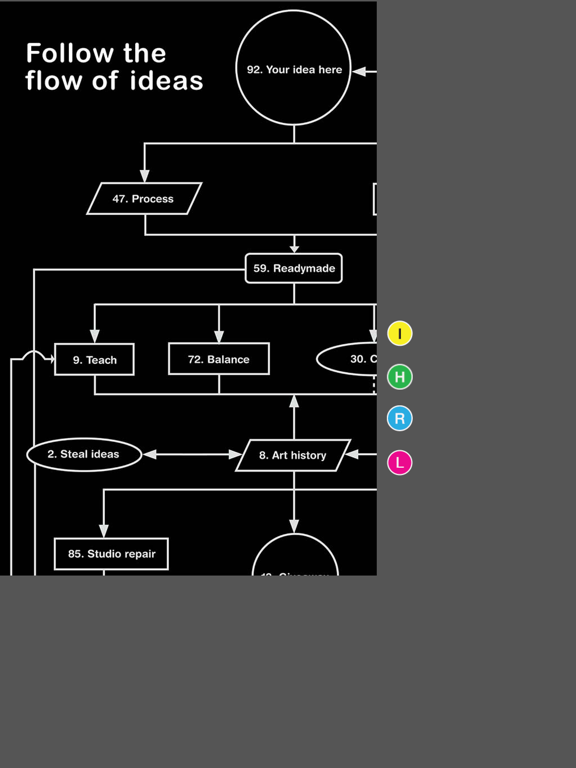
Artist Ideas is Mobile Interactive Art Education Tool that can be used in the classroom as part of the curriculum. These ideas will inspire you and your students: • Select a new Artist Idea (pink button) to include in the lesson plans for the week. • Use the flow chart (orange button) for a discussion on how Artist Ideas connect, feed and work together. • Have your students search on their iPads for an Artist Idea (pink button) that corresponds to an assignment. • You may also select an Artist Idea at random (blue button) from your iPhone, iPad or Apple Watch during critique time. Random ideas are a wonderful tool for in-depth class discussions. • Apply a random Artist Idea (blue button) to a students work for a lift of confidence. • Overcome writer’s (Artist's) block with a random Artist Idea from your Apple Watch. • Discuss and create new Artist Ideas with your class.
Latest release
What’s New
This update from Apple will improve the functionality of this app. No new features are included. Now you can shake your iPhone or iPad for a new random idea. When using the Random function, shake is active. Don't let artist's block keep you from painting, twist your wrist and your Apple Watch will generate a new random idea in glances mode.
Audience growth
Ratings growth
Baseline captured. Growth appears after the crawler observes a changed rating count.
Momentum comes from crawler snapshots for the tracked storefront. “Viral growth signal” means unusually fast recent rating gains; it is an indicator, not download data.
Price tracking
Price intelligence
First snapshot captured. The trend line starts after the next crawler price observation.
- First observed Aug 20, 2026 · 10:48 PM Free
Screenshots