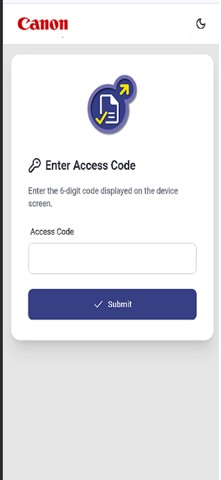
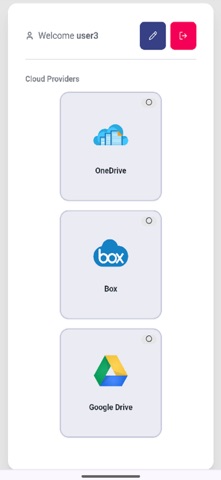
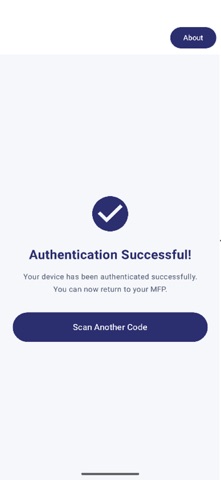
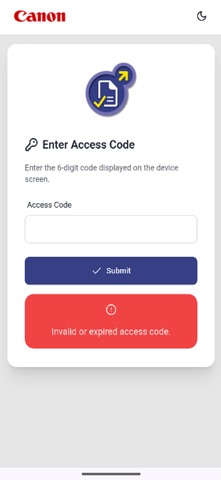
About this app
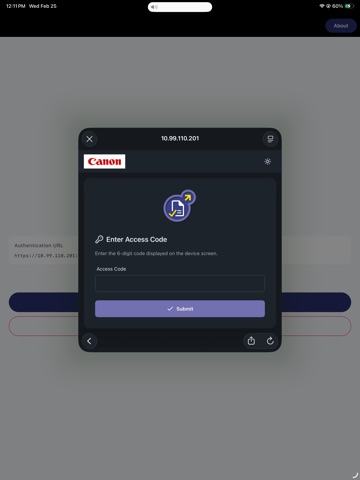
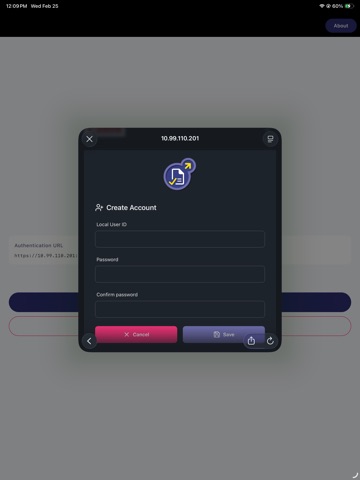
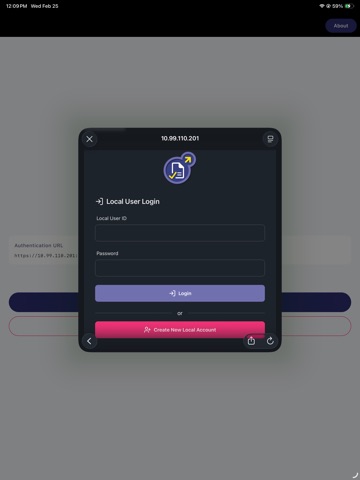
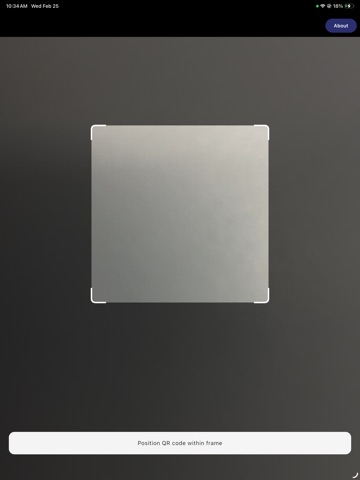
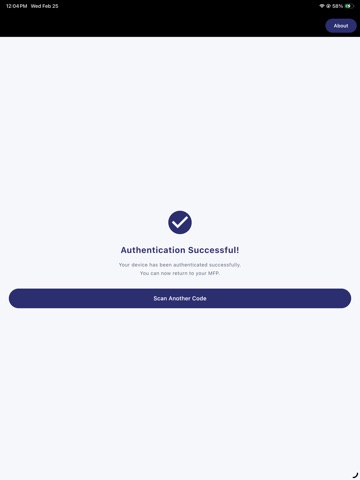
Canon Authorized Send Connect is a companion mobile application that enables secure OAuth authentication for Canon multifunction printers and imaging devices. How it Works: Scan a QR code displayed on your Canon MFP Choose your authentication provider (Google, Microsoft, or Box) Complete the secure login on your mobile device Authorization is automatically sent back to your Canon MFP Key Features: • Secure OAuth 2.0 Authentication - Industry-standard security for enterprise cloud services • Multi-Provider Support - Works with Google Workspace, Microsoft 365, and Box accounts • QR Code Integration - Simple scan-and-authenticate workflow • Enterprise Ready - Supports custom scopes and permissions for business workflows • No Credentials Stored - Your login information never touches the Canon device Supported Services: Google: Drive, Contacts, Calendar, Gmail Microsoft: OneDrive, SharePoint, Outlook, Teams Box: Enterprise file sharing and collaboration Perfect For: • Office environments with Canon multifunction printers • Scanning documents directly to cloud storage • Secure document workflows without typing passwords on printer panels • BYOD (Bring Your Own Device) enterprise policies Privacy & Security: This app facilitates authentication only - it does not access, store, or transmit your documents or personal data. All authentication uses industry-standard OAuth 2.0 protocols with your chosen provider. Requirements: • Compatible Canon MFP with QR code authentication support • Active account with Google, Microsoft, or Box • iOS 15.0+
Audience growth
Ratings growth
Baseline captured. Growth appears after the crawler observes a changed rating count.
Momentum comes from crawler snapshots for the tracked storefront. “Viral growth signal” means unusually fast recent rating gains; it is an indicator, not download data.
Price tracking
Price intelligence
First snapshot captured. The trend line starts after the next crawler price observation.
- First observed Aug 11, 2026 · 12:19 AM Free
Screenshots