About this app
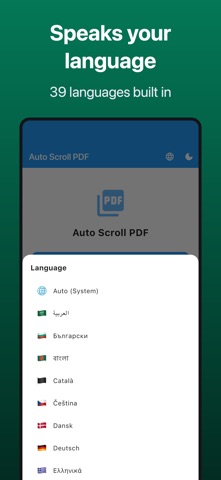
Hands full but need to read a PDF? We've all been there. Auto Scroll PDF scrolls your documents automatically at your own pace — while you cook, study, or present. No more stopping to turn the page. PERFECT FOR: - Cooks following recipes in the kitchen - Students reviewing notes and study materials - Speakers using it as a teleprompter for presentations - Anyone who wants a relaxed, hands-free reading experience - Musicians reading sheet music during practice or performance KEY FEATURES: - Automatic Scrolling: Continuous smooth scroll or page-by-page mode - Adjustable Speed: Slow, medium, fast, or fully custom speed control - Page-by-Page Mode: Set intervals from 1 to 60 seconds per page - Bookmarks: Save and jump to your favorite pages with one tap - Dark Mode: Easy on your eyes, day or night - Full Screen: Distraction-free reading mode - Recent Files: Quick access to previously opened PDFs - Sample PDFs: Try the app instantly with built-in samples - 39 Languages: Available in English, Japanese and many more languages worldwide Download now and enjoy hands-free reading. Terms of Use (EULA): https://www.apple.com/legal/internet-services/itunes/dev/stdeula/ Privacy Policy: https://fillapps.com/privacy/
Latest release
What’s New
Minor improvements and stability fixes.
Audience growth
Ratings growth
Baseline captured. Growth appears after the crawler observes a changed rating count.
Momentum comes from crawler snapshots for the tracked storefront. “Viral growth signal” means unusually fast recent rating gains; it is an indicator, not download data.
Price tracking
Price intelligence
- First observed Aug 20, 2026 · 6:54 PM Free
Screenshots