About this app
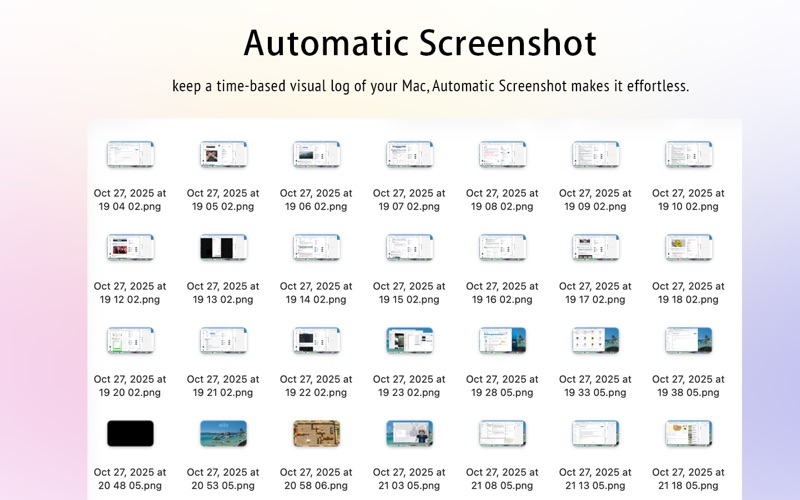
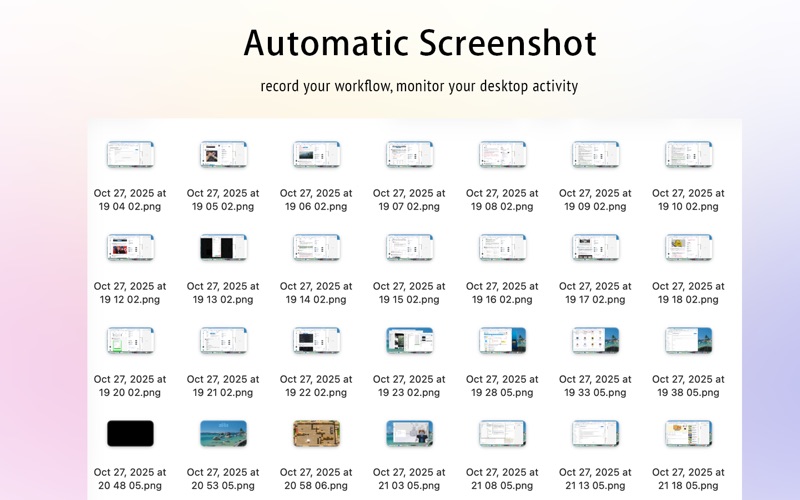
Automatic Screenshot is a lightweight yet powerful macOS utility that helps you automatically capture screenshots at regular intervals. Whether you want to record your workflow, monitor desktop activity, or keep a visual timeline of your Mac usage, Automatic Screenshot makes the process effortless and organized. Simply set the capture interval, choose a destination folder, and let the app run quietly in the background. Beyond automatic capture, Automatic Screenshot also helps you manage, search, and clean up your screenshots intelligently, making it ideal for designers, developers, researchers, remote workers, and anyone who needs a reliable visual record over time. Features Customizable Intervals — Automatically capture your screen every 10s, 30s, 1min, 3min, 5min, 10min, 20min, 30min, 1h, 2h, or 3h. Multiple Screenshot Formats — Save screenshots in PNG, JPG, or HEIC formats depending on your needs. Choose high-quality images or more space-efficient formats to reduce storage usage. OCR Searchable Screenshots — After each screenshot is taken, the app can automatically recognize and extract text from the image, making screenshot contents searchable later. Smart Screenshot Management — Organize screenshots by date for easier browsing and review. You can quickly find screenshots based on captured text content and efficiently remove meaningless or unnecessary images. Automatic Cleanup — Keep storage under control with automatic cleanup. If your screenshot folder exceeds a size limit you define, the app can automatically remove older screenshots to free up space. Flexible Save Location — Choose or change the destination folder for your screenshots anytime. Launch at Login — Optionally start the app automatically when your Mac boots up. Lightweight & Efficient — Runs quietly in the background without affecting system performance. Automatic Recording — Conveniently document your workflow, review changes, and track progress over time. Why You’ll Love It Automatic Screenshot does more than just capture your screen — it helps you build a searchable, manageable, and space-efficient visual history of your work. Whether you’re reviewing design iterations, documenting research, tracking project progress, or simply understanding how you spend time on your Mac, it gives you an effortless way to stay organized and productive. With flexible image formats, built-in OCR search, date-based organization, and automatic storage cleanup, Automatic Screenshot turns routine screen capture into a smarter workflow tool. Support For support, feedback, or feature requests, please contact: cokesoft@gmail.com
Latest release
What’s New
bug fix
Audience growth
Ratings growth
Baseline captured. Growth appears after the crawler observes a changed rating count.
Momentum comes from crawler snapshots for the tracked storefront. “Viral growth signal” means unusually fast recent rating gains; it is an indicator, not download data.
Price tracking
Price intelligence
First snapshot captured. The trend line starts after the next crawler price observation.
- First observed Oct 8, 2026 · 7:48 PM Free
Screenshots