About this app
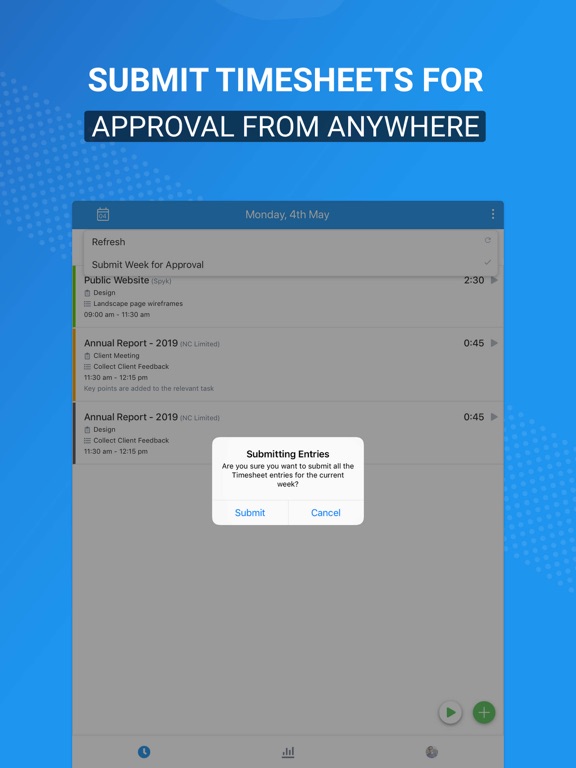
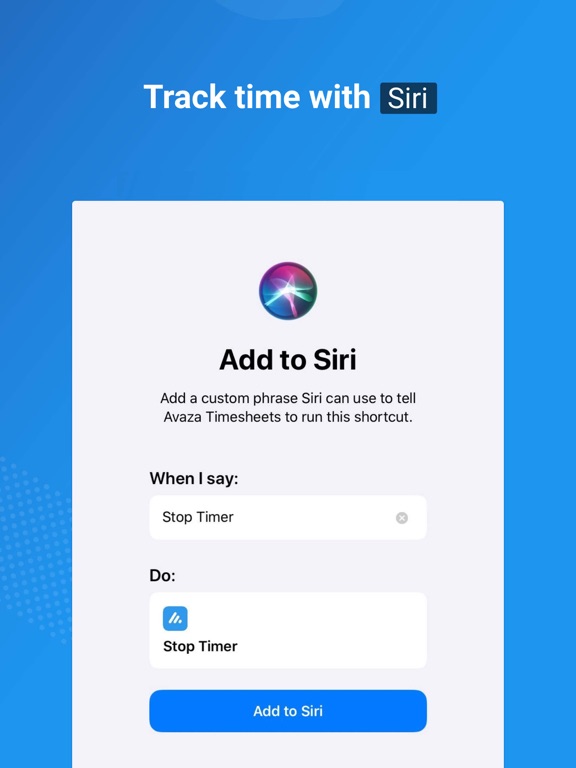
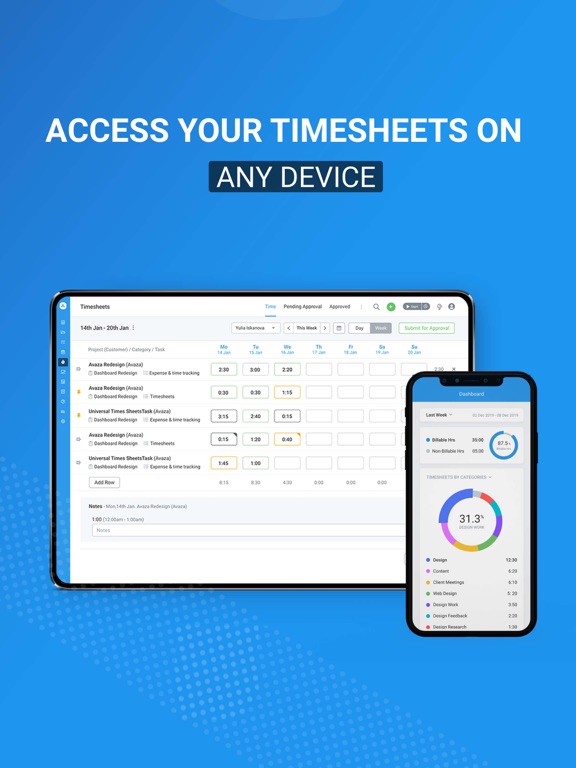
Avaza Timesheets is a simple yet powerful time tracking app for teams. You can start a timer with a single tap, fill in essential details with ease and browse through each day’s time entries by swiping left or right. If keyboard isn’t your thing then use Siri to start & stop timer, view dashboard and few more shortcut options.Tracking time has never been more fun! Gain meaningful insight into your time with our beautiful dashboard. For the selected time period see a breakdown of billable vs non-billable hours and group time by customers, projects, timesheet categories and more. We have got you covered across all your devices. Start tracking time on Avaza's powerful desktop experience, and stop it on mobile. Update timesheet details on your tablet and see it instantly updated on all your devices. Avaza is available on desktop, tablet and mobile. It's particularly popular with consulting companies, agencies, designers, architects, lawyers, developers, freelancers, tradesmen and any team that wants to manage projects, track time & send invoices. This is a free app for users of Avaza. You need an active internet connection to use this app. Avaza offers a lot more than just time tracking. Avaza is the all-in-one platform for running client-focused businesses, with modules for Project Management, Collaboration, Resource Scheduling, Time Tracking, Expenses, Estimates & Invoice Management. Below are some of the high level features you may find useful. Project Management Features Task Management Task Collaboration Task Estimation Integrated Tracking time Automatic reminders for overdue tasks Project Budgeting and Billing Activity Feeds Powerful Reports Resource Scheduling View team availability and allocation Schedule and edit assignments with simple drag and drop Leave and Public Holidays support for accurate forecasting Powerful Staff Utilisation and other reports Time Tracking Start & Stop timers Update Timesheets Timesheet Approvals Flexible billing categories Seamless integration with your project management and invoicing Siri support: Start Timer, Stop Time, Resume Time, Customer Timer and Show Dashboard. Powerful Reports Expense Tracking Create expenses in any currency Digitize your receipts for tax time Create recurring expenses for repetitive expenses Expense Approval Workflow Expense Reimbursement Workflow Add billable expenses to invoices Powerful Reports Financial Send Quotes and Estimates Beautiful Invoices with customizable templates Add Timesheets, Expenses and Fixed Amounts to Customer Invoices Recurring Invoices Flexible Tax Configuration Credit Notes Payments Online Payment Providers (Stripe, PayPal, Payoneer) Powerful Reports And that's Avaza - a one stop shop for your business needs. Manage Projects, Schedule Resources, Track Time and Expenses and send Invoices to your customers. Ready to get started!
Latest release
What’s New
Welcome to a better Avaza Timesheets. We've been working our socks off making improvements to ensure this latest version of the app is the best one yet, so it's easier than ever for you & your team to have the fastest, easiest time tracking experience.
Audience growth
Ratings growth
Baseline captured. Growth appears after the crawler observes a changed rating count.
Momentum comes from crawler snapshots for the tracked storefront. “Viral growth signal” means unusually fast recent rating gains; it is an indicator, not download data.
Price tracking
Price intelligence
First snapshot captured. The trend line starts after the next crawler price observation.
- First observed Aug 19, 2026 · 10:00 AM Free
Screenshots